VioEvo AI logoVioEvo AI
Video
Tekst naar videoAfbeelding naar videoVideo naar videoReferentie naar video
Afbeelding
Tekst naar afbeeldingAfbeelding naar afbeelding
Effecten
AI-posewissel

AI afbeelding-naar-afbeelding generator voor verfijnde bewerkingen

Verfijn bronafbeeldingen, herstijl beelden en maak nieuwe varianten met meer controle en minder handwerk.
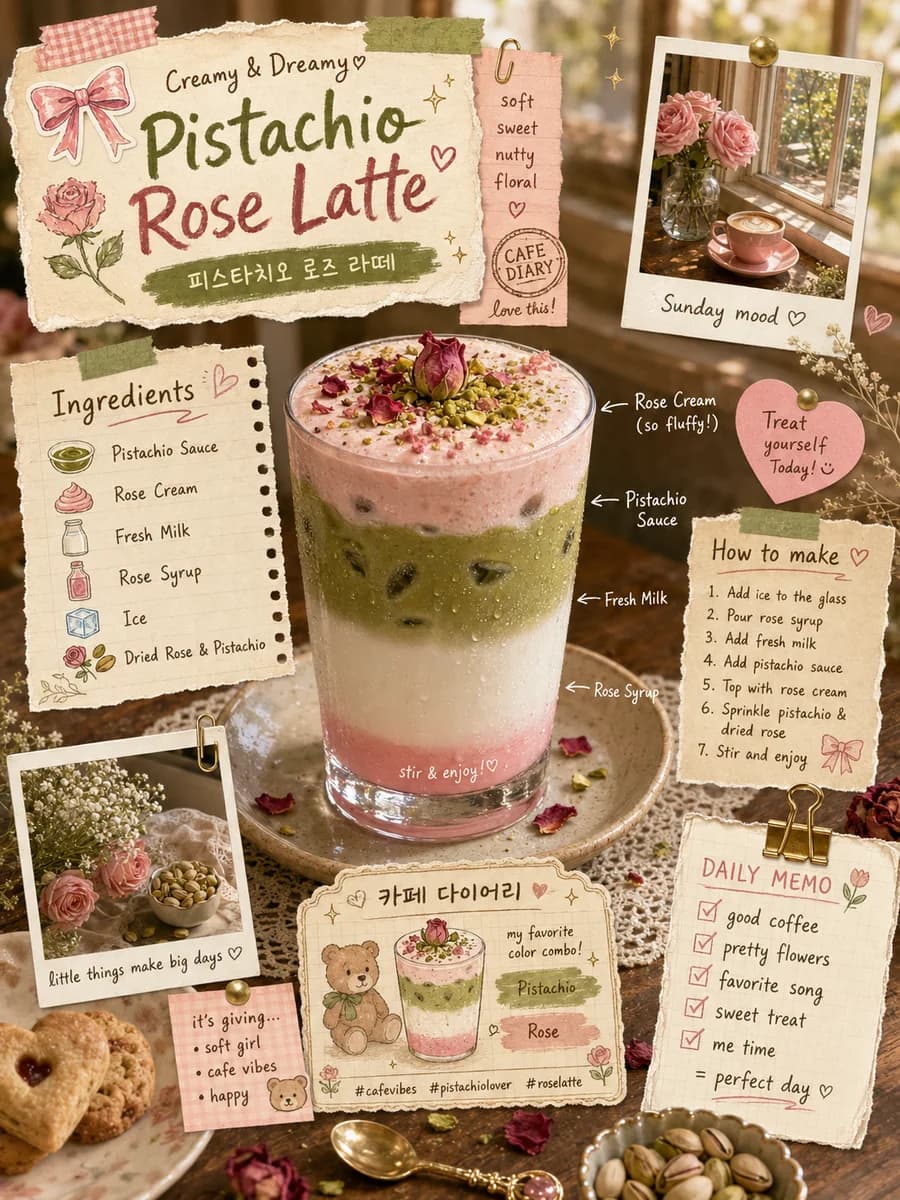
Pistache Latte Recept

Pistache Latte Recept

Een schattige lay-out in plakboekstijl voor een Pistache Roos Latte recept met gescheurd papier, polaroids, Koreaanse tekst en een gelaagd roze en groen drankje.
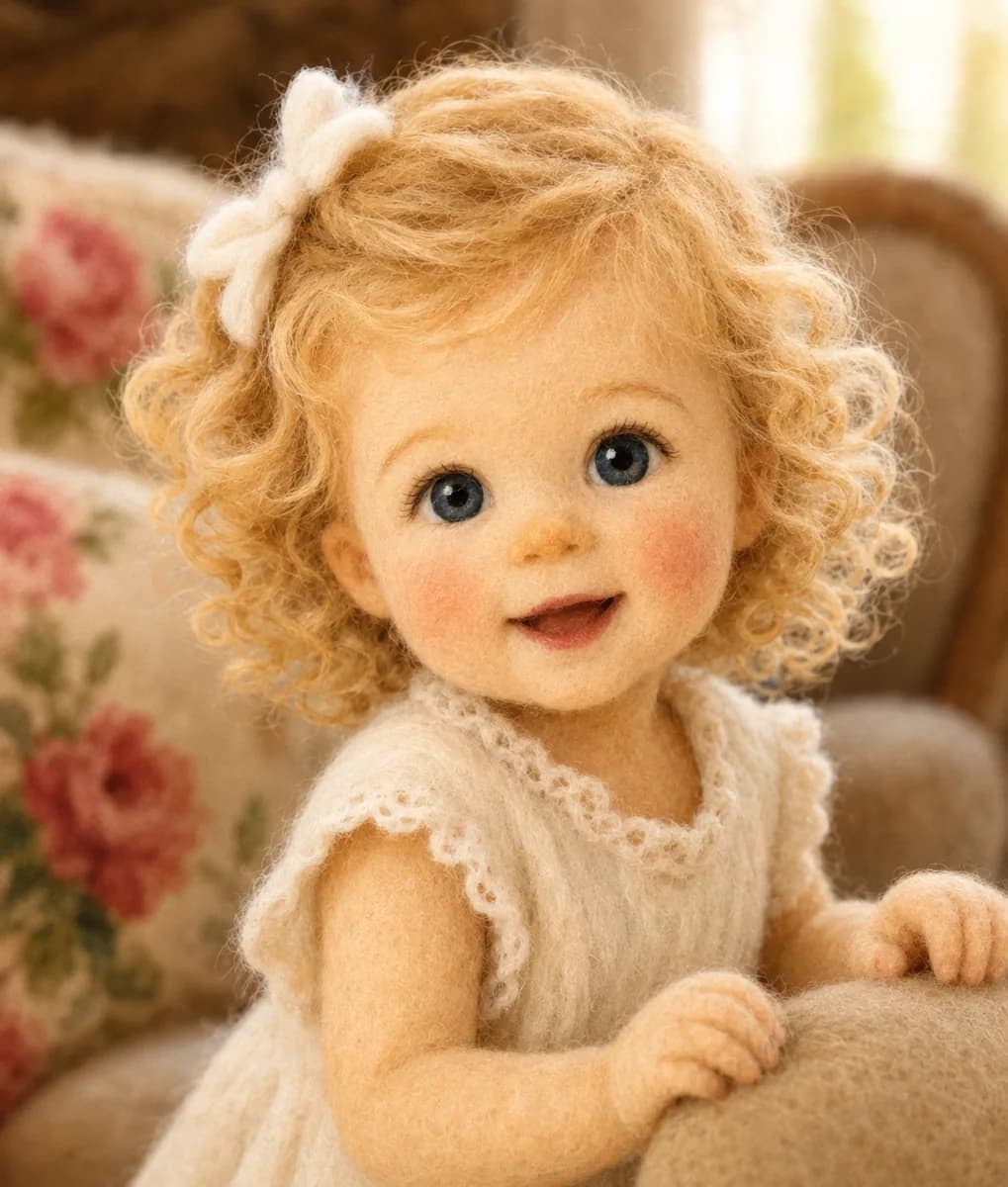
Naaldvilt Meisje

Naaldvilt Meisje

Een realistisch portret van een schattig klein meisje, volledig gemaakt van naaldvilt wol, met blond krullend haar en blauwe ogen.
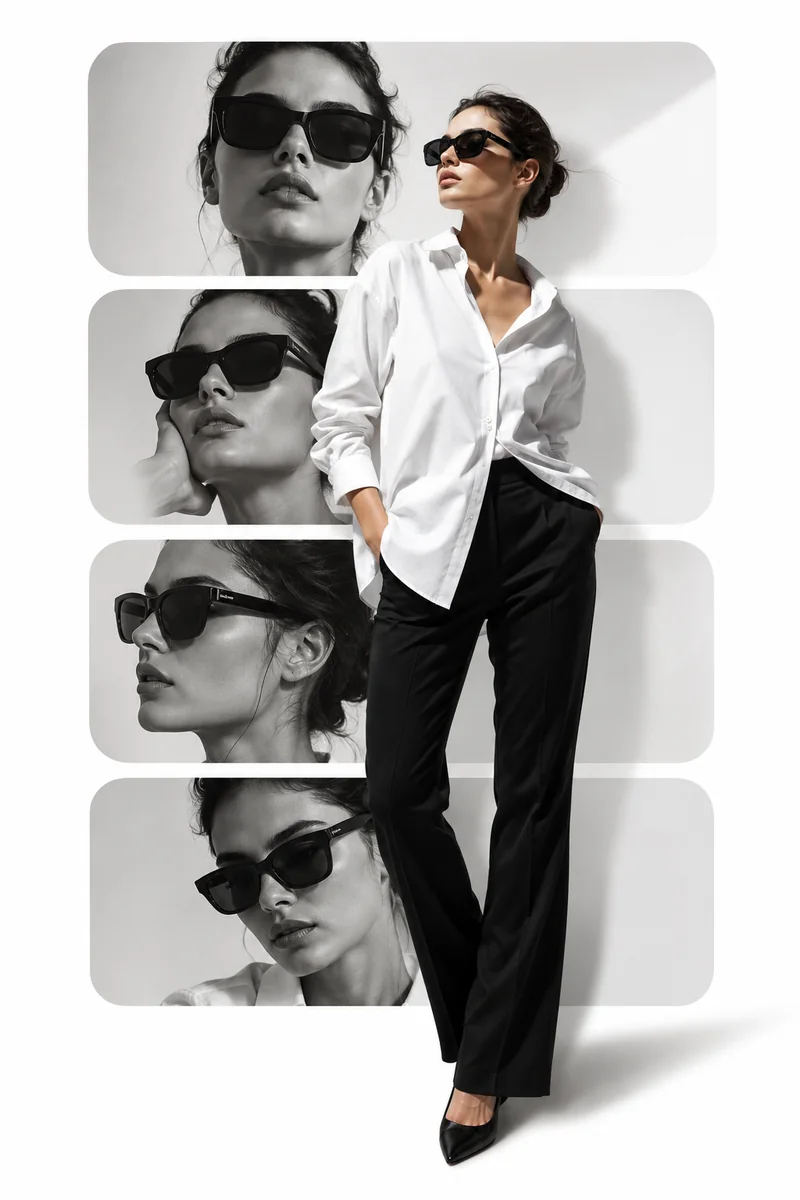
Mode Editorial Lay-out

Mode Editorial Lay-out

Een redactionele collage met vier monochrome panelen van een vrouw met zonnebril, naast een volledige foto in een wit overhemd.

What image to image lets you keep or change

Image-to-image is strongest when the source image is already useful and the task is to reshape it into a different presentation.

What the source image can keep

  • Subject identity and composition anchors
  • Color relationships and lighting mood
  • Core product or portrait readability
  • The part of the image that should stay recognizable

What the edit can change

  • Wardrobe, styling, and surface finish
  • Background, environment, and framing detail
  • Campaign tone, polish, and narrative style
  • How aggressively the image should be restyled

Which kinds of image-to-image edits work best

Prompt-guided editing is strongest when the source image stays useful and the edit only needs to move the presentation into a new direction.

01

Product refresh

  • Turn an existing product photo into a more polished launch visual.
  • Keep the product readable while improving the surrounding scene and finish.
  • Useful when the existing image is right structurally but not final enough for the campaign.
02

Portrait restyle

  • Move a portrait toward editorial, luxury, or campaign language.
  • Preserve the subject identity while changing styling, light, or backdrop details.
  • Good for headshots, talent images, and mood-driven creative tests.
03

Scene replacement

  • Swap the context or mood around a subject without rebuilding the whole asset.
  • Use it when the same visual needs to support another story or seasonal direction.
  • Strong for social variations and campaign refreshes that need multiple edits from one source.

How to direct an image transformation

The model works best when you state what should remain stable before you describe what should change.

  1. 1

    Upload the reference image

    Start with the image that already has the subject, framing, or product you want to preserve.

  2. 2

    Describe the transformation

    Explain the new style, background, mood, or presentation you want the final image to reflect.

  3. 3

    Choose the output shape

    Match the aspect ratio to the final placement so the transformed image is ready for the channel you need.

  4. 4

    Keep or push the edit

    Decide whether the result should stay close to the original or move into a more dramatic restyle.

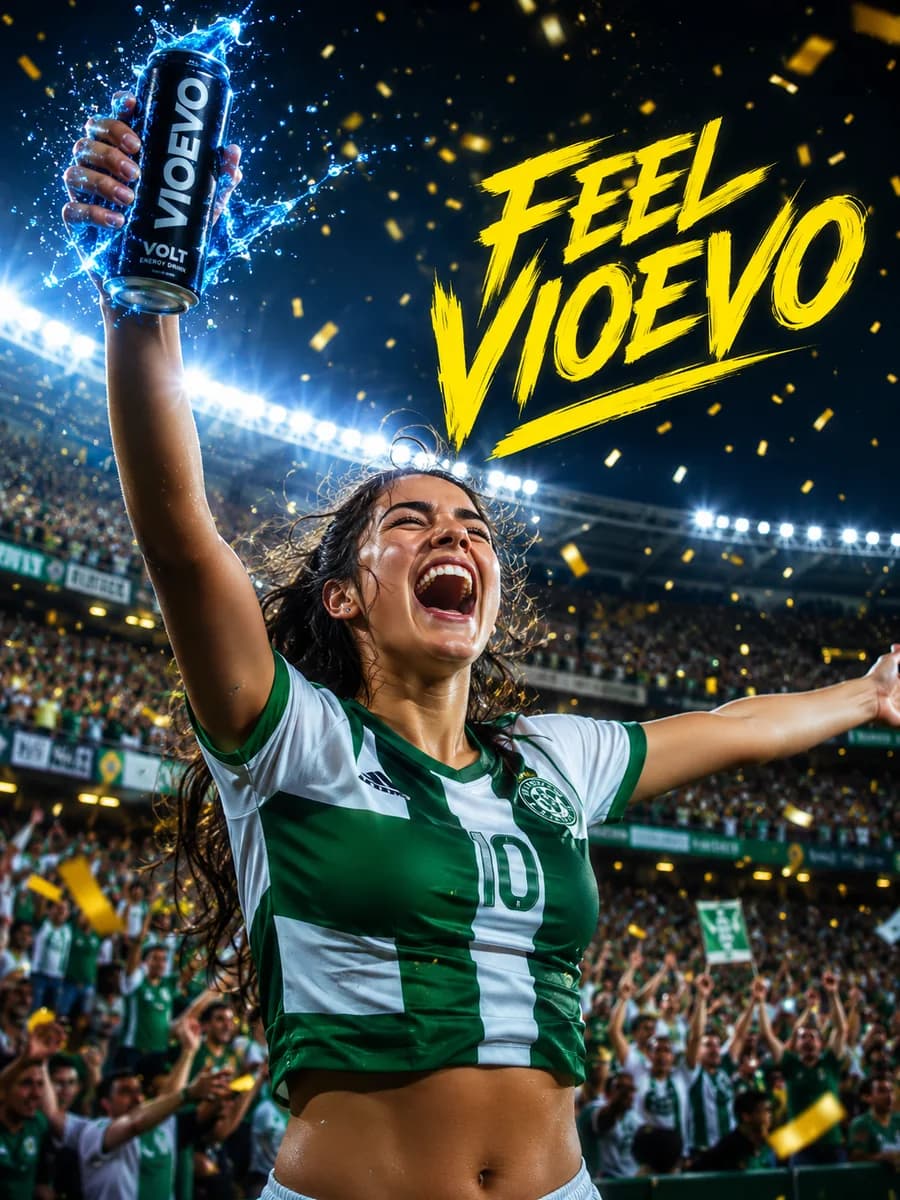
Energy Drink Campaign

Energy Drink Campaign

A high-energy sports campaign poster featuring a triumphant female soccer player in a green and white jersey celebrating in a packed stadium with golden confetti. She is holding up a black 'VIOEVO VOLT' energy drink can with dynamic blue water splashes. The text 'FEEL VIOEVO' is written in a bold, dynamic yellow font.

Image to image FAQs

How much of the original image can image-to-image keep?

That depends on the prompt and the source image, but the goal is always to preserve the useful structure while updating the presentation.

Is image-to-image good for product photography?

Yes. It is well suited to product photo editing, campaign variations, and polished restyles that keep the product readable.

When should I use image-to-image instead of text to image?

Use image-to-image when you already have a source image that matters and you want to transform it rather than create from scratch.

Can image-to-image create multiple campaign variations?

Yes. It is a practical way to generate different edits from the same source image for multiple placements or creative tests.

Functies

Bewerk en herstijl een bronafbeelding zonder opnieuw te beginnen
Goed voor verfijning, variaties en creatieve iteratie
Behoudt de kerncompositie terwijl je stijl en details aanpast
Handig voor social, product en campagnebeelden
Een snel pad van bron naar betere varianten

Aangedreven door productierijpe AI-modellen

ChatGPT Image 2
ChatGPT Image 2
Nano Banana 2
Nano Banana 2
Grok Imagine
Grok Imagine
Wan 2.7 Image
Wan 2.7 Image
Wan 2.7 Image Pro
Wan 2.7 Image Pro

Klaar om je bronbeeld te verfijnen? Registreer je nu en begin meteen!

Maak in enkele seconden je gratis account aan en begin direct met creëren.

VioEvo AI logoVioEvo AI

Een filmische studio voor het genereren van video's en afbeeldingen. Begin met de input die je al hebt.

https://www.vioevo.comsupport@vioevo.com

Ontdekken

Tekst naar videoAfbeelding naar videoReferentie naar videoVideo naar videoTekst naar afbeeldingAfbeelding naar afbeeldingAI-posewissel

Modellen

Alle modellenMiniMax H3ChatGPT ImageHappy HorseGrok ImagineSeedanceGoogle Veo

Bedrijf

PrijzenBlogNeem contact opOver ons

Juridisch

PrivacybeleidServicevoorwaardenTerugbetalingsbeleidDMCABeleid voor acceptabel gebruik

© 2026 VioEvo. Alle rechten voorbehouden.