VioEvo AI logoVioEvo AI
Video
Tekst naar videoAfbeelding naar videoVideo naar videoReferentie naar video
Afbeelding
Tekst naar afbeeldingAfbeelding naar afbeelding
Effecten
AI-posewissel

AI tekst-naar-afbeelding generator voor conceptbeelden

Zet geschreven briefings om in nieuwe beelden voor concepten, storyboards, productvisuals en launch art.
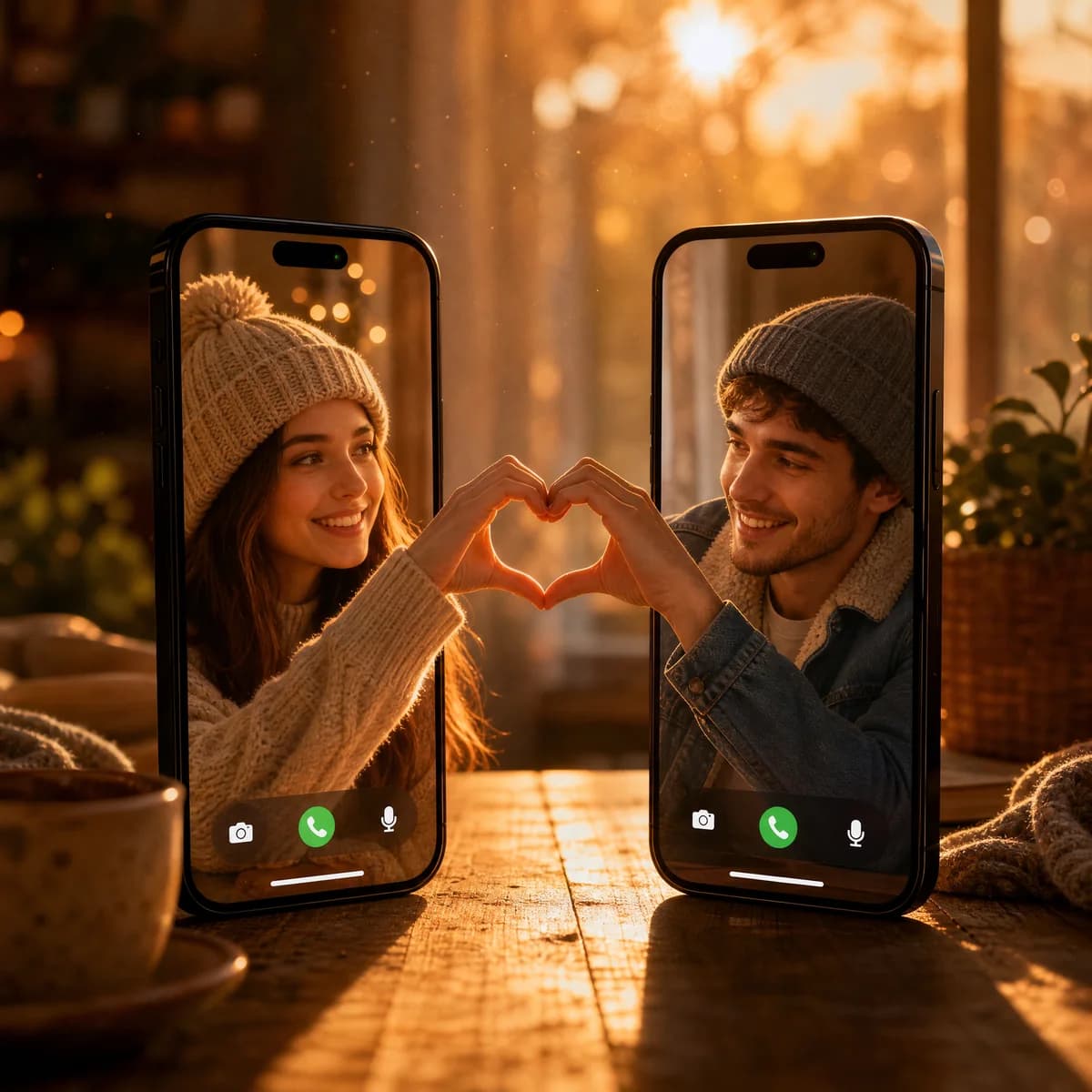
Videogesprek Hartverbinding

Videogesprek Hartverbinding

Een creatieve compositie van twee smartphones die rechtop op een houten tafel staan tijdens zonsondergang. De schermen tonen een videogesprek tussen een jonge vrouw en man, beiden met mutsen op, die met hun handen een halve hartvorm maken die perfect op elkaar aansluit.
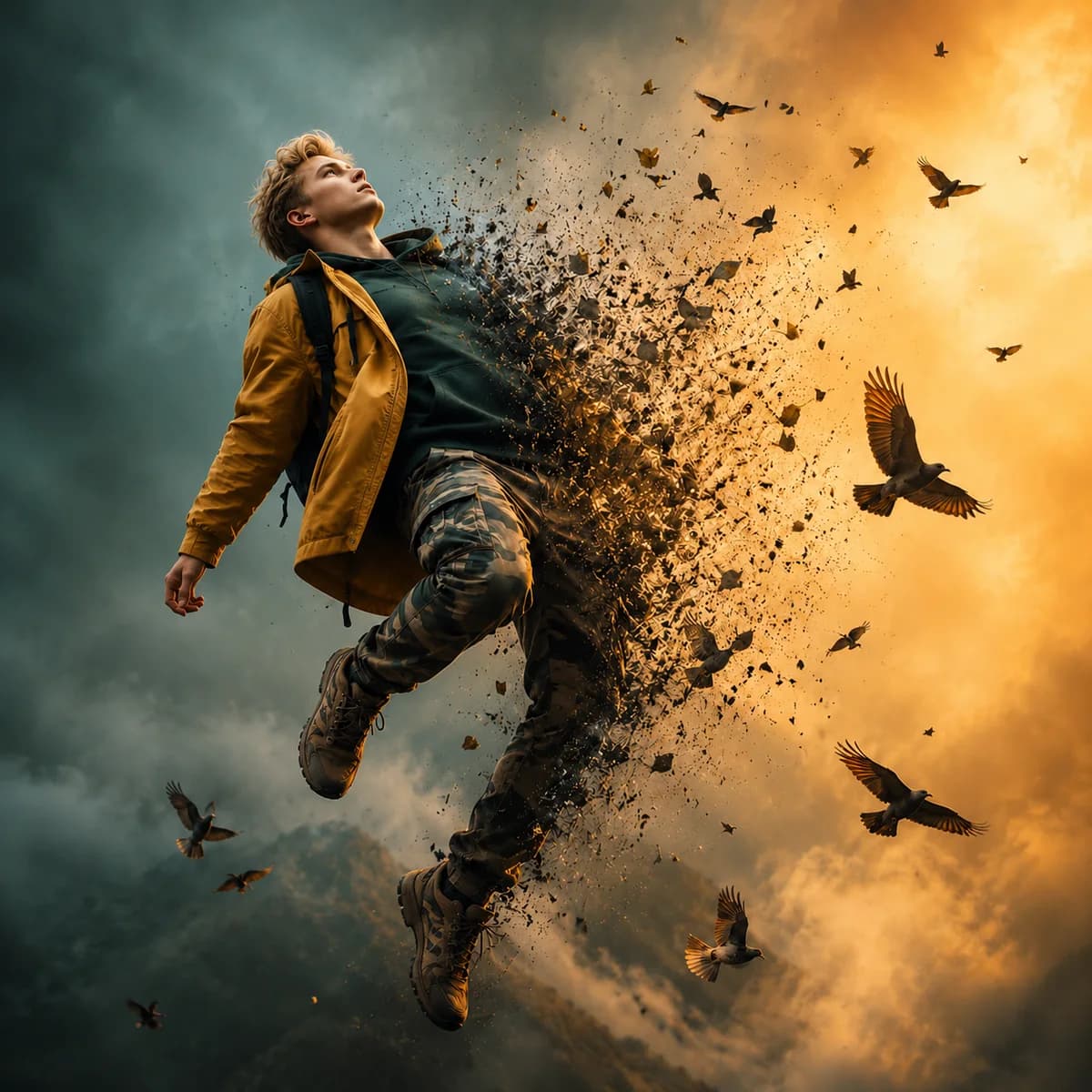
Dispersie Effect Portret

Dispersie Effect Portret

Een filmisch beeld van een man die in de lucht zweeft tegen een stormachtige lucht, zijn lichaam lost magisch op in een zwerm vogels.
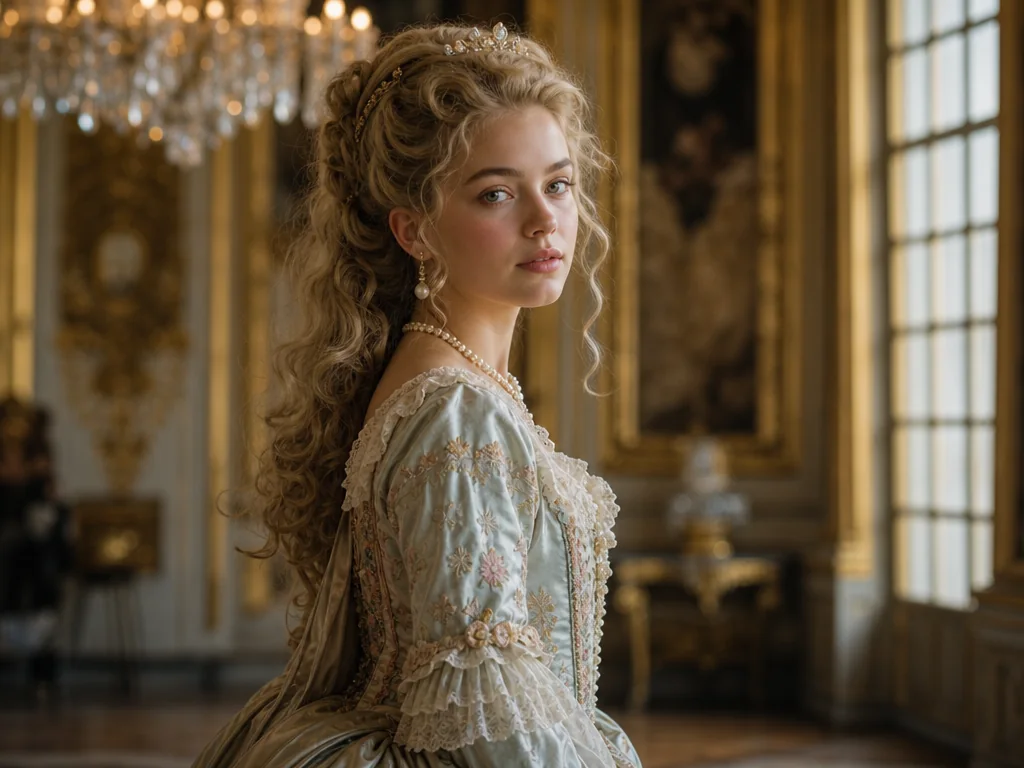
Klassiek Prinses Portret

Klassiek Prinses Portret

Een portret van een beeldschone jonge prinses in een sierlijk geborduurde 18e-eeuwse jurk, staand in een grandioos Europees paleis.

What a text to image prompt should define first

Polished stills usually come from prompts that define the subject, the composition, and the finish in a clear order instead of dumping every detail at once.

01

Subject

  • Name the thing the image should center on before you add any style language.
  • Describe the subject type, scale, and the most important visual cue.
  • Keep the subject simple when you want the generation to stay focused.
02

Composition

  • Tell the model how the frame should be arranged and where the attention should sit.
  • Add placement, angle, or balance cues when the framing matters for the final use.
  • Use composition language early for product, editorial, or hero-image work.
03

Finish

  • Specify lighting, materials, palette, or mood so the output feels presentation-ready.
  • Add the channel or intended use when the image must fit a campaign or article layout.
  • Treat the finish as the difference between a raw idea and a usable still.

From prompt to polished still

Text to image works best when the prompt is structured enough to describe subject, composition, and visual tone in one pass.

  1. 1

    Describe the frame

    Start with the subject, scene, composition, and the most important visual detail so the model has a clear anchor.

  2. 2

    Set the format

    Choose the aspect ratio that matches your channel, whether that is social, web, editorial, or ad creative.

  3. 3

    Generate multiple options

    Compare variations and keep the strongest still as the base for further design or campaign work.

  4. 4

    Refine the direction

    Adjust mood, material, or composition until the image feels ready for presentation or export.

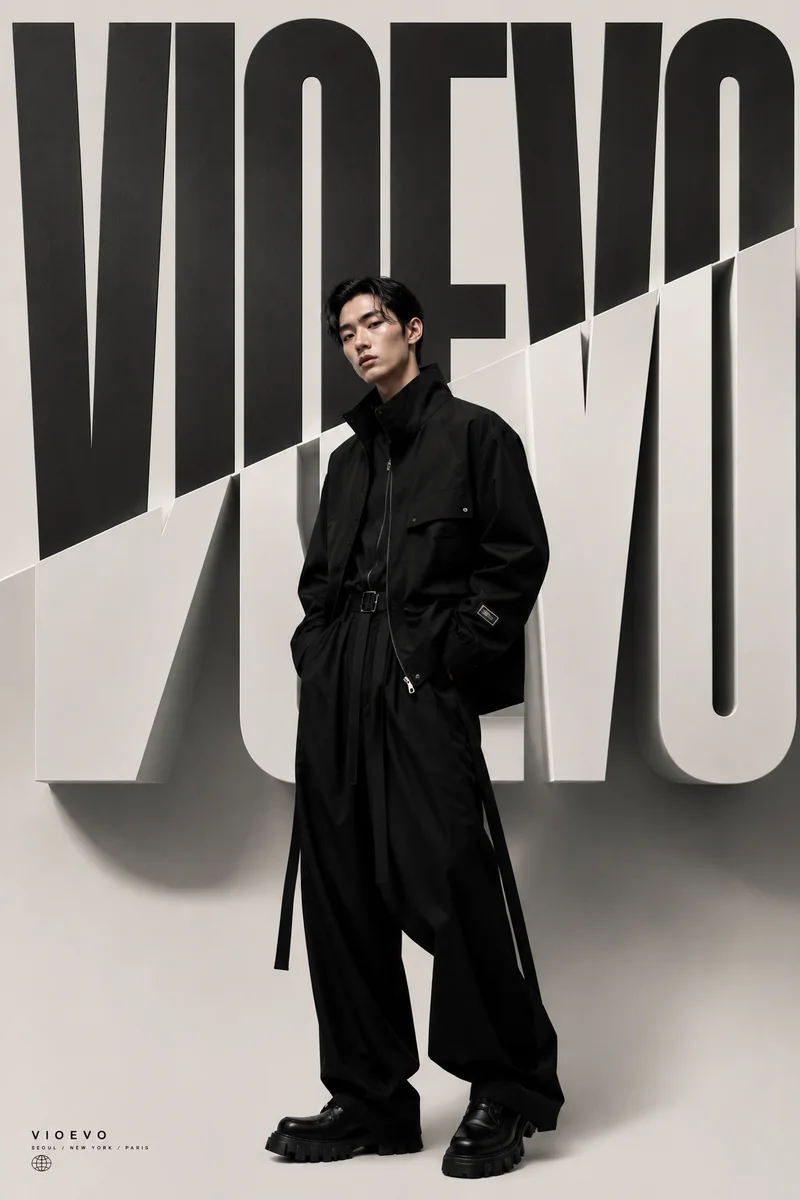
High Fashion Editorial

High Fashion Editorial

A high fashion editorial portrait of an Asian male model wearing avant-garde black streetwear with long hanging straps, standing confidently in front of a striking black and white split background with giant 3D typography. Cinematic studio lighting.

Text to image FAQs

What is the best prompt structure for text to image?

A clear subject, a concrete setting, a composition cue, and a short note about lighting or style usually produce the most reliable results.

Can I use text to image for product mockups?

Yes. It is a strong fit for product concepts, campaign stills, packaging ideas, and early visual testing before production work begins.

Which output formats should I choose?

Pick the ratio that matches the final placement. Square, vertical, and landscape all work well depending on where the image will be used.

Is text to image useful for editorial work?

Yes. It works well for editorial hero imagery, article leads, and style exploration when you want a polished still rather than motion.

Functies

Maak nieuwe beelden vanuit tekstprompts
Ideaal voor conceptwerk, storyboards en launch visuals
Ondersteunt meerdere modellen voor verschillende afwerkingsniveaus
Snel pad van brief naar beeld
Sterk voor creatieve verkenning en presentatiemateriaal

Aangedreven door productierijpe AI-modellen

ChatGPT Image 2
ChatGPT Image 2
Nano Banana 2
Nano Banana 2
Grok Imagine
Grok Imagine
Grok Imagine Quality
Wan 2.7 Image
Wan 2.7 Image
Wan 2.7 Image Pro
Wan 2.7 Image Pro

Klaar om prompts om te zetten in nieuwe beelden? Registreer je nu en begin meteen!

Maak in enkele seconden je gratis account aan en begin direct met creëren.

VioEvo AI logoVioEvo AI

Een filmische studio voor het genereren van video's en afbeeldingen. Begin met de input die je al hebt.

https://www.vioevo.comsupport@vioevo.com

Ontdekken

Tekst naar videoAfbeelding naar videoReferentie naar videoVideo naar videoTekst naar afbeeldingAfbeelding naar afbeeldingAI-posewissel

Modellen

Alle modellenMiniMax H3ChatGPT ImageHappy HorseGrok ImagineSeedanceGoogle Veo

Bedrijf

PrijzenBlogNeem contact opOver ons

Juridisch

PrivacybeleidServicevoorwaardenTerugbetalingsbeleidDMCABeleid voor acceptabel gebruik

© 2026 VioEvo. Alle rechten voorbehouden.