Cartoonify an Image with AI
Cartoon yourself with AI. Upload a selfie, choose a style, and turn your photo into a cartoon.
Your photo will not be used for model training and will be automatically deleted.
Page 1 of 4 · 60+ styles
YOUR PHOTO, REIMAGINED
Image to Cartoon in Your Chosen Style
With AI Cartoonify, you can cartoonize your image in the style you choose. Start with a selfie, family photo, or picture from your camera roll, then generate directly in your browser.
Your photo guides who is in the image, what they wear, and how they are posed. The style you choose guides the colors, lighting, outlines, and textures across both the people and the background.
Try the Image-to-Cartoon Tool
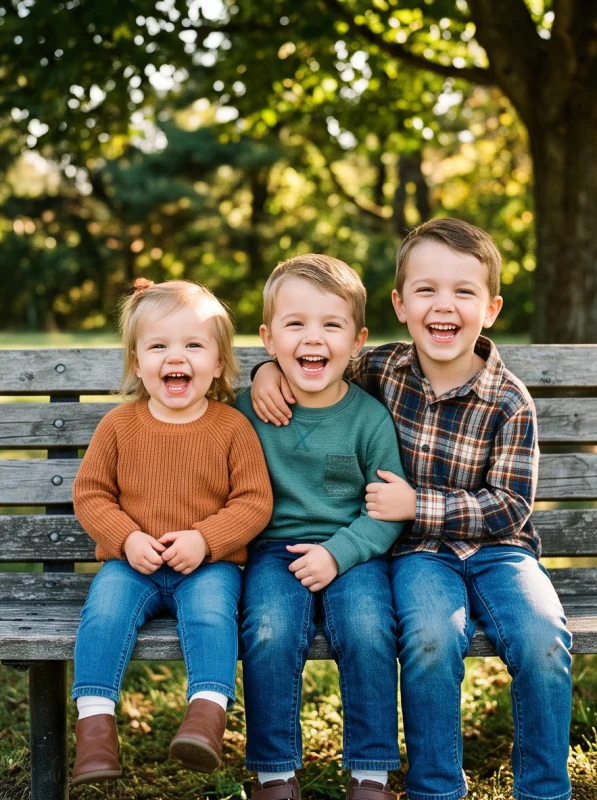
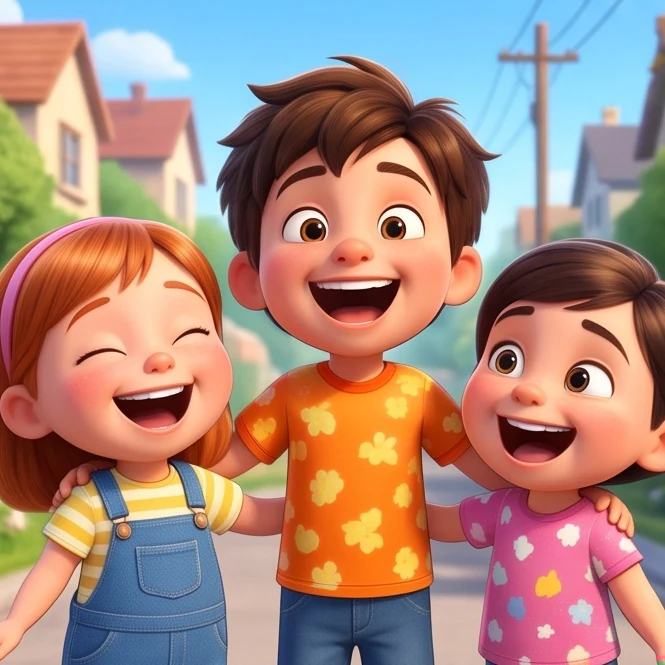
HOW IT WORKS
How to Turn Your Image Into a Cartoon
- 01
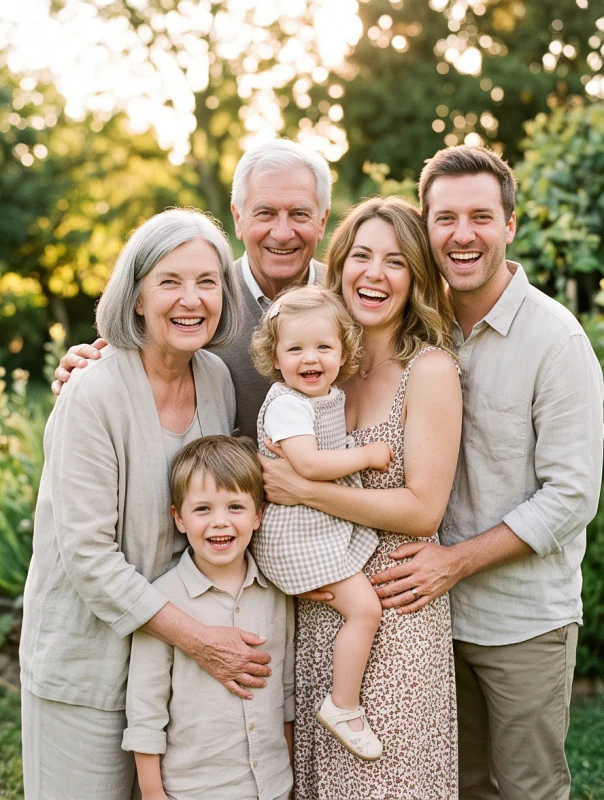
Upload a Photo
Choose a JPG, PNG, or WEBP photo up to 20 MB. Use a sharp selfie for a portrait, or a clear group photo for a family cartoon. Visible facial features and even lighting give the model a clearer reference.
- 02
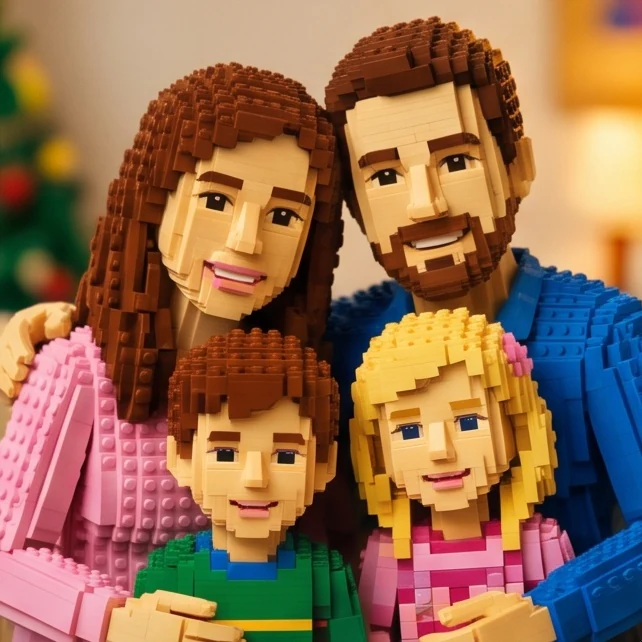
Pick a Cartoon Style
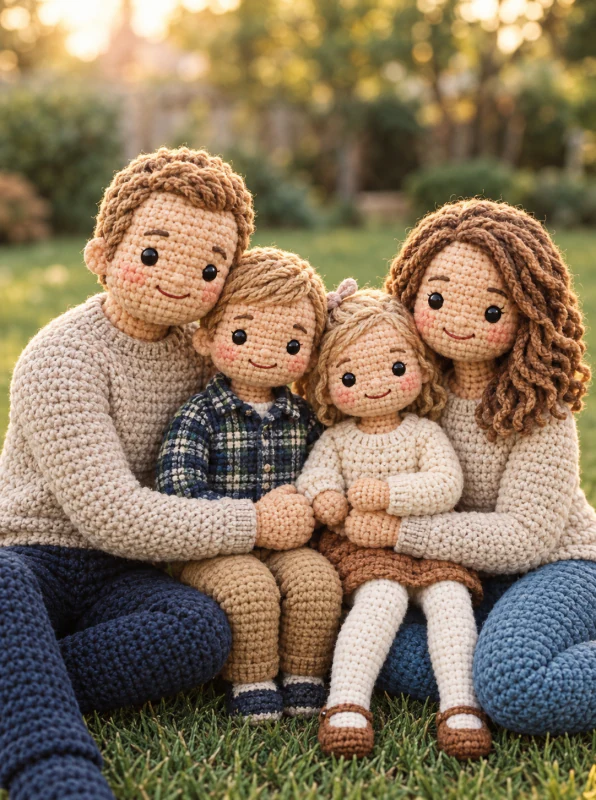
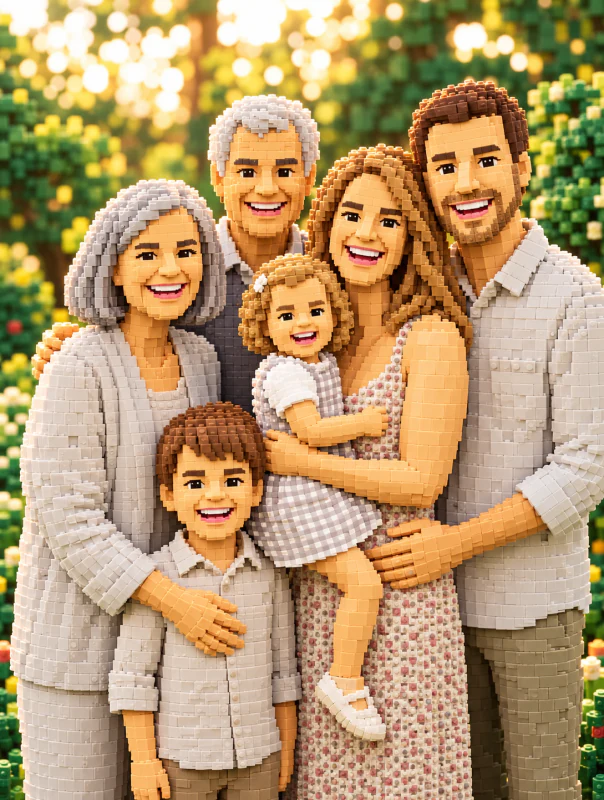
Browse the previews and choose a style. This example uses Brick-Built Family Portrait for a toy-brick look. Your photo guides the people and pose; you do not need to write a prompt.
- 03
Generate and Download
Choose 1K, 2K, or 4K and an aspect ratio, then select Generate with AI Cartoonify. Sign in if prompted, then select the button again to start. When the result is ready, download it or try another style with the same photo.
SEE WHAT IT CREATES
Cartoonify Your Image in Different Cartoon Styles
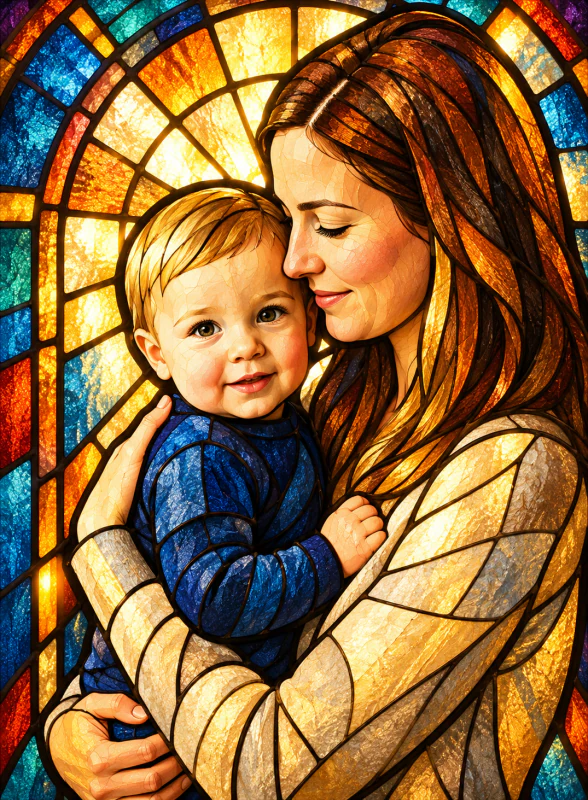
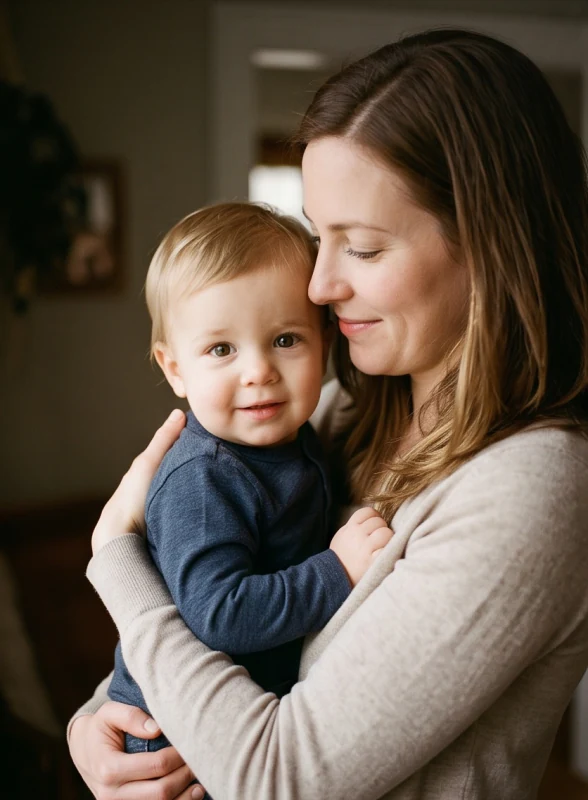
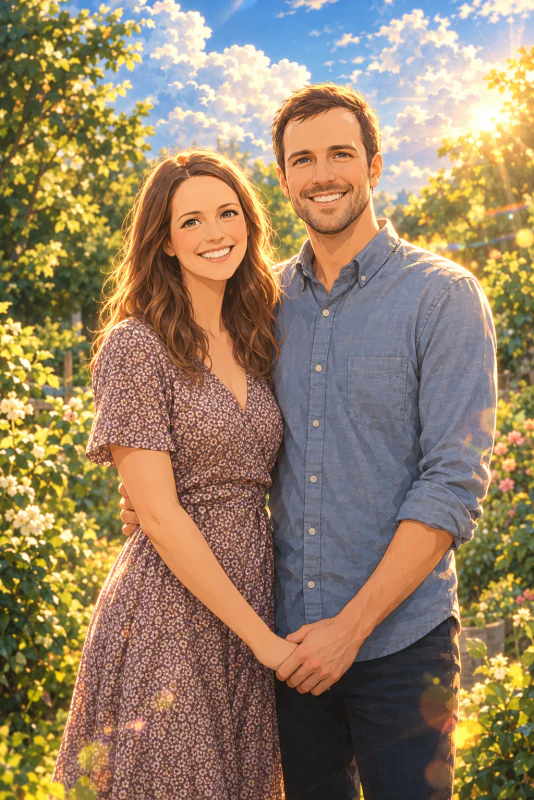
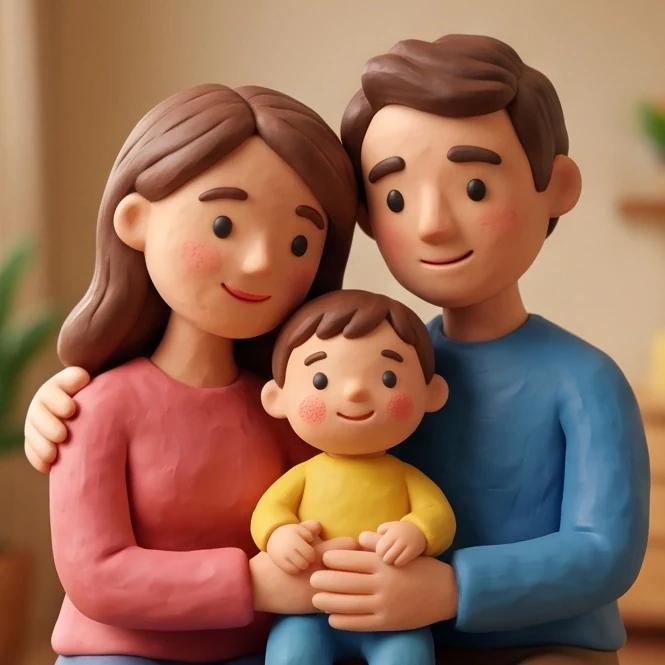
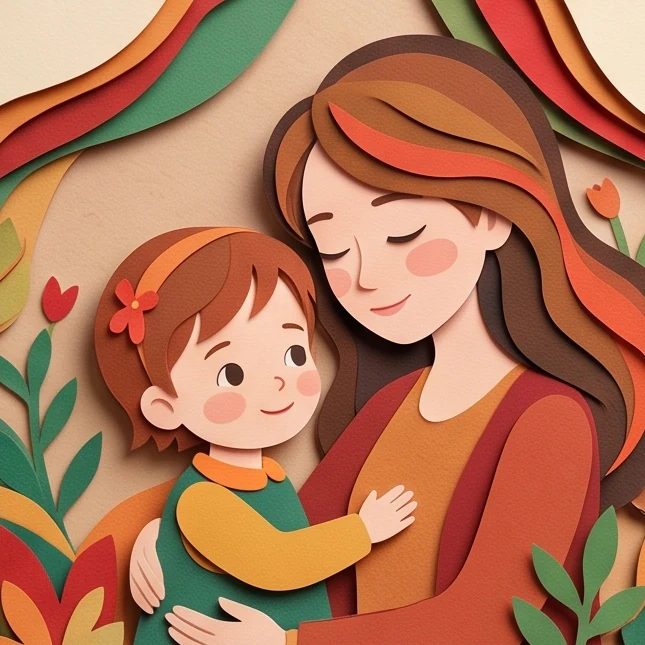
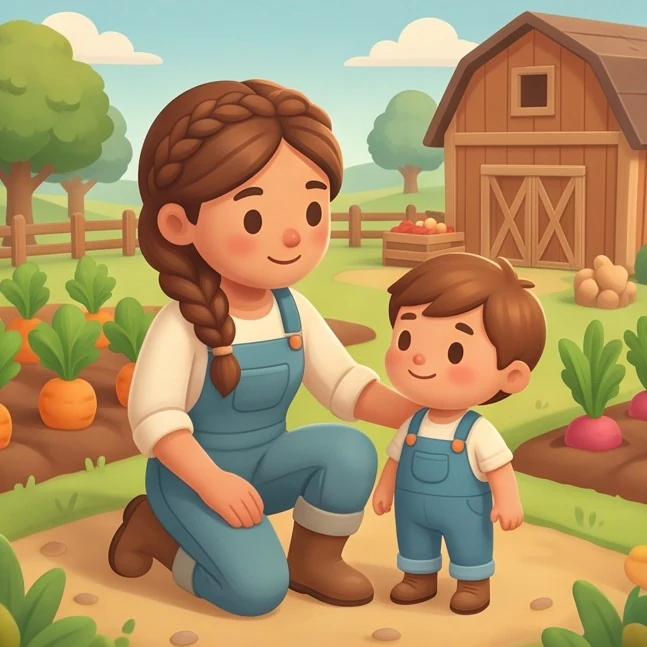
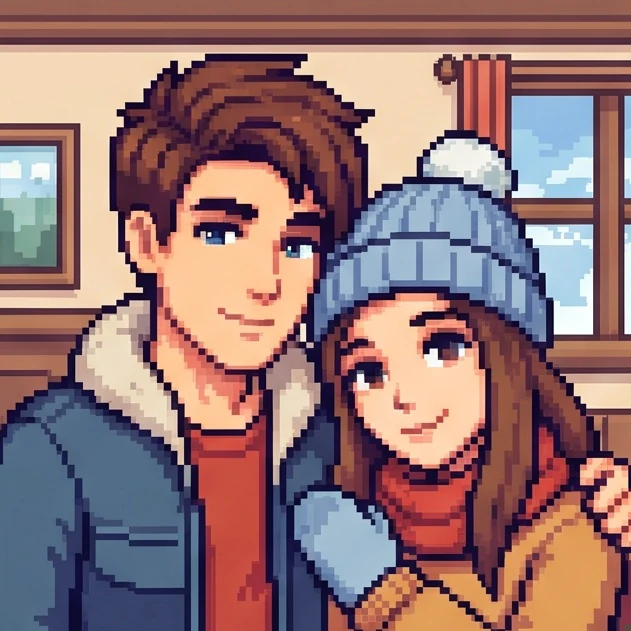
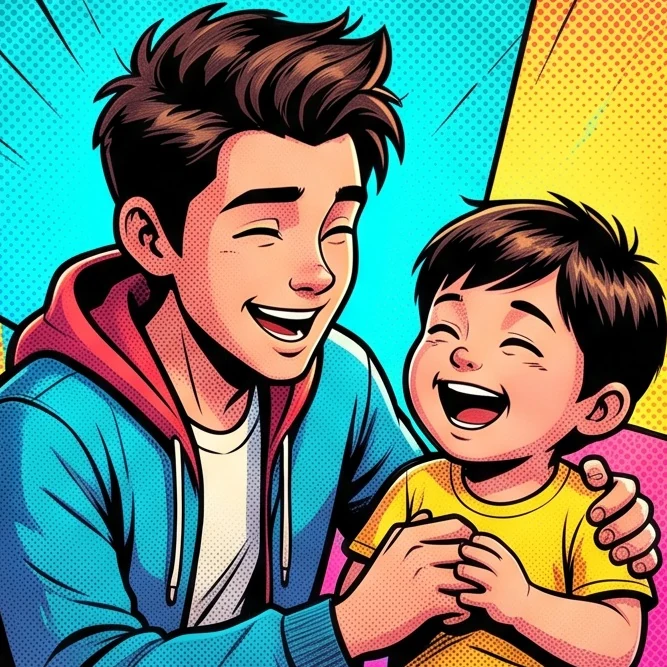
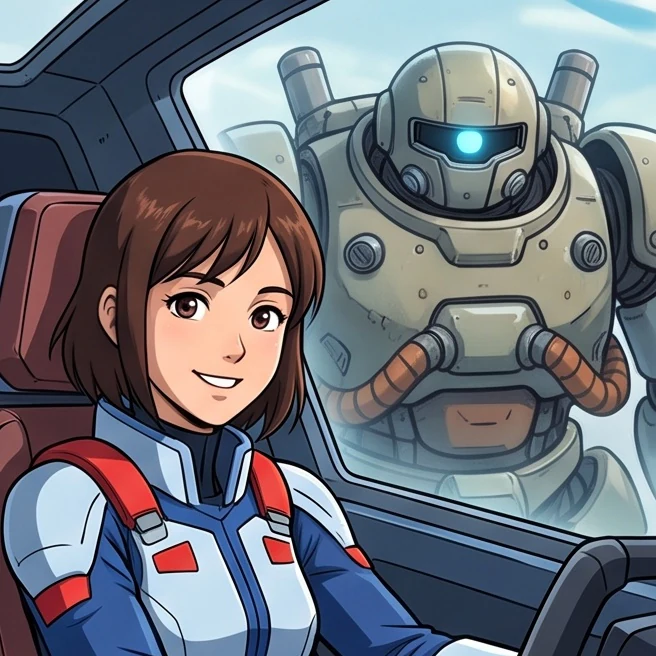
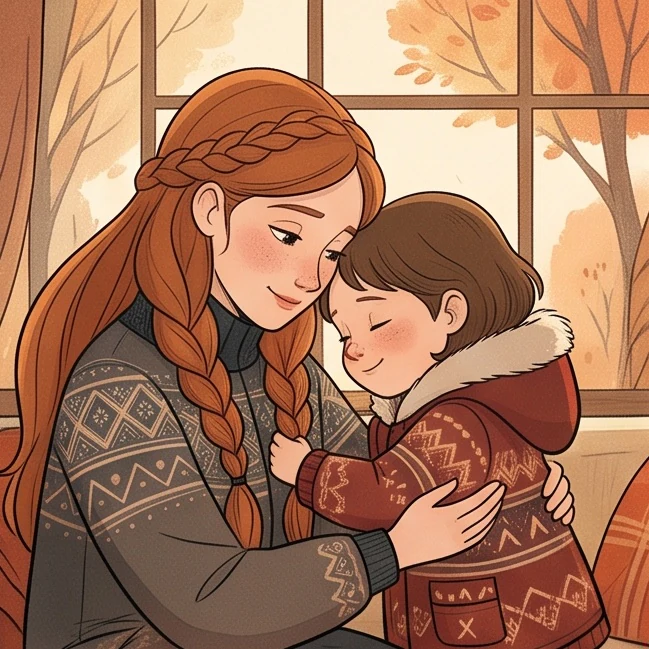
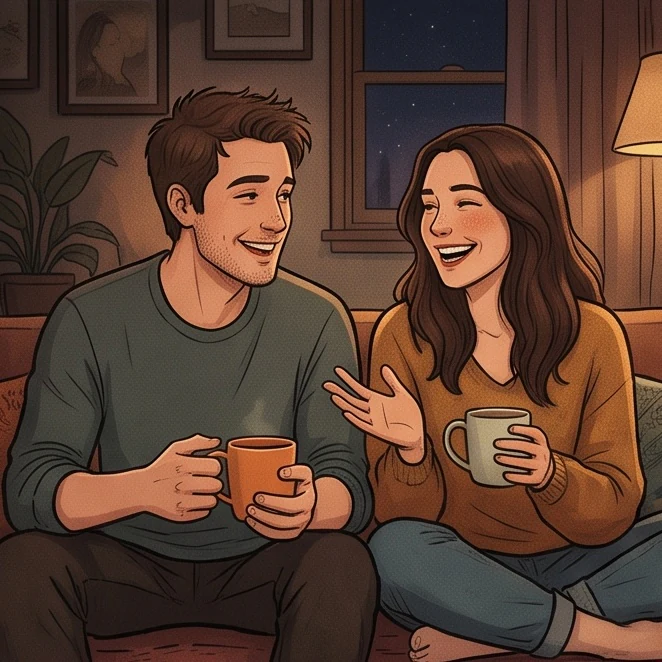
Compare image-to-cartoon examples from eight different photos, including portraits, couples, and families. Each card flips to reveal the original photo behind its cartoon result.
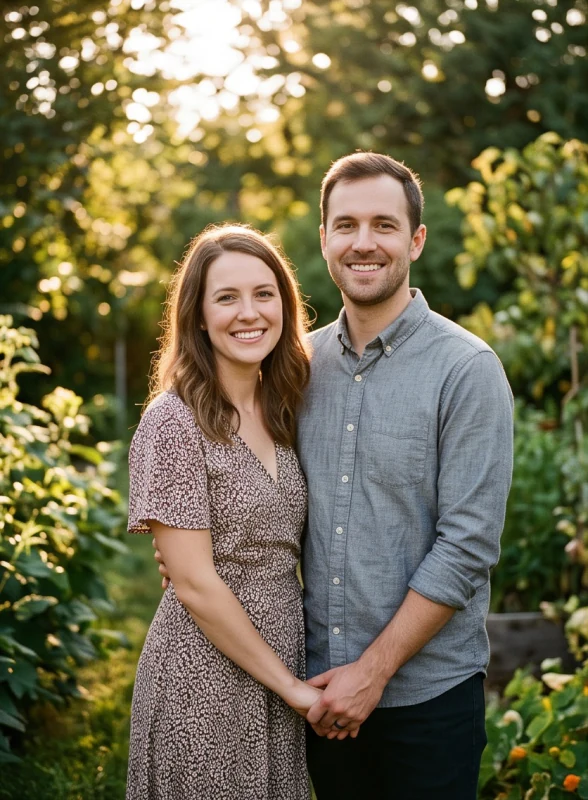
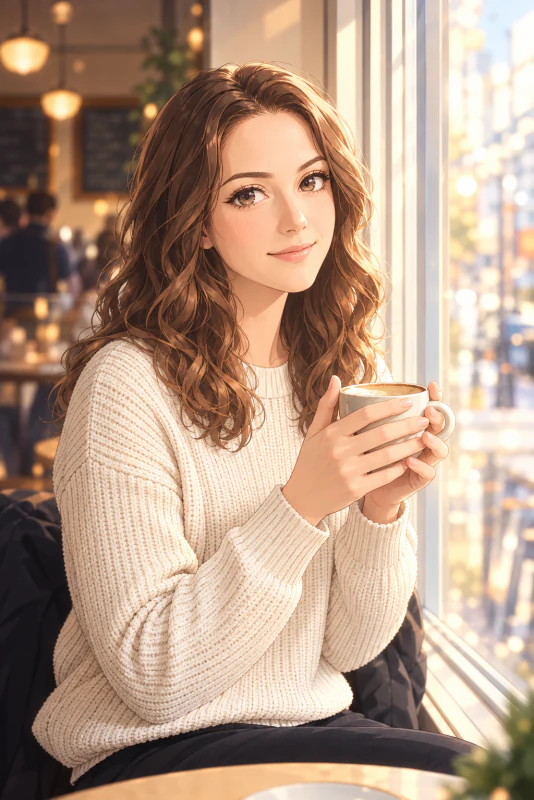
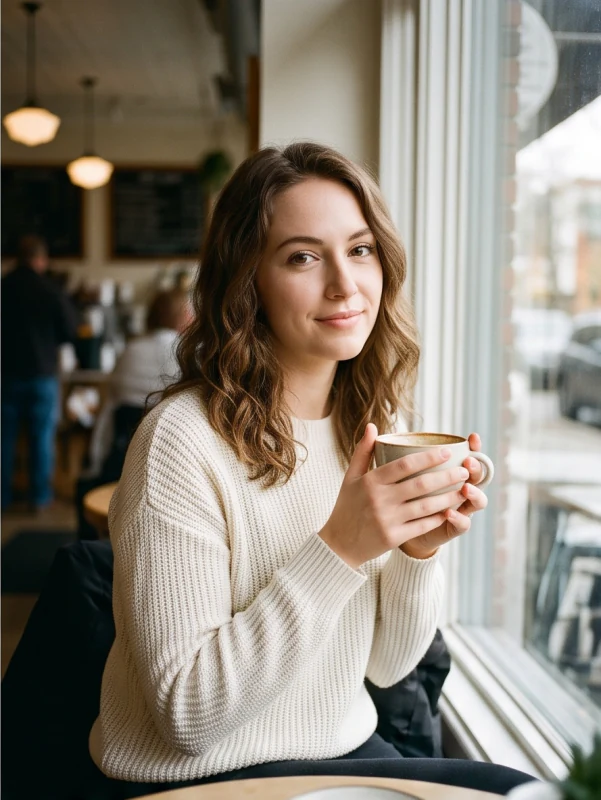
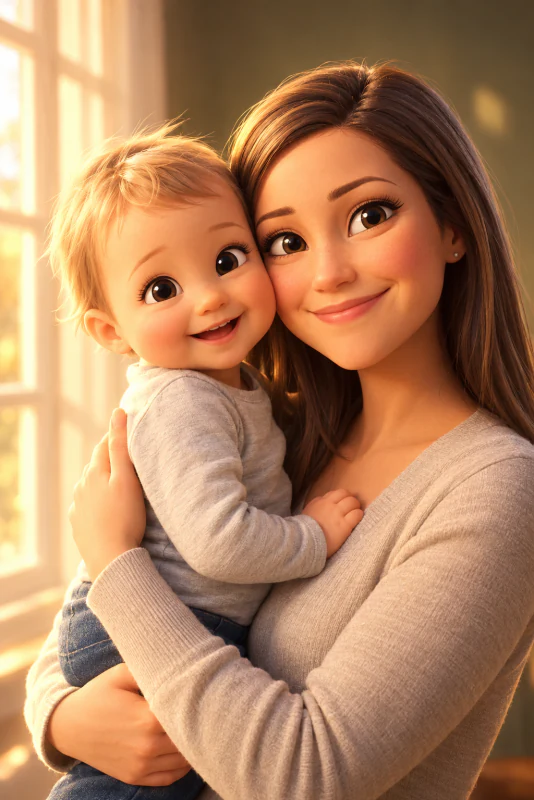
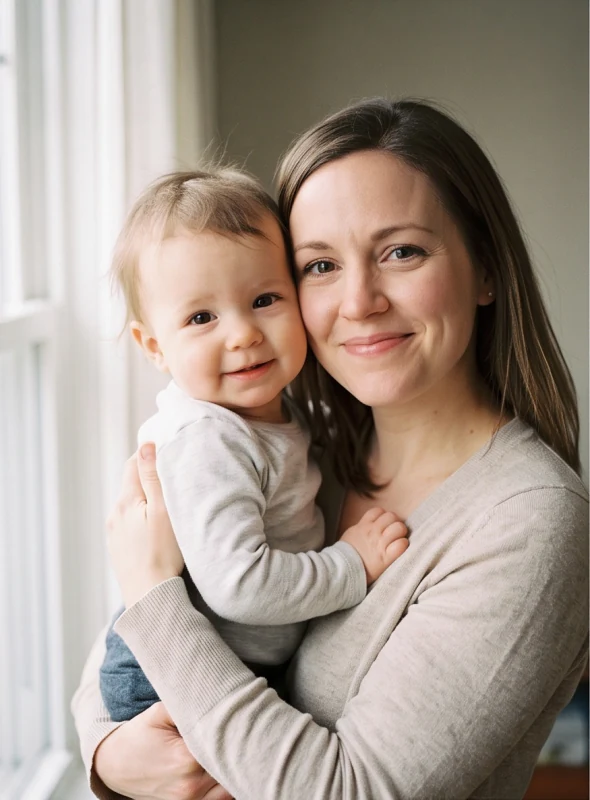
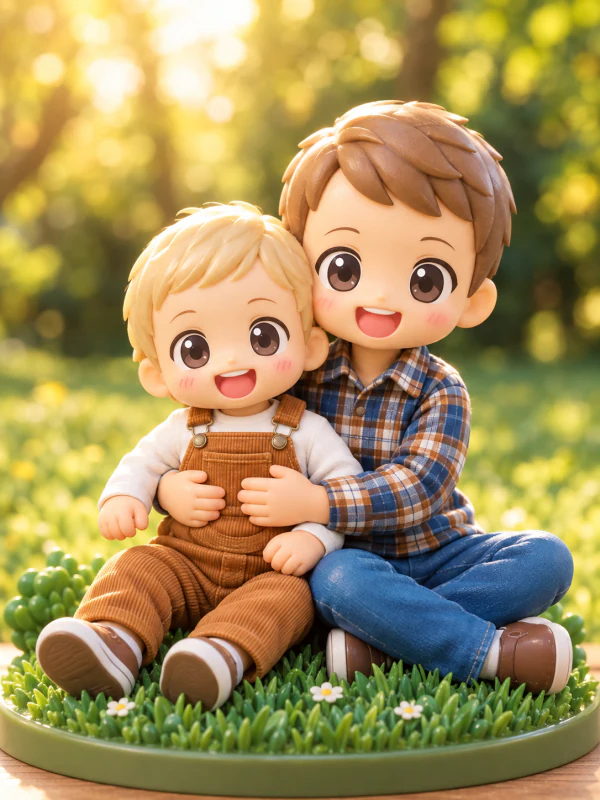
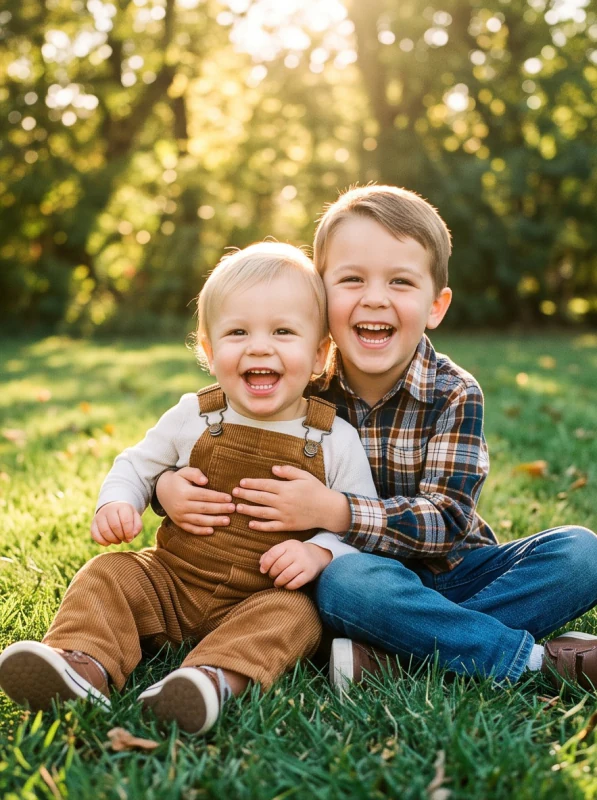
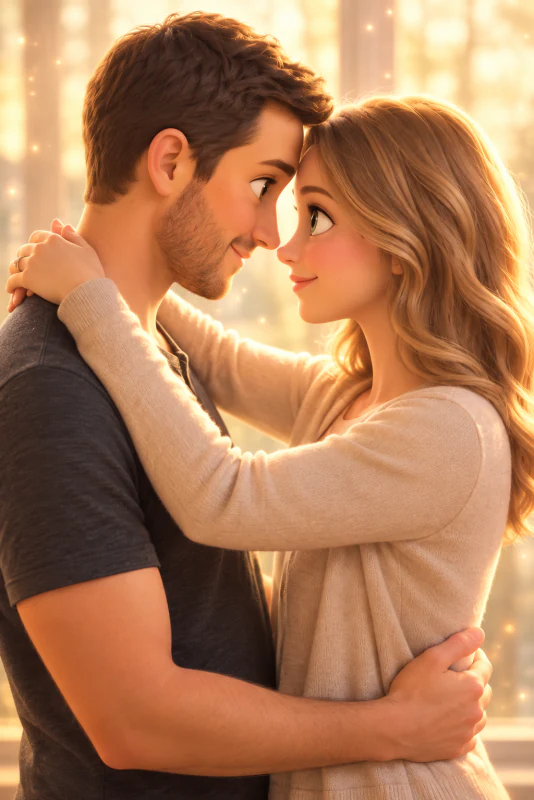
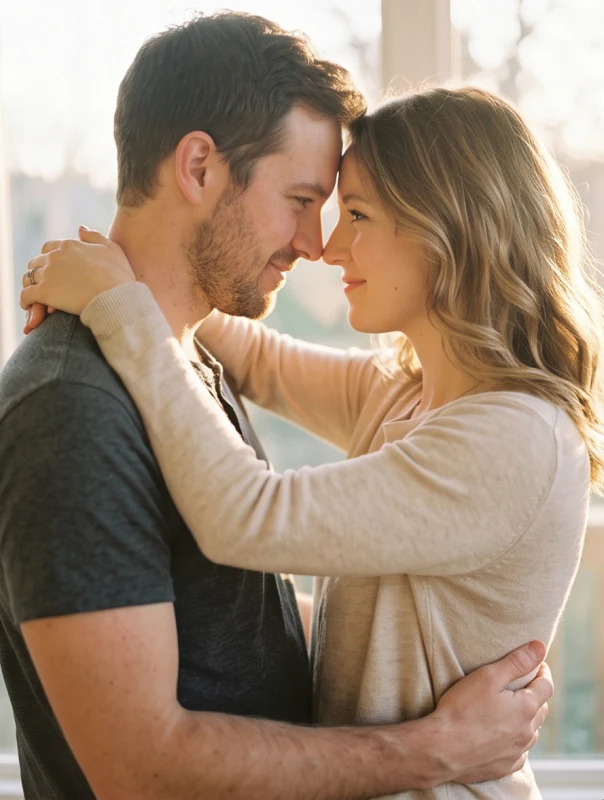
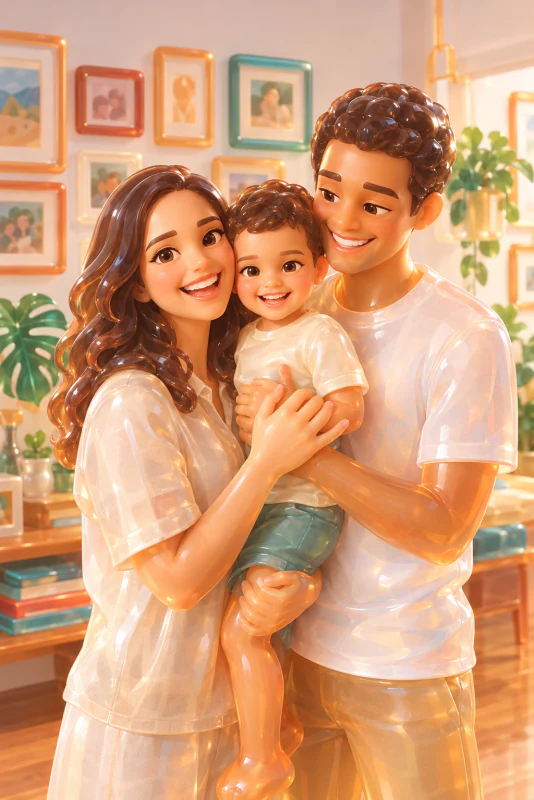
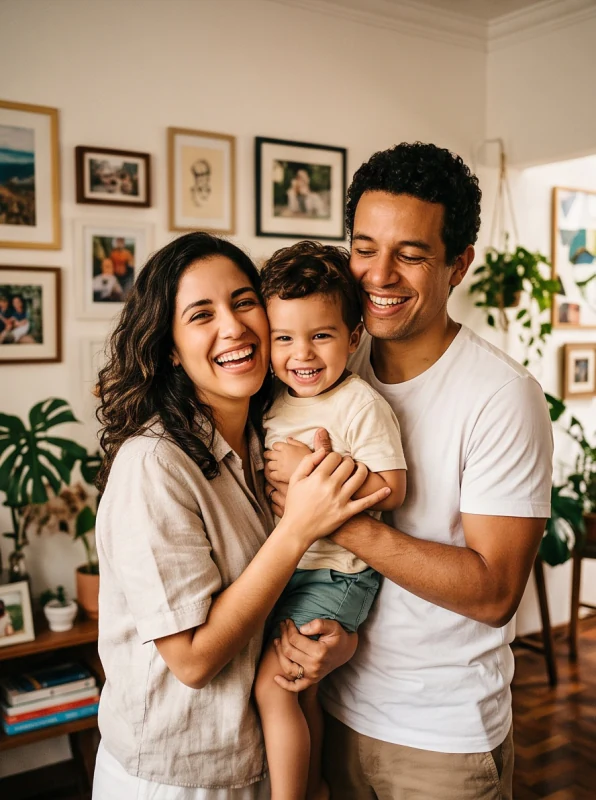
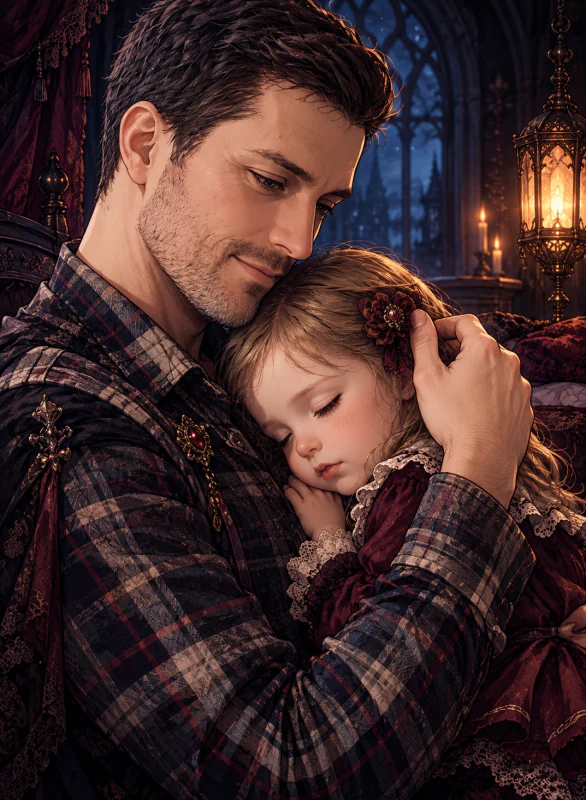
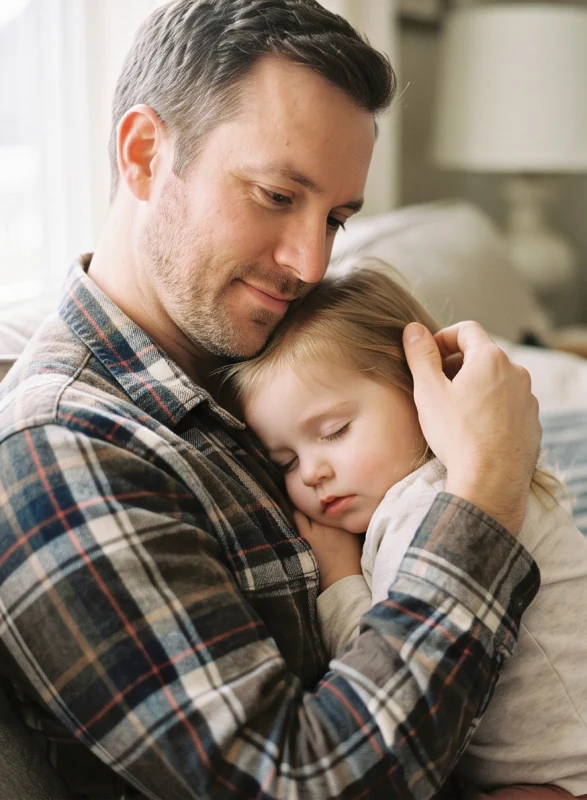
60+ Cartoon Styles for AI Generation
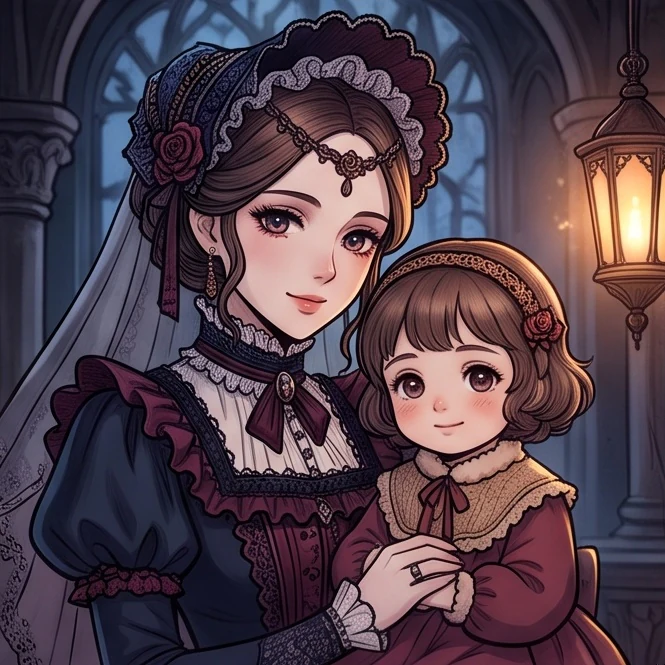
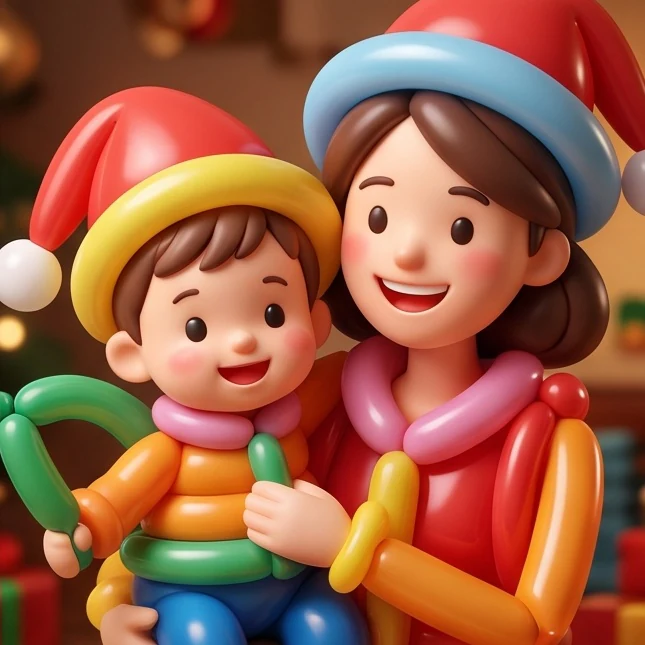
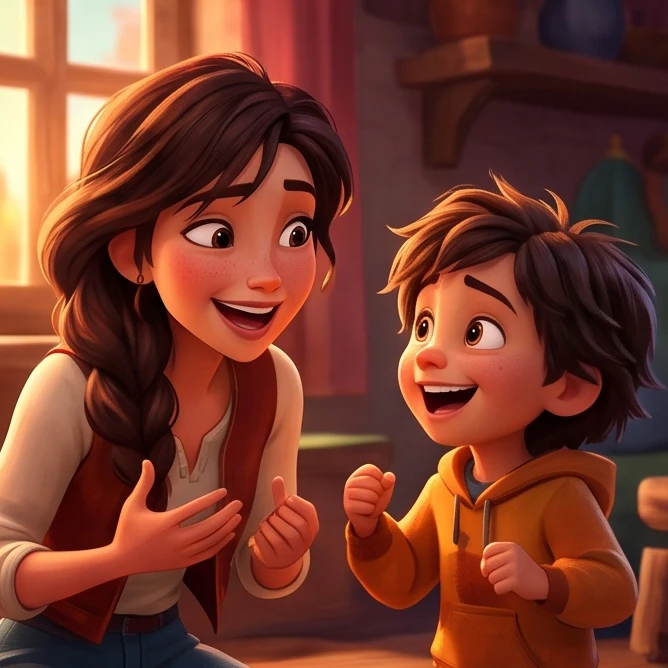
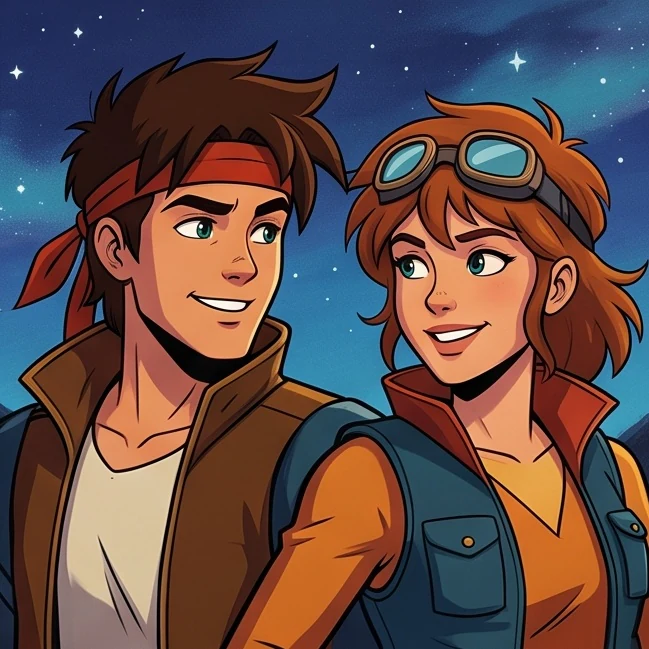
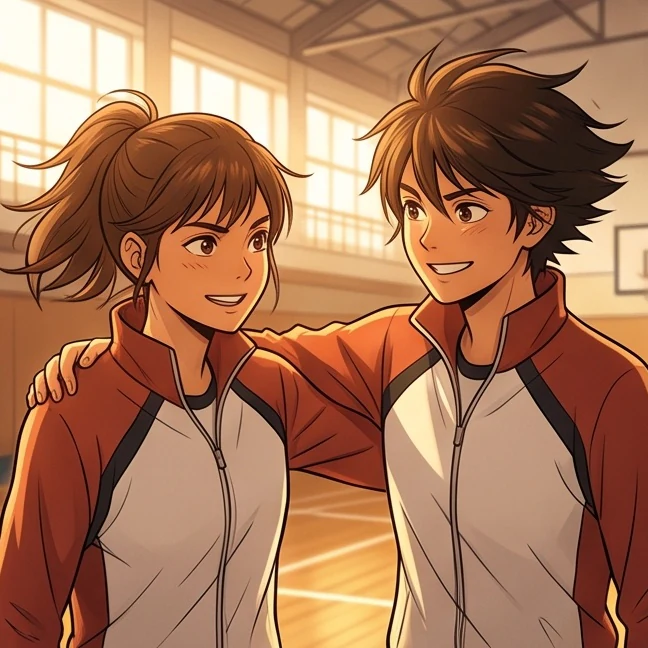
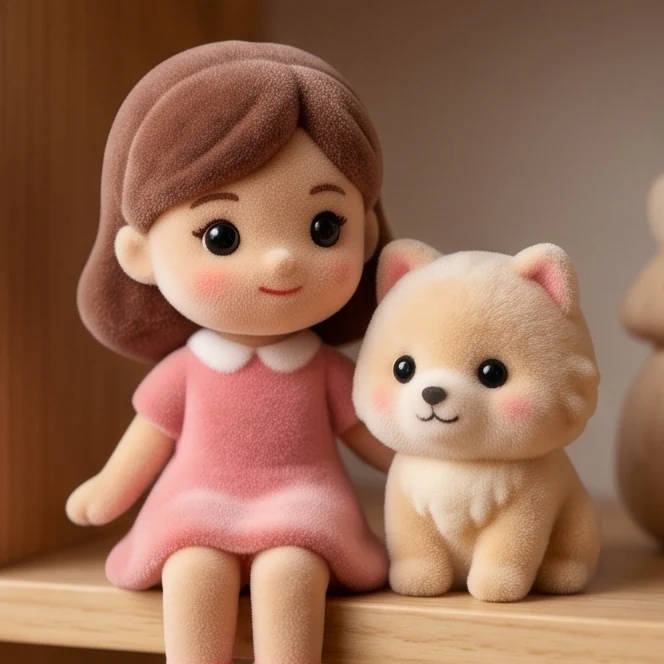
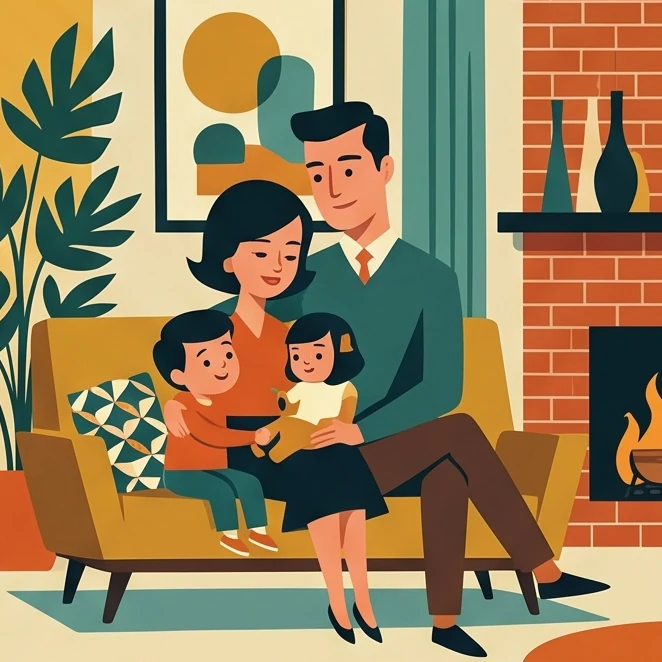
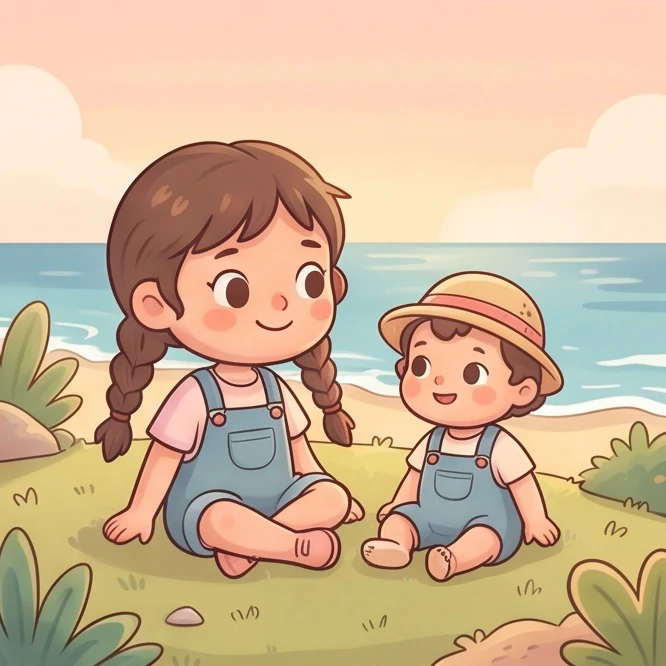
Browse cartoon styles from hand-drawn illustrations to dimensional toy looks. Choose one to see how AI Cartoonify reimagines your photo, then set your resolution and aspect ratio.
Styles for Portraits, Families, and More
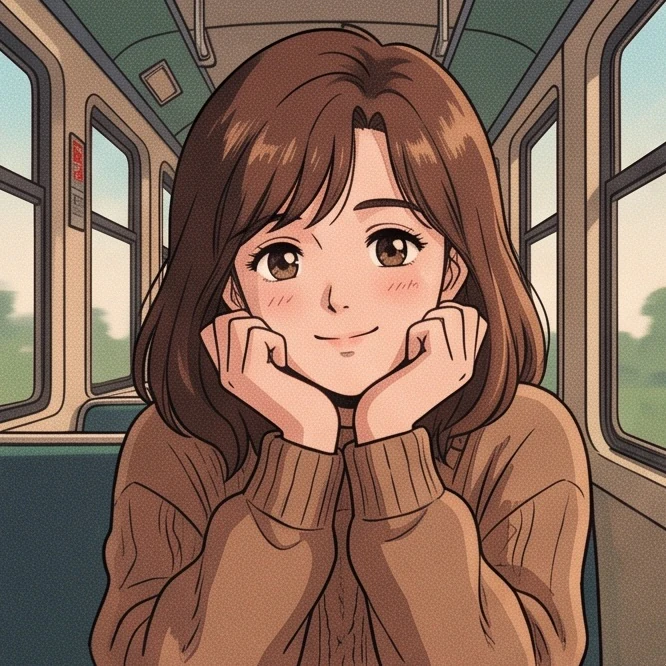
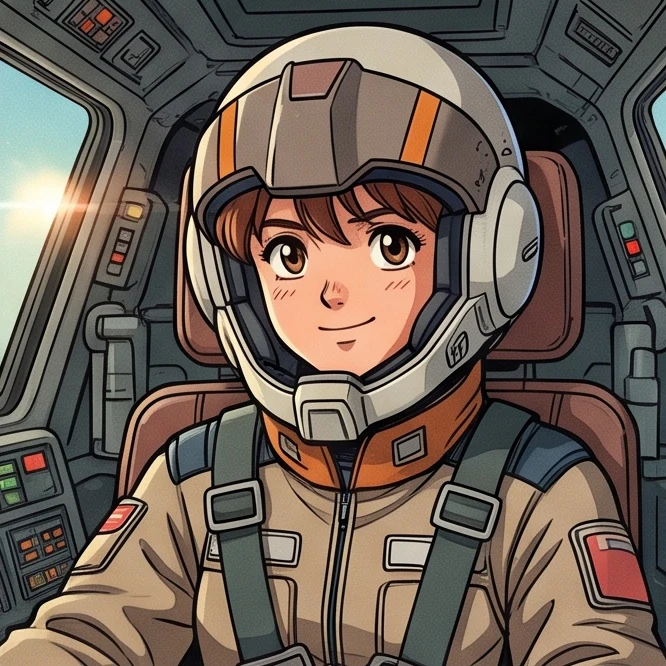
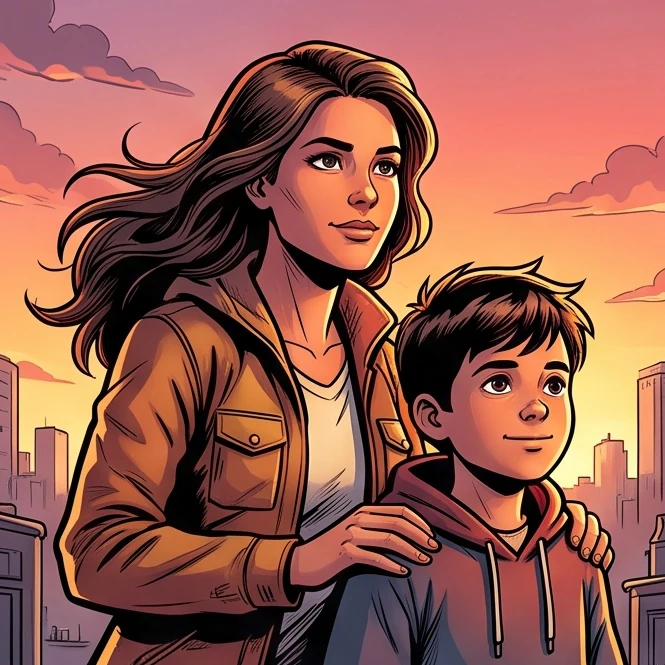
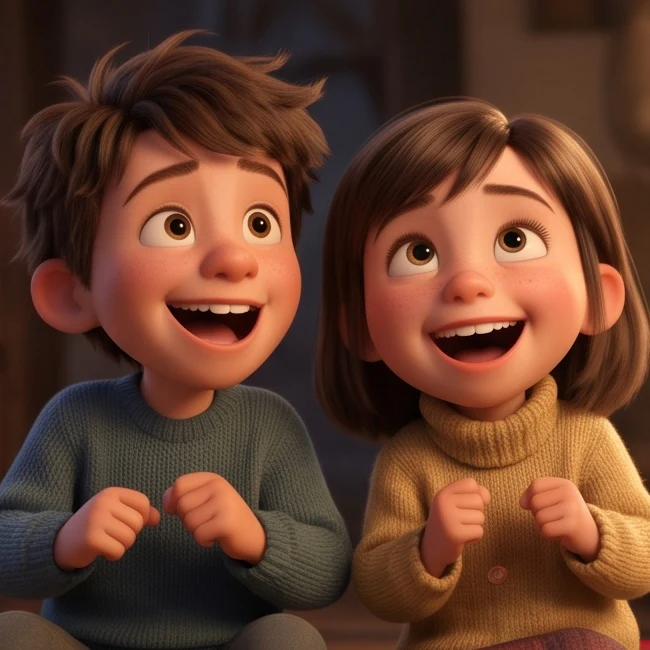
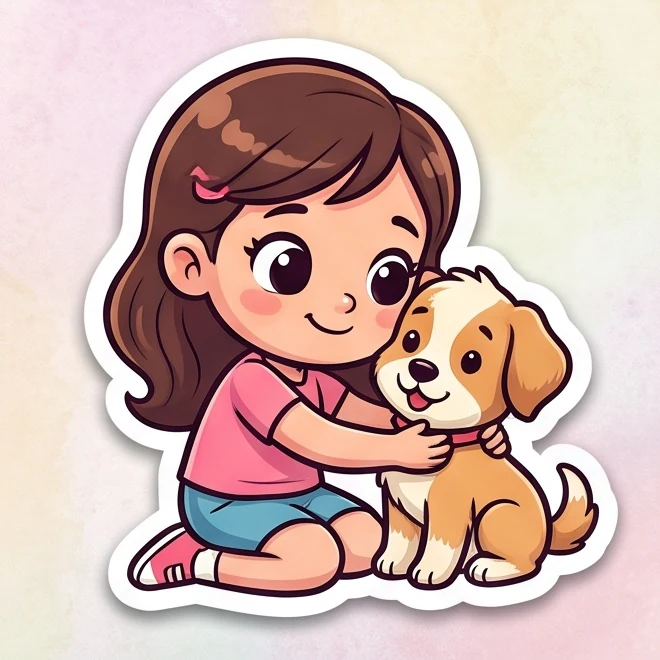
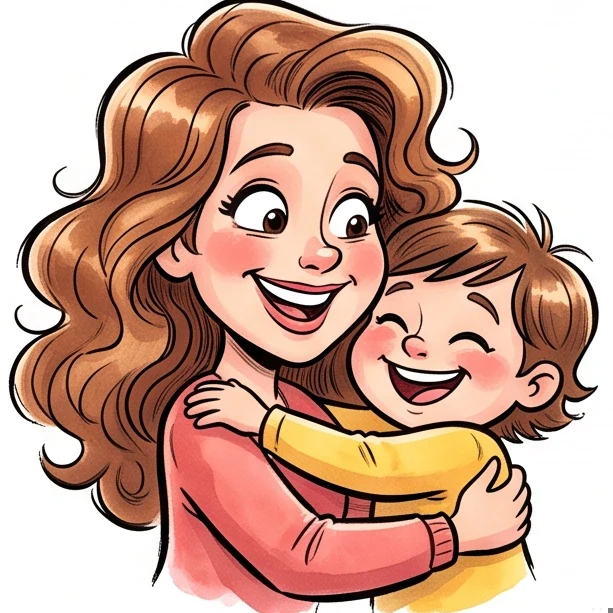
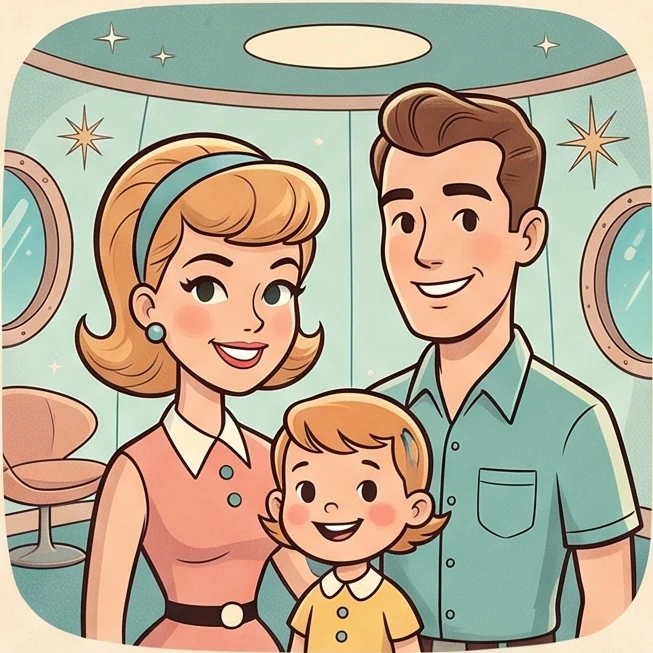
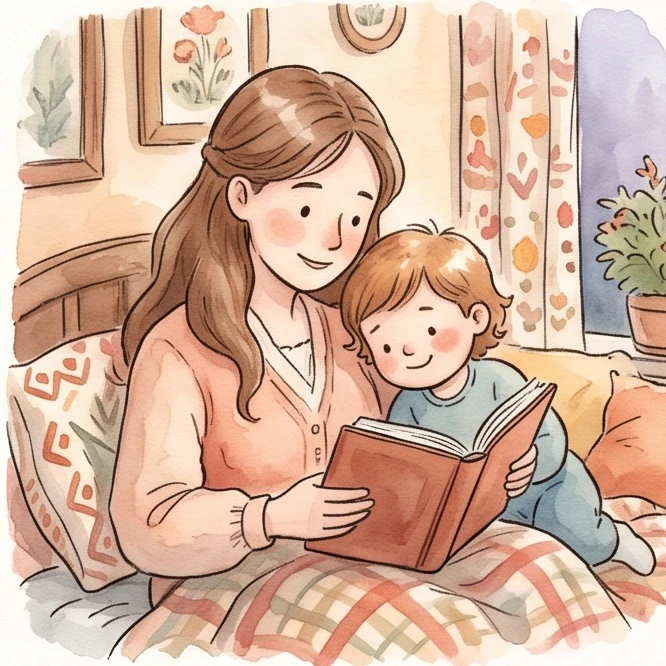
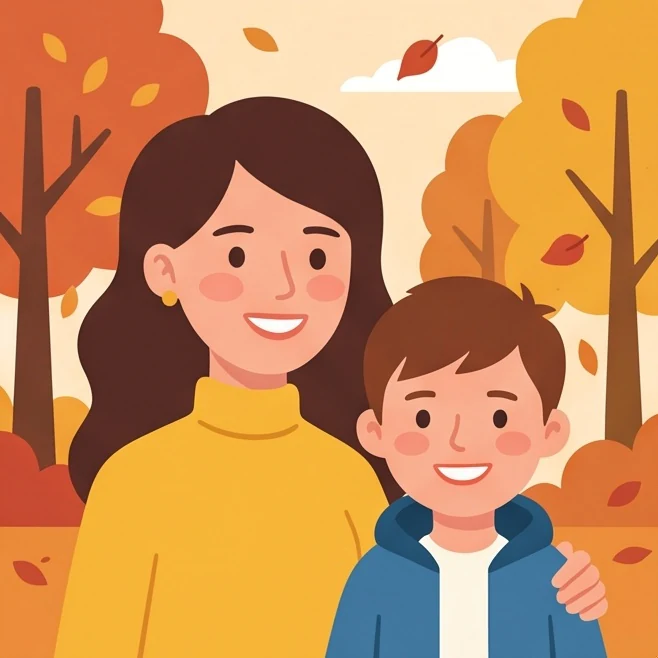
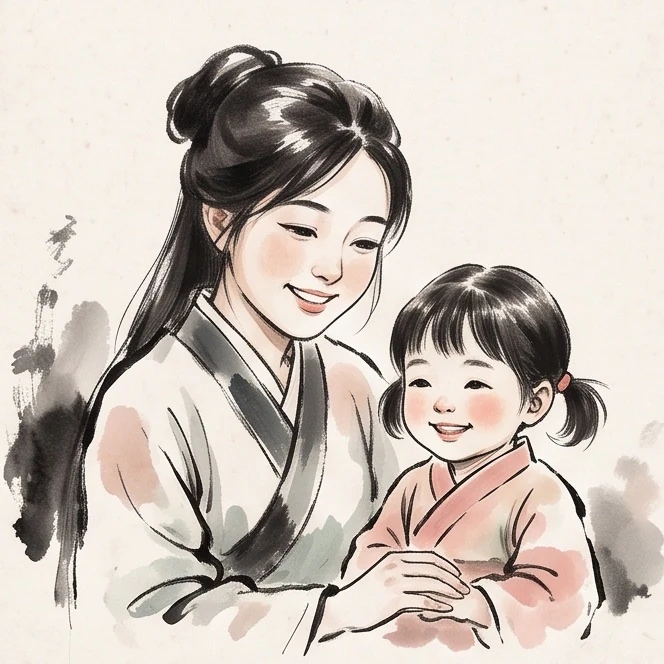
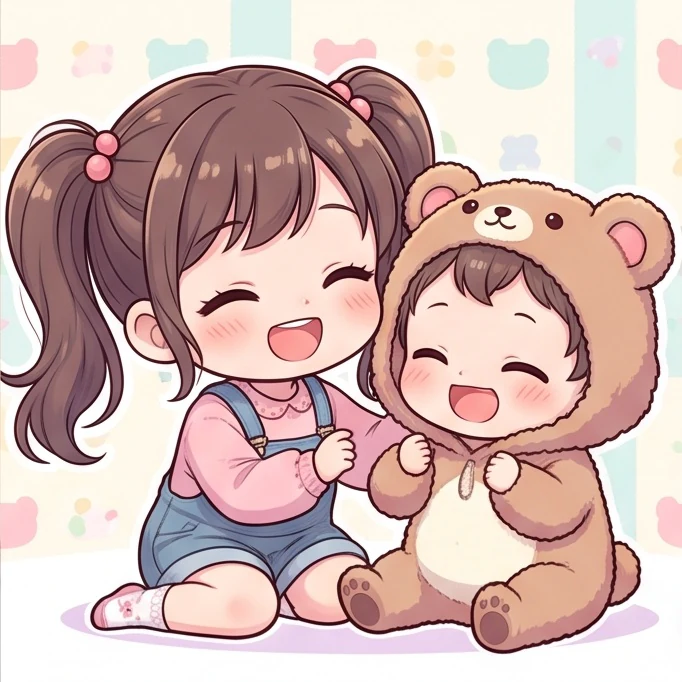
Create an illustrated avatar, reimagine a family photo, or turn a favorite outfit into a character portrait. Use the thumbnails to choose the look that suits your photo.
How Each Cartoon Style Changes the Look
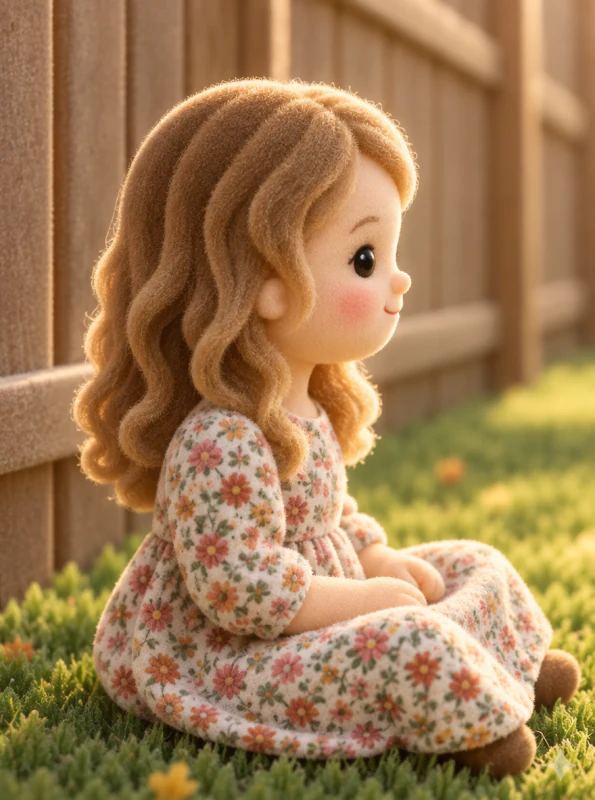
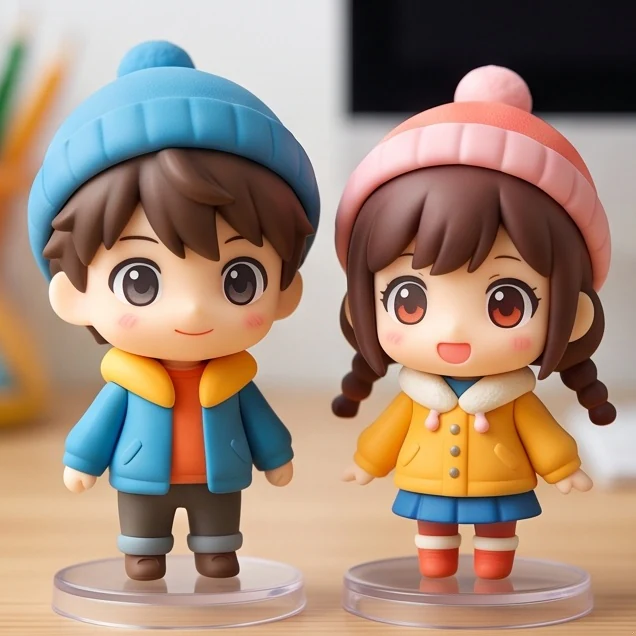
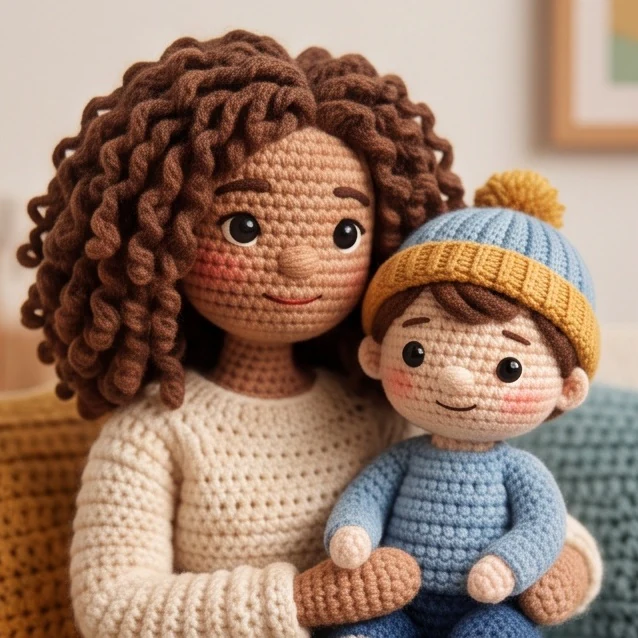
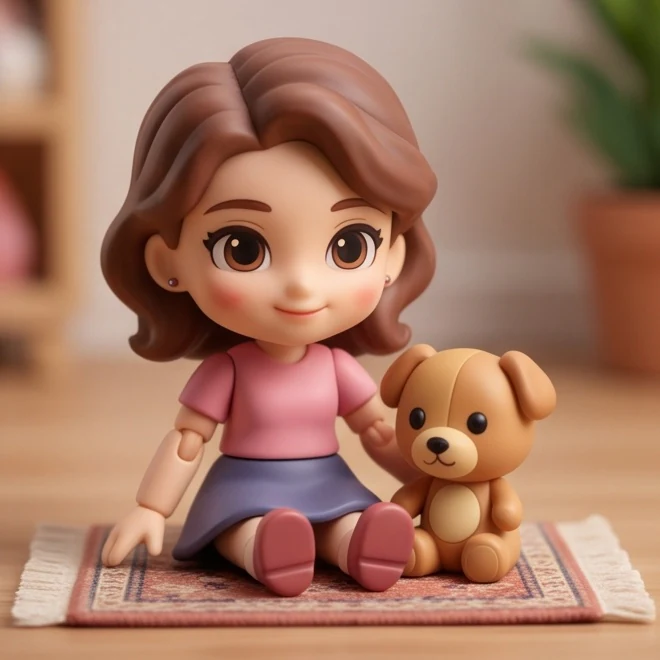
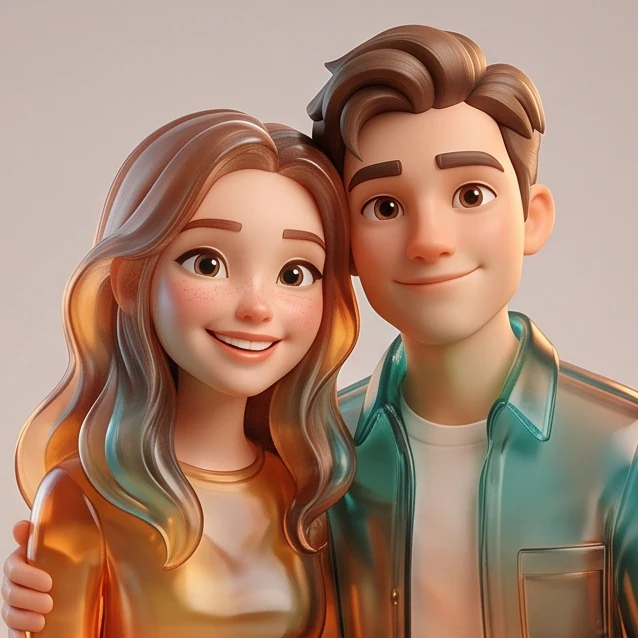
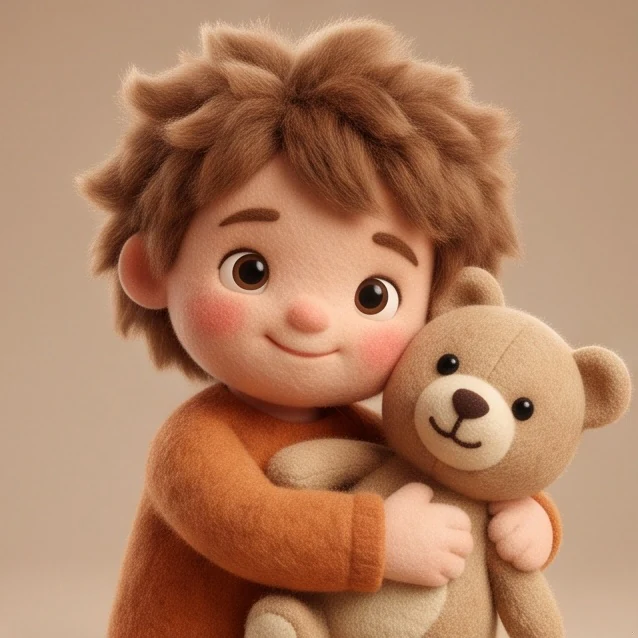
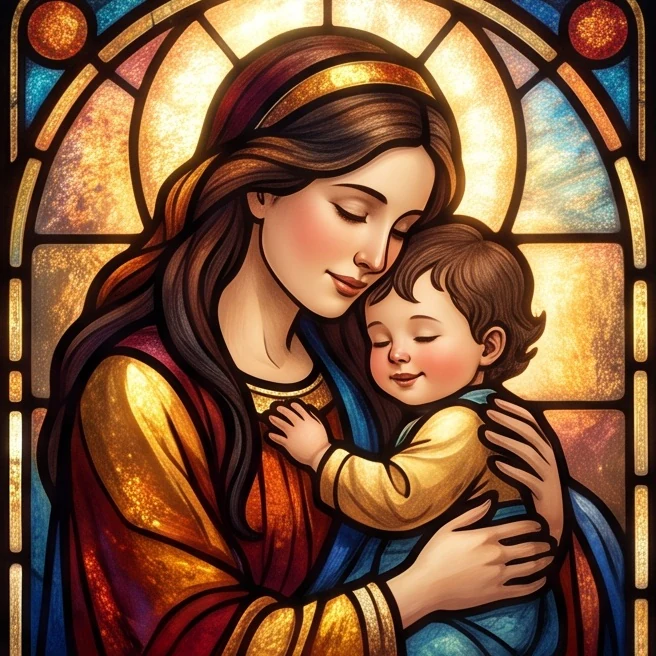
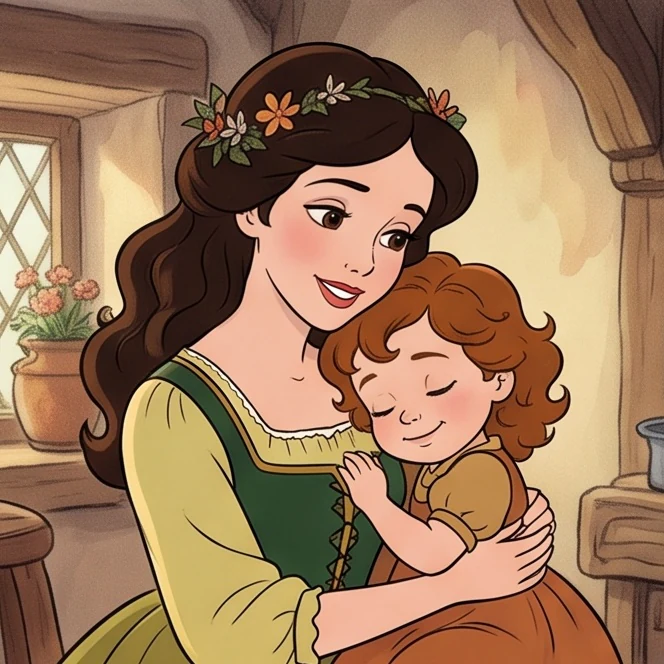
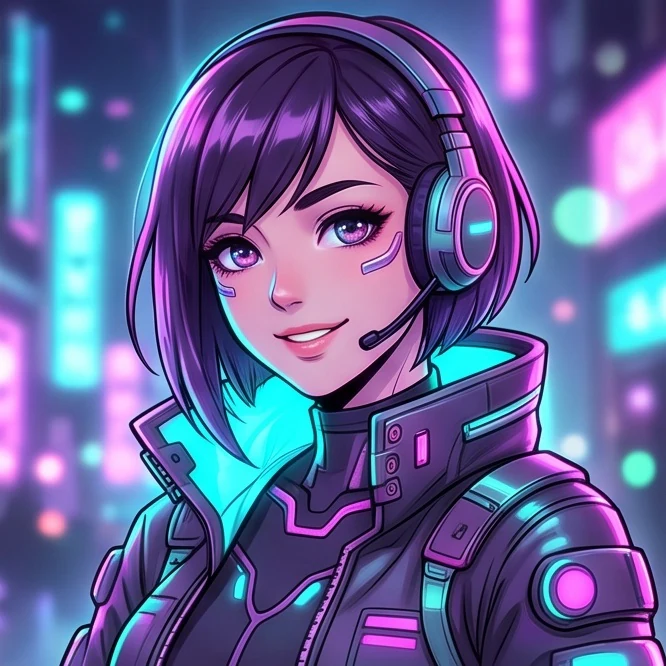
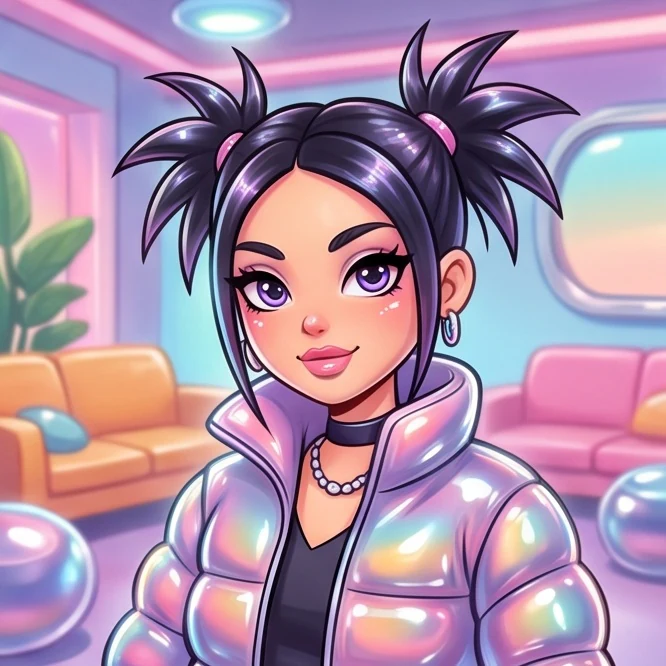
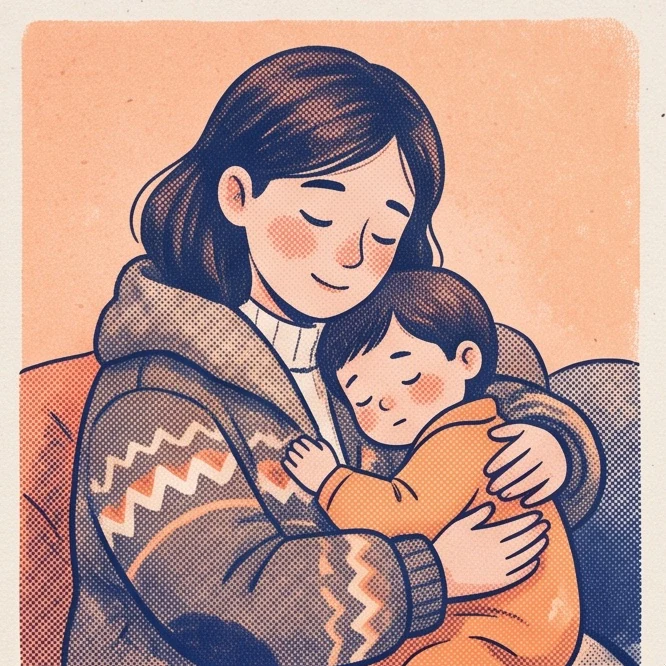
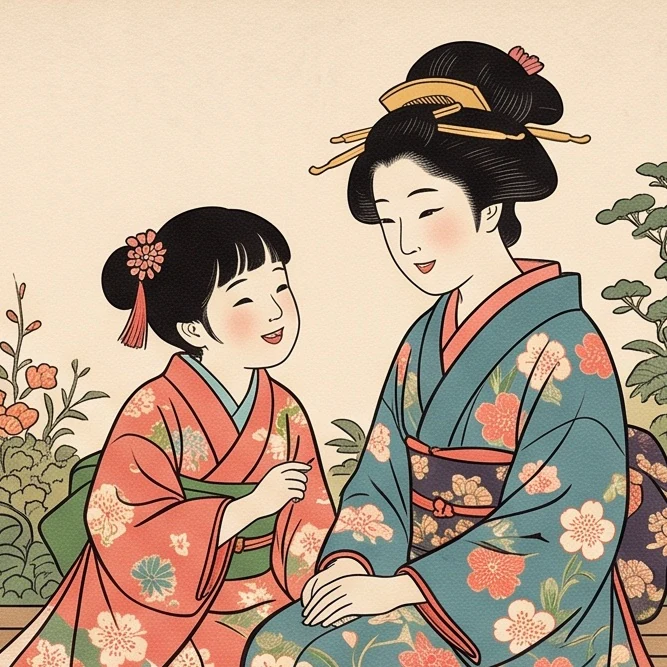
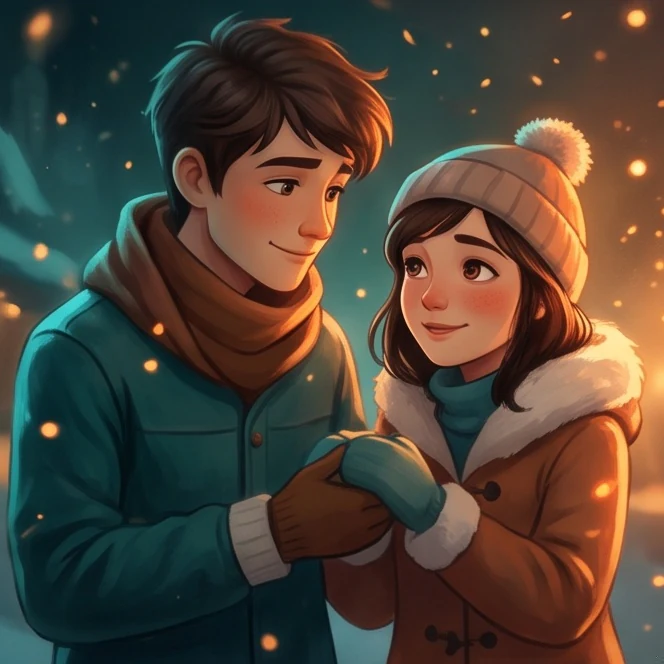
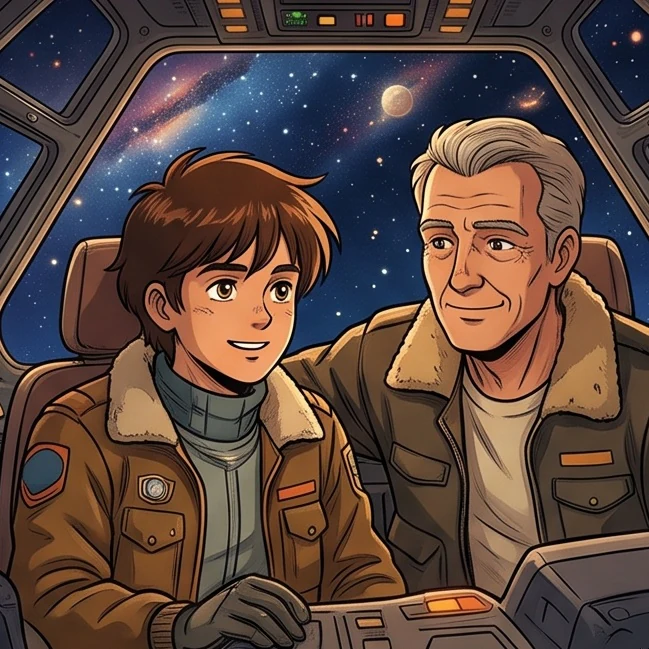
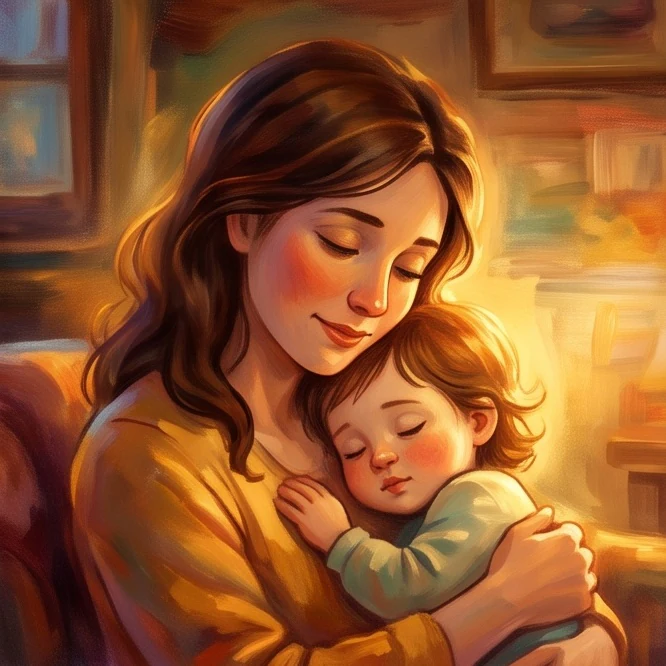
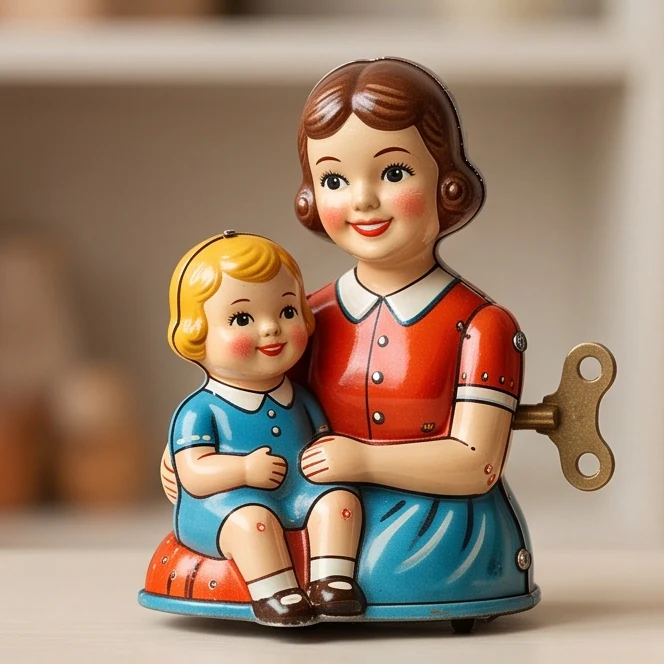
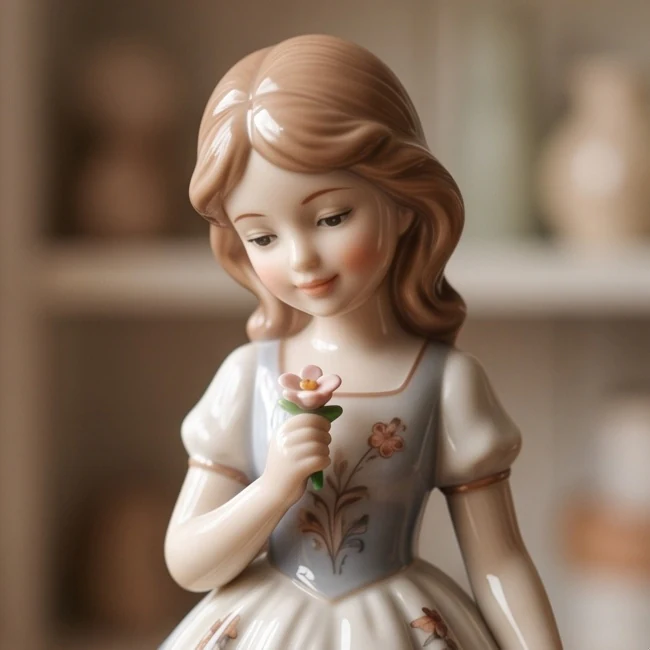
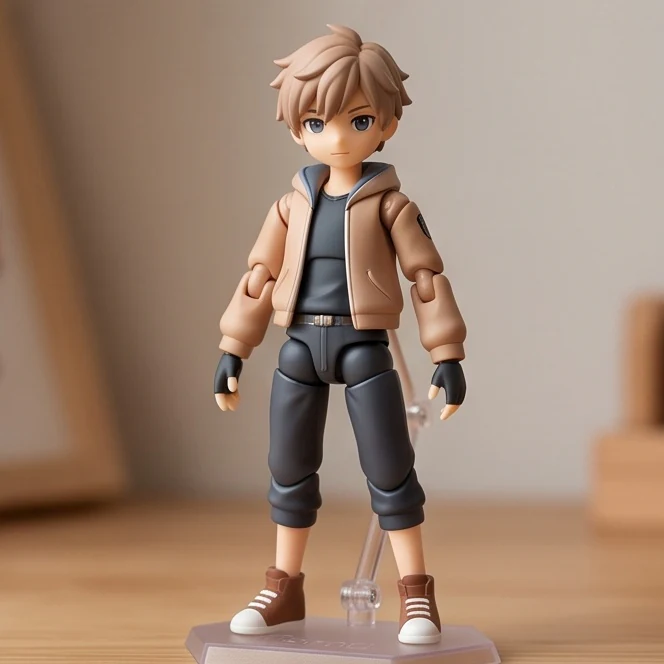
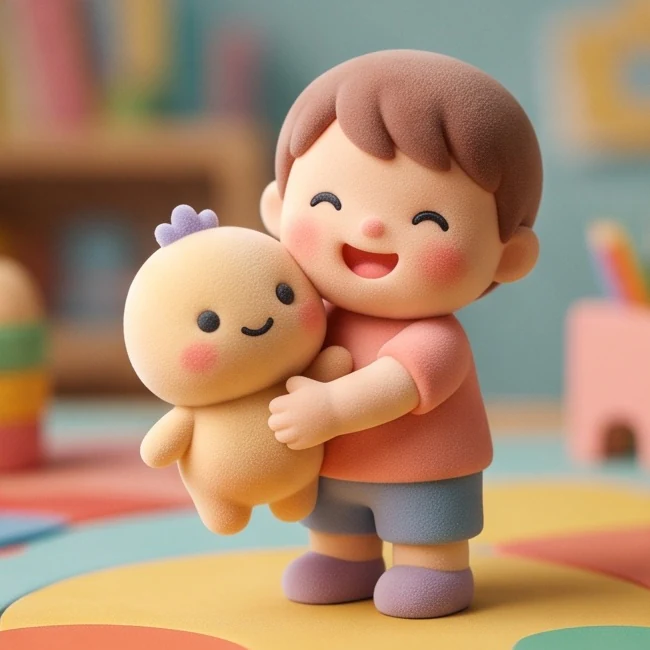
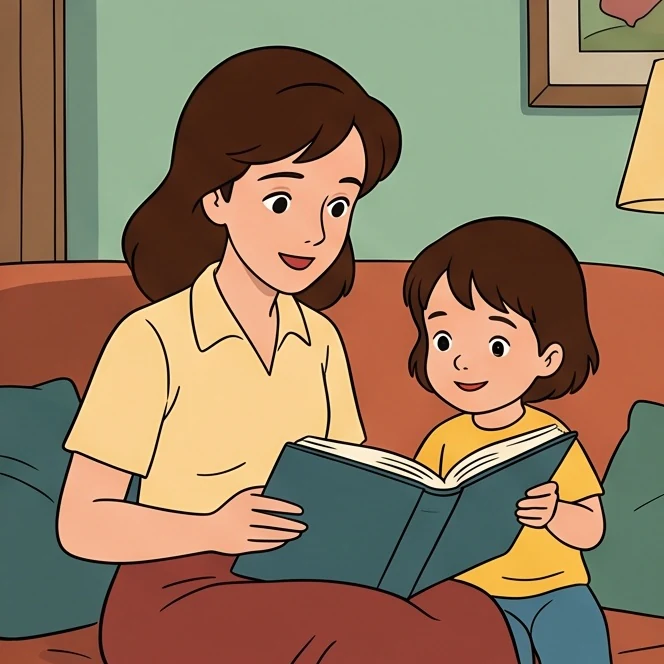
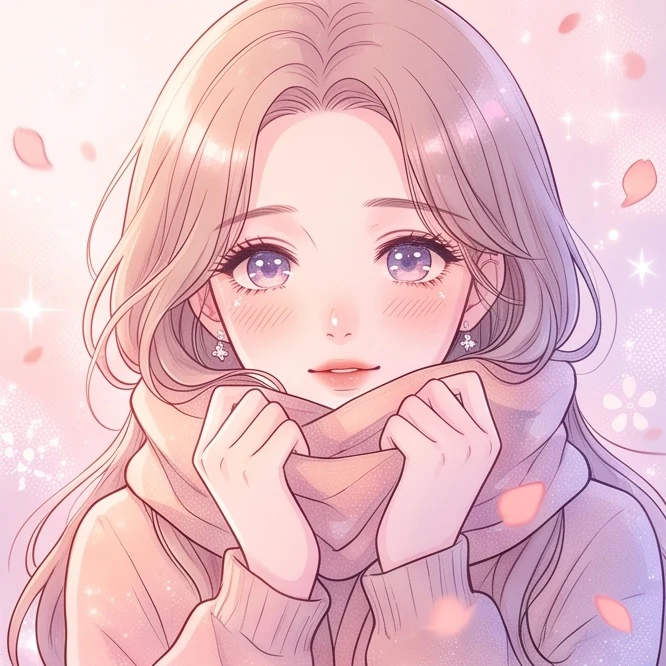
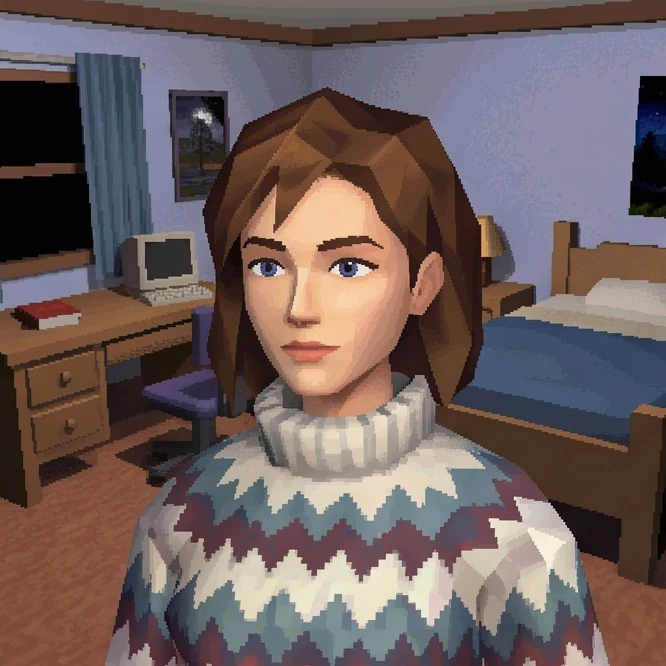
Hand-drawn styles emphasize outlines and brushwork. Anime and comic styles use graphic shading. Clay, plush, and brick-built styles reinterpret your subject as a dimensional character.
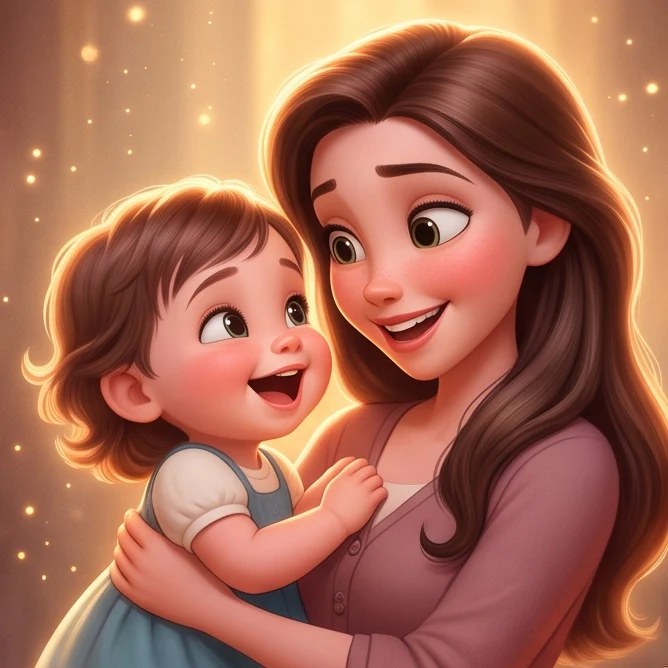
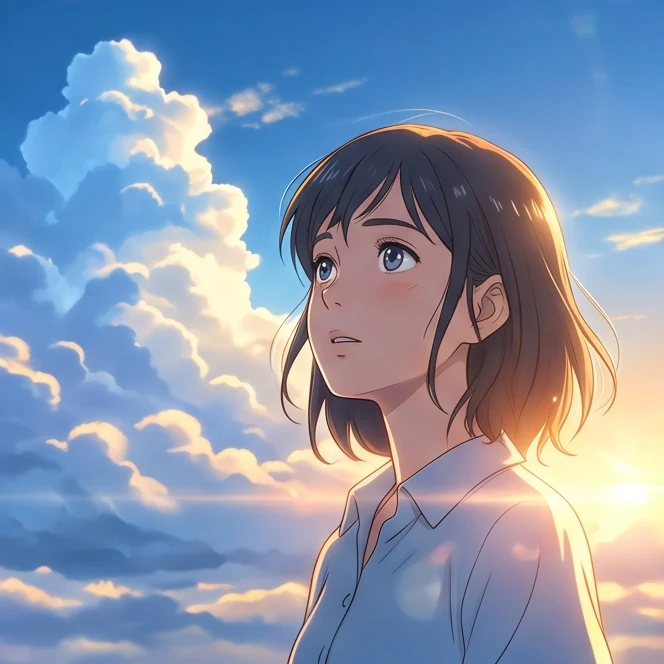
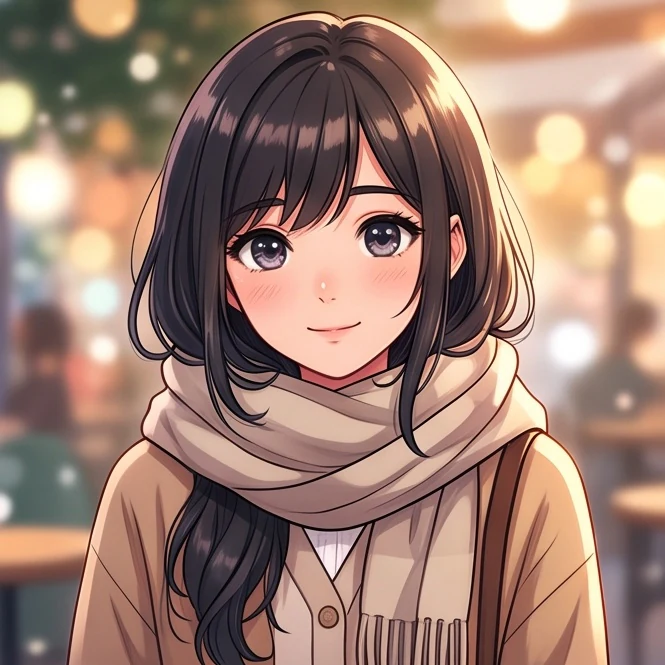
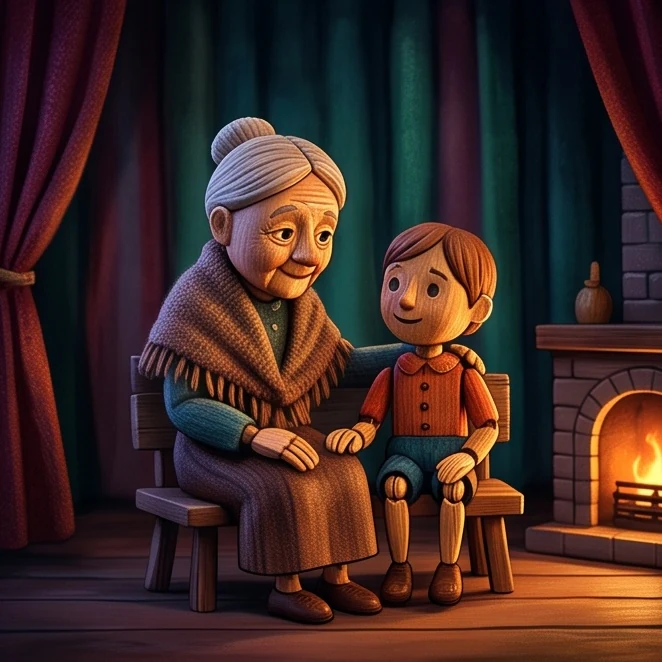
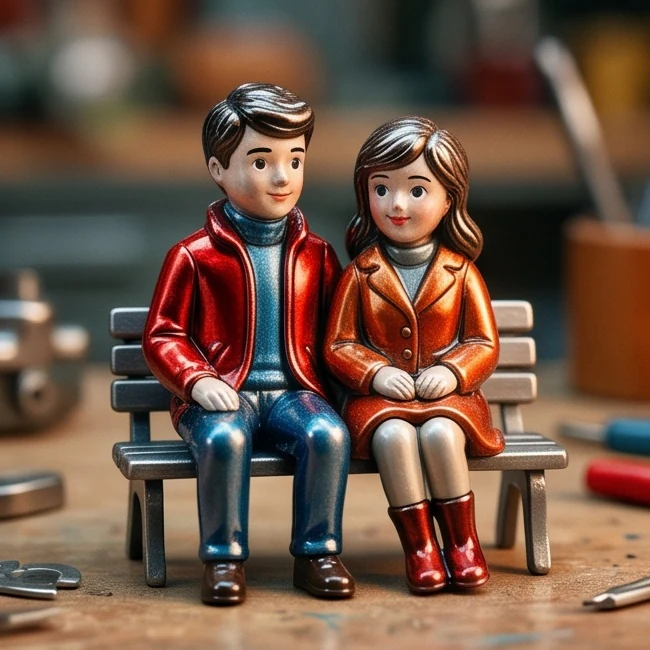
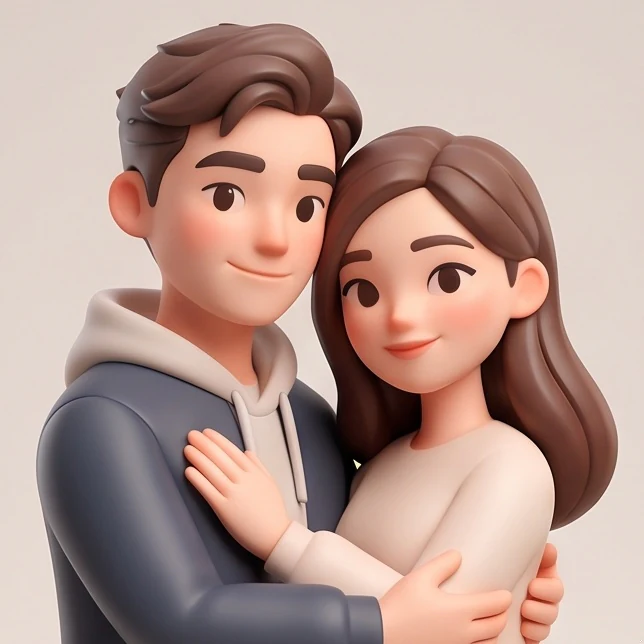
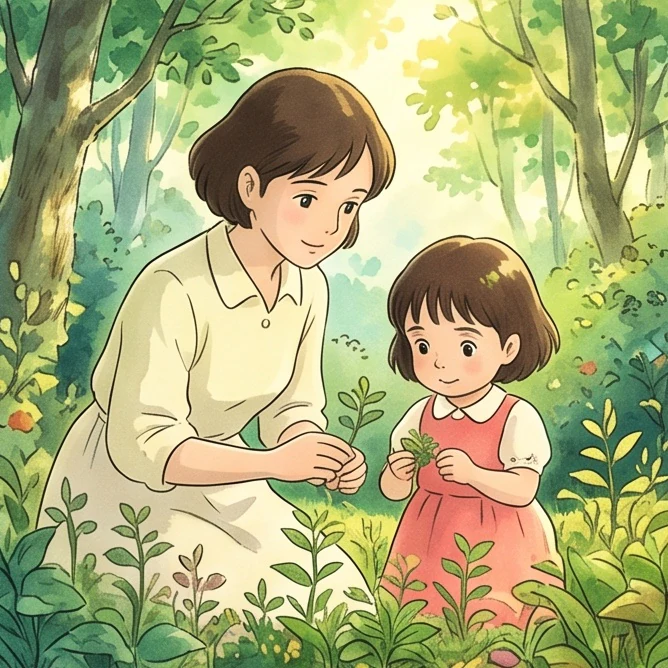
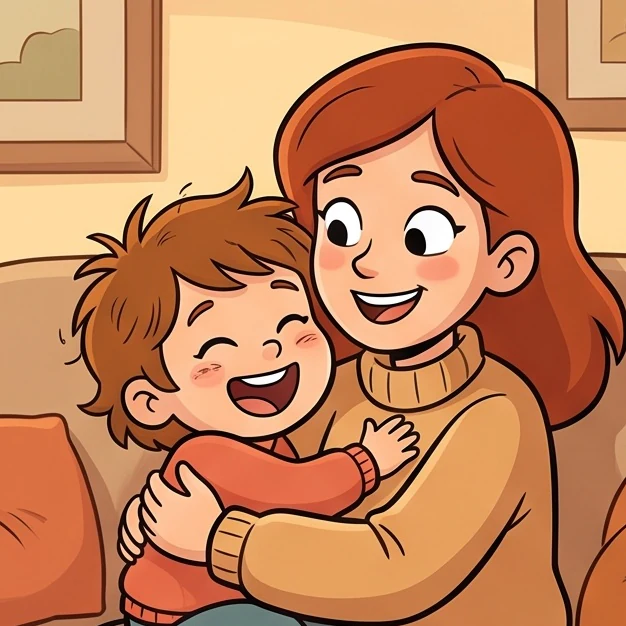
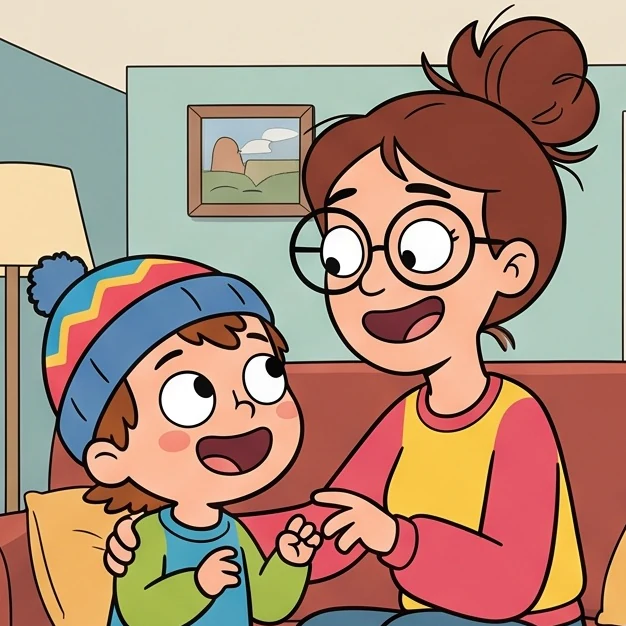
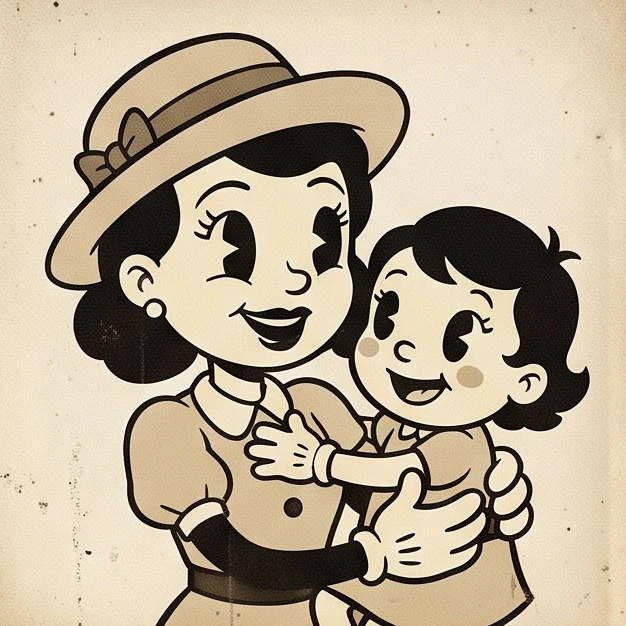
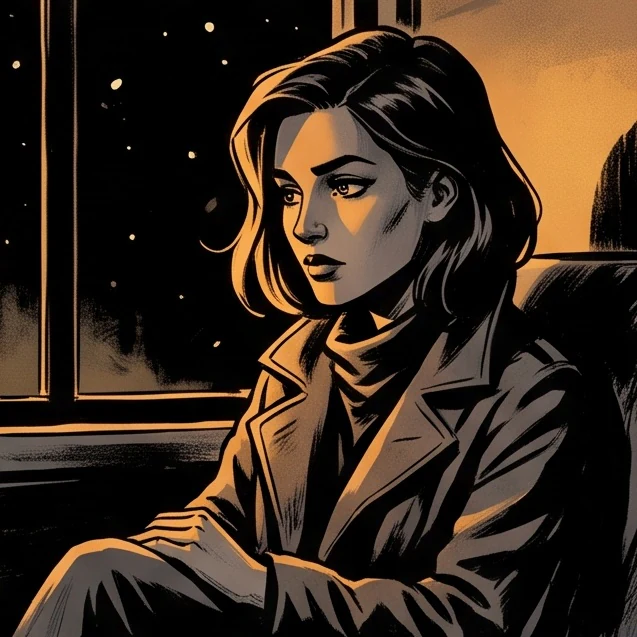
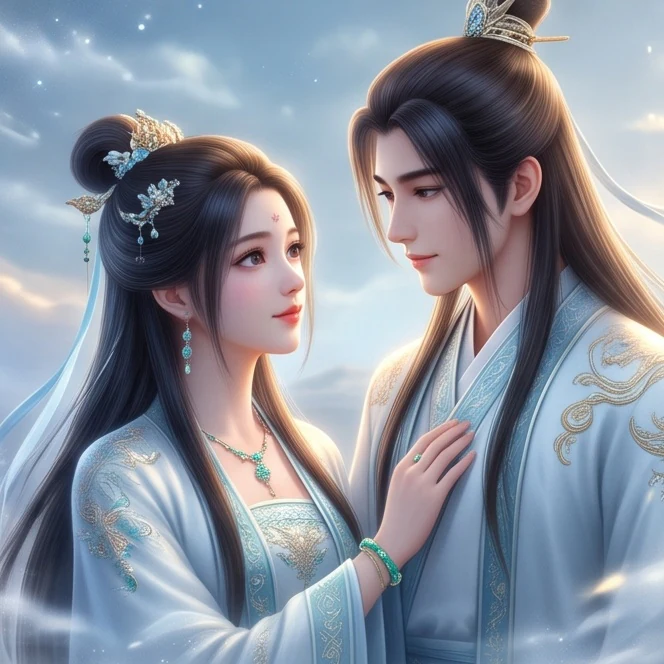
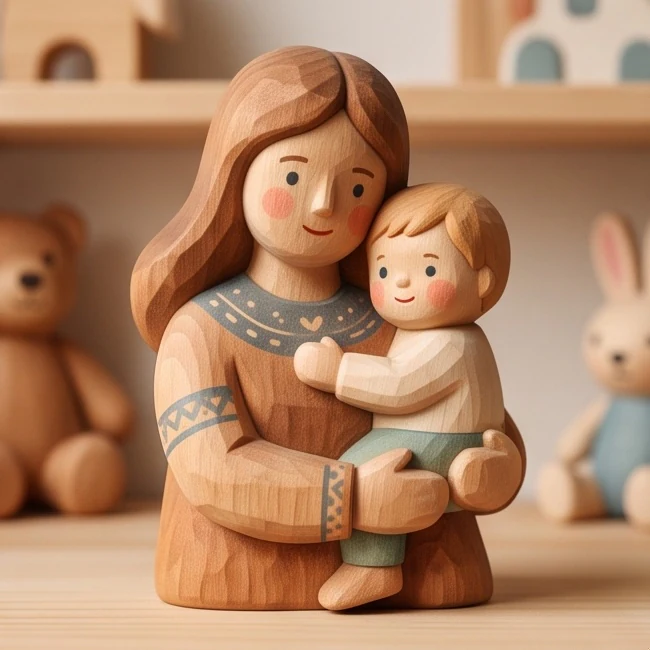
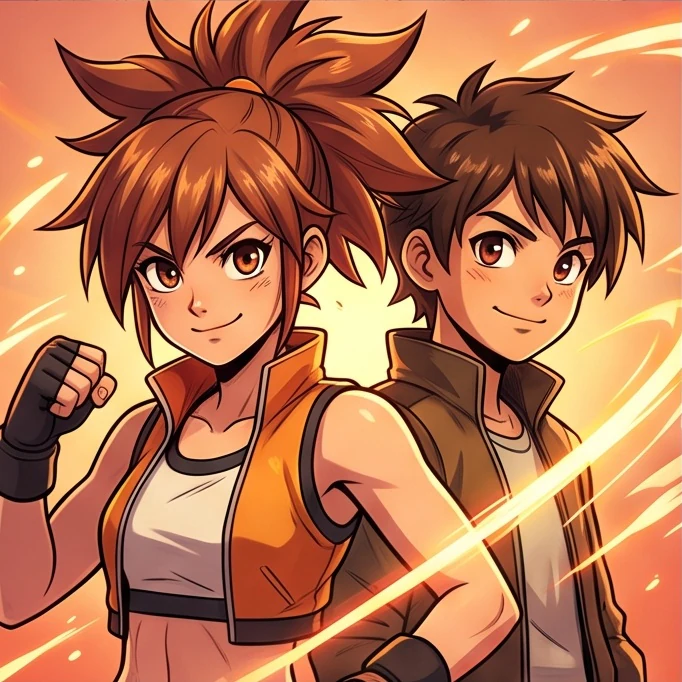
More Ways to Cartoonify Your Image
Set your output size and shape, then download the finished result. Your photo guides the subject and composition; the chosen style guides the look.
A Cartoon Based on Your Photo
Your photo guides facial features, expression, hairstyle, pose, and clothing. Each style changes proportions differently, so resemblance can vary between results.
Photo-guided
Choose a Style from the Previews
Compare anime, comic, watercolor, pixel, toy, and other looks by thumbnail. Choose a named style instead of describing one from scratch.
Preview-based
Style Across the Whole Scene
Your chosen style guides the colors, lighting, outlines, and textures of both the subject and background. The result is a newly generated image based on your photo.
Style-guided
Up to 4K Resolution
Choose 1K for exploring a look, or 2K and 4K for a larger output. Check the displayed credit cost before starting each generation.
1K · 2K · 4K
Flexible Aspect Ratios
Auto lets the model choose the image proportions; it does not guarantee a match to your upload. Choose 1:1, 4:3, 3:4, 16:9, or 9:16 when you need a specific shape.
Auto + 5 ratios
Create in Your Browser
Upload, select a style, and generate in your browser. Download the result when it is ready, or return to My Creations to find it later.
No app to install
FAQ
Can I turn a picture into a cartoon with AI?+
Yes. AI Cartoonify uses your picture as a reference for the subject and composition, then applies the cartoon style you choose. Generate the result directly in your browser without writing a prompt.
How do I cartoon myself from a photo?+
Upload a sharp selfie with your face and hairstyle clearly visible. Choose a style, select your resolution and aspect ratio, and start generation. Good lighting and minimal filters help the tool interpret your features.
What are the best cartoon styles for AI?+
The best cartoon styles for AI depend on the finish you want: watercolor for soft painted edges, comic styles for bold outlines, or clay and brick-built looks for dimensional characters. For a cute finish, try Miniature Chibi Anime or Fuzzy Plush Toy Character. Compare the examples before choosing.
What cartoon style names can I choose from?+
The library has 60+ named styles, including Playful Exaggerated 3D Comedy, Brick-Built Family Portrait, Miniature Chibi Anime, and Watercolor Storybook Portrait. Each name appears on its thumbnail in the tool so you can match the style to the preview.
Can I cartoonize myself without installing an app?+
Yes. Upload your photo and generate directly in your browser. You do not need a separate photo editor or any prompt-writing skills. Sign in and use account credits when you are ready to generate.
Is it free to try?+
Each image generation requires sign-in and account credits: 30 for 1K, 50 for 2K, or 80 for 4K. You can browse the styles and examples before generating. The tool shows the cost before you start.
Can AI turn me into a cartoon while keeping my facial features recognizable?+
Your upload guides recognizable features, expression, hairstyle, and gaze. The selected style may simplify or exaggerate those details, especially in chibi and toy styles. Resemblance varies, so use a clear source photo and compare a few styles if identity is your priority.
How can I turn myself into a cartoon for a profile picture?+
Start with a close, well-lit portrait and choose the style you want. Select a 1:1 ratio for a square avatar, then review the face and framing in the finished image. Download the result and crop it to your profile platform's requirements if needed.
Your Photo. Your Next Cartoon Portrait.
Turn your photo into a cartoon in your chosen style, then set the output size.
Give your profile picture or next post a style of its own.
