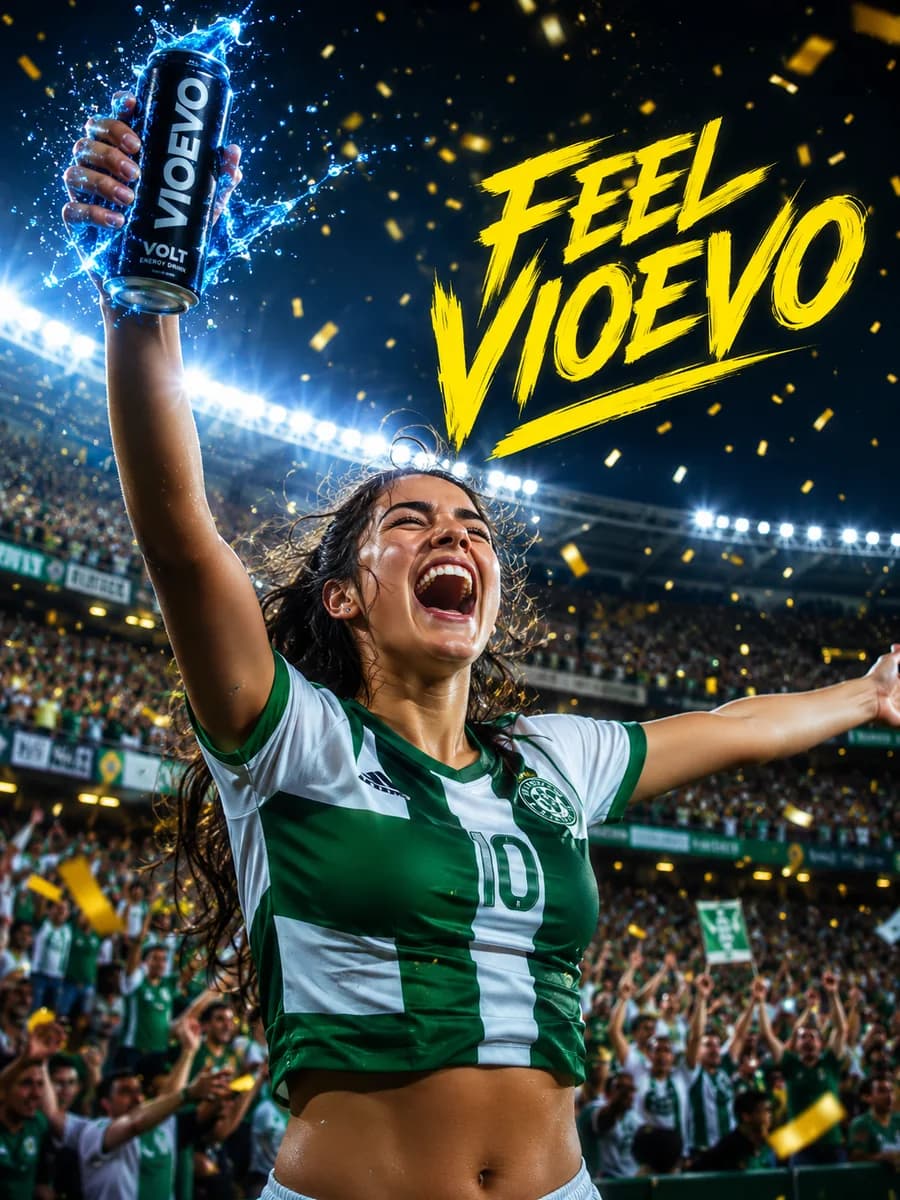
Upload a reference image and guide the edit with text to refresh composition, product photography, or campaign variants.
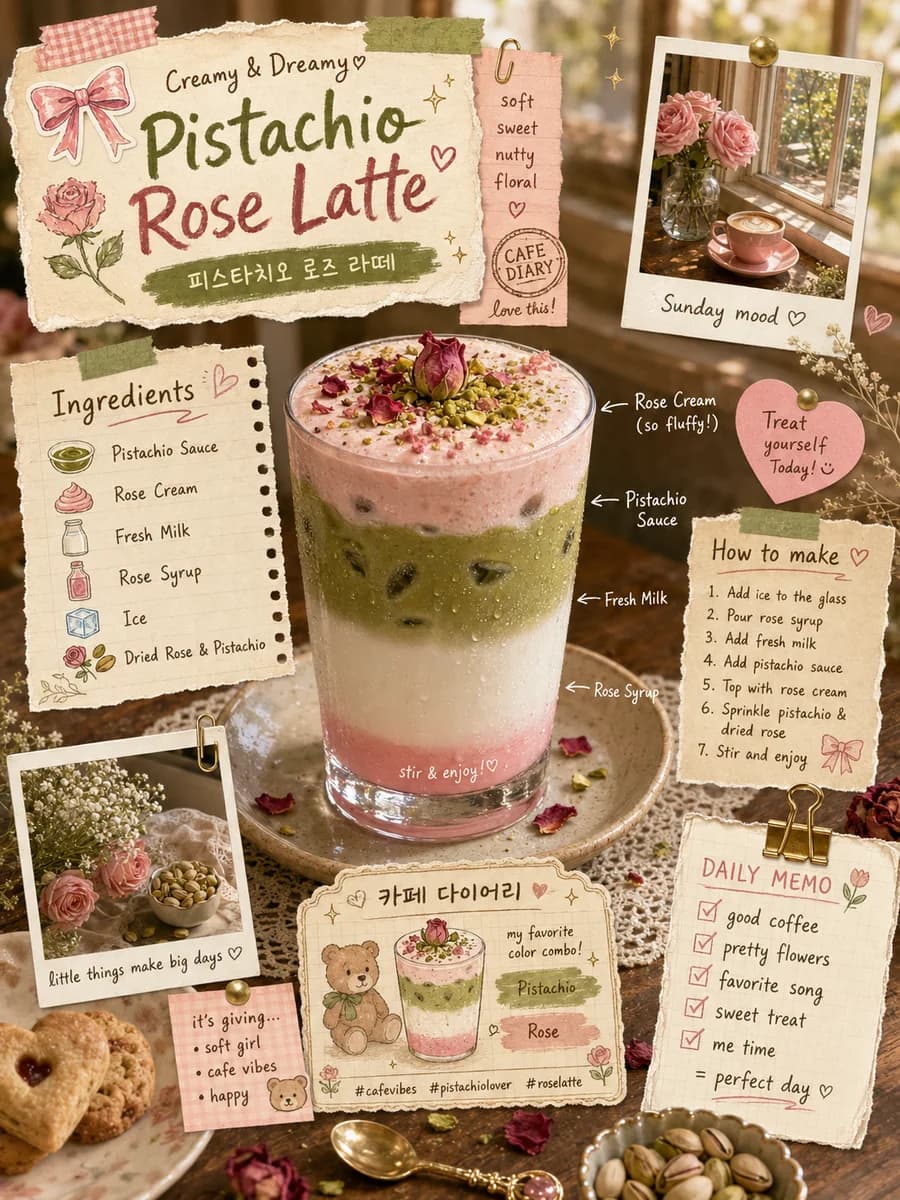
Pistachio Latte Recipe
A cute scrapbook-style layout for a Pistachio Rose Latte recipe featuring torn paper, polaroids, Korean text, and a layered pink and green drink.
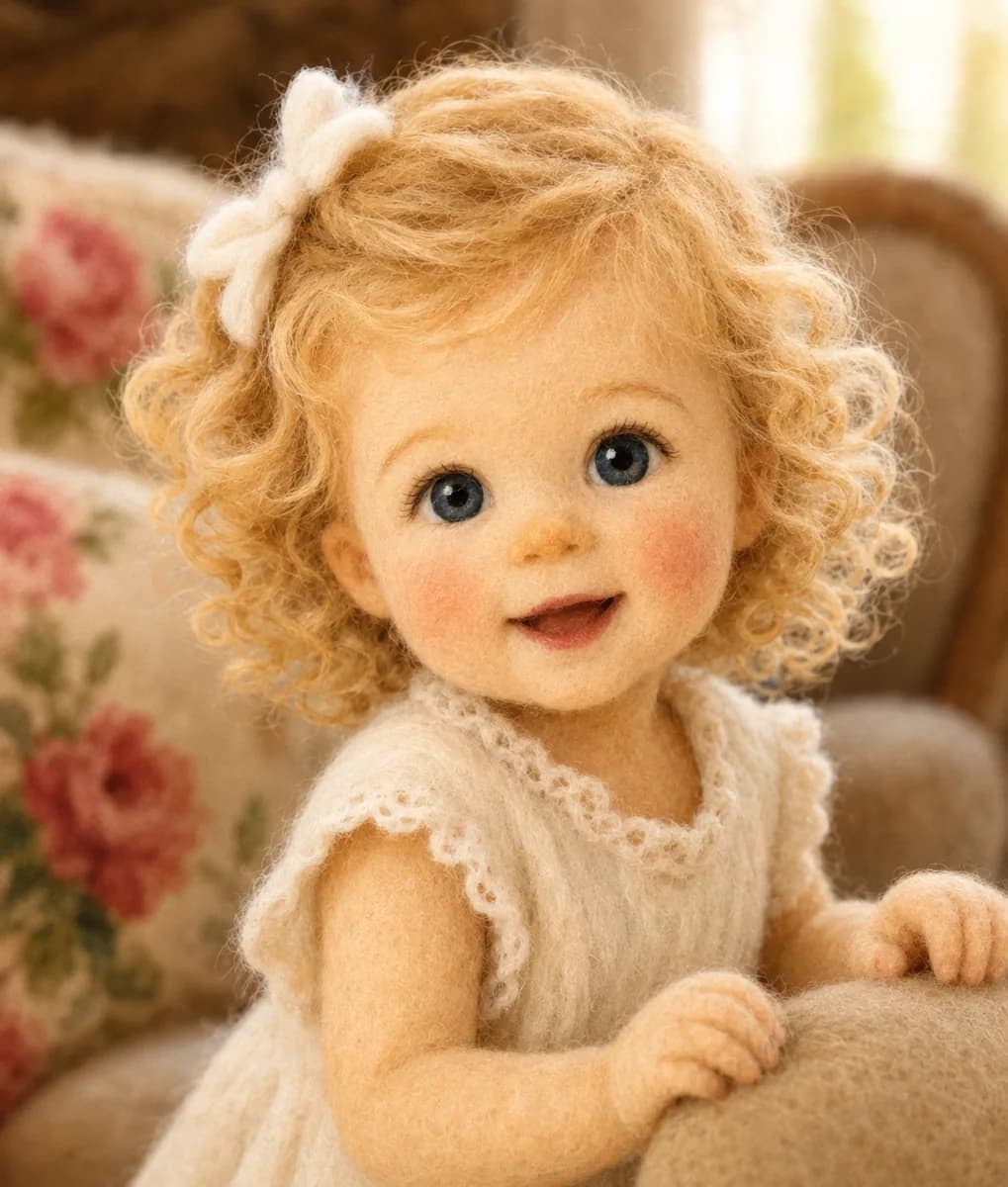
Needle-Felted Girl
A realistic portrait of an adorable little girl made entirely of needle-felted wool, with blonde curly hair, blue eyes, and a soft texture.
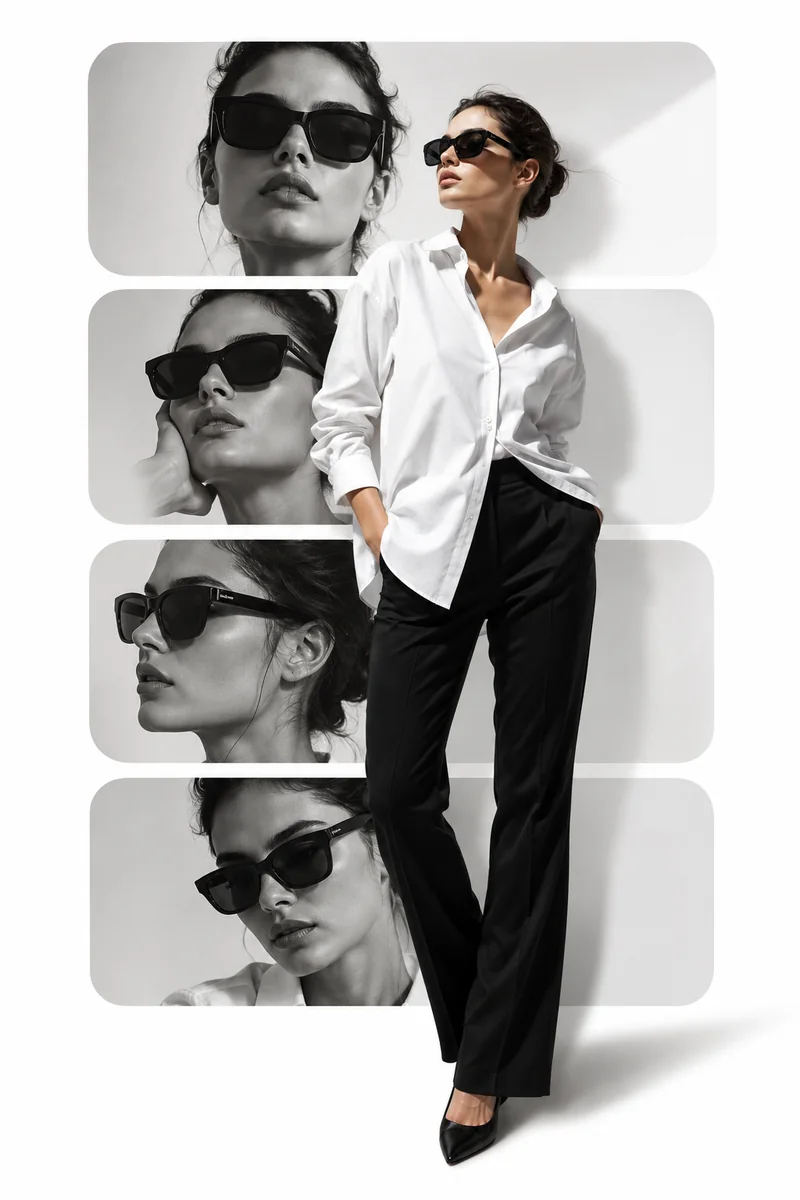
Fashion Editorial Layout
An editorial collage with four monochrome panels of a woman modeling sunglasses, juxtaposed with a full-body shot in a white shirt.
Image-to-image is strongest when the source image is already useful and the task is to reshape it into a different presentation.
Prompt-guided editing is strongest when the source image stays useful and the edit only needs to move the presentation into a new direction.
The model works best when you state what should remain stable before you describe what should change.
Start with the image that already has the subject, framing, or product you want to preserve.
Explain the new style, background, mood, or presentation you want the final image to reflect.
Match the aspect ratio to the final placement so the transformed image is ready for the channel you need.
Decide whether the result should stay close to the original or move into a more dramatic restyle.
Create your free account in seconds and start generating right away.