VioEvo AI logoVioEvo AI
Video
Text to VideoImage to VideoVideo to VideoReference to Video
Image
Text to ImageImage to Image
Effects
AI Pose Changer

AI Text to Image Generator for Polished Still Images

Generate polished still images from prompts for concept art, product mockups, editorial visuals, and campaign-ready assets.

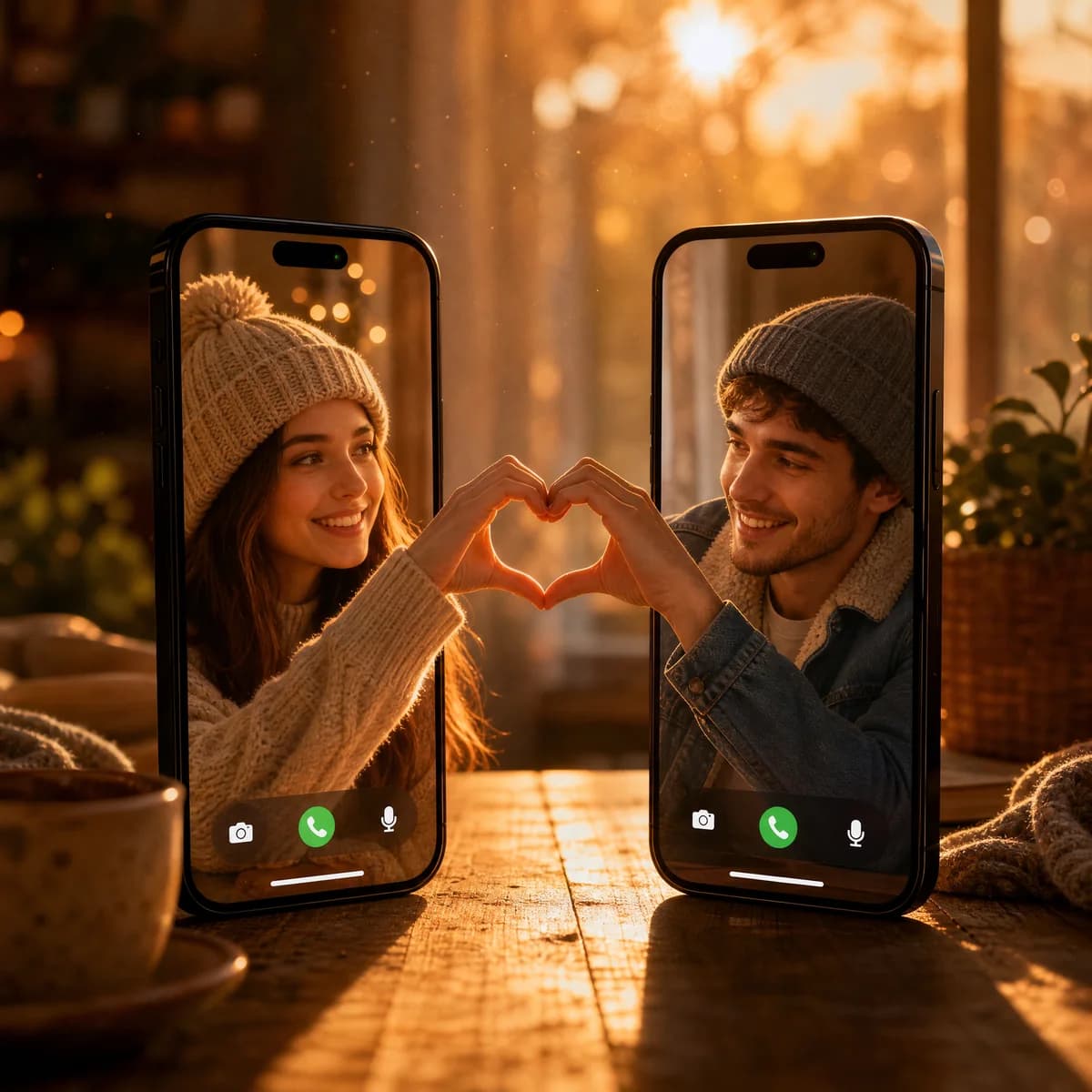
Video Call Heart Connection

Video Call Heart Connection

A creative composition of two smartphones standing upright on a wooden table during a golden hour sunset. The screens display a video call between a young woman and man, both wearing beanies, making half of a heart shape with their hands that align perfectly.

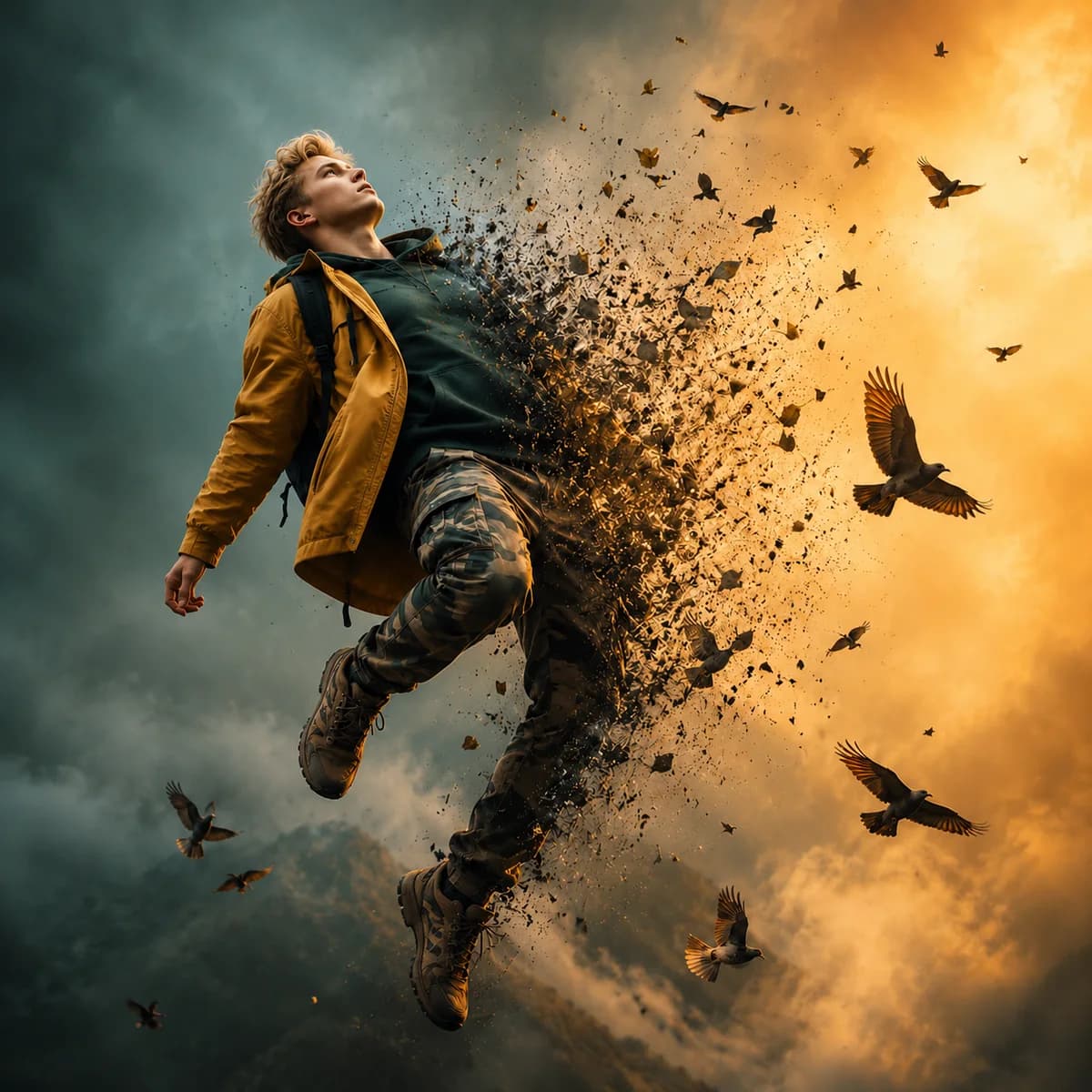
Dispersion Effect Portrait

Dispersion Effect Portrait

A cinematic image of a man floating in mid-air against a stormy sky, his body magically dissolving into a flock of birds flying toward the sunset.

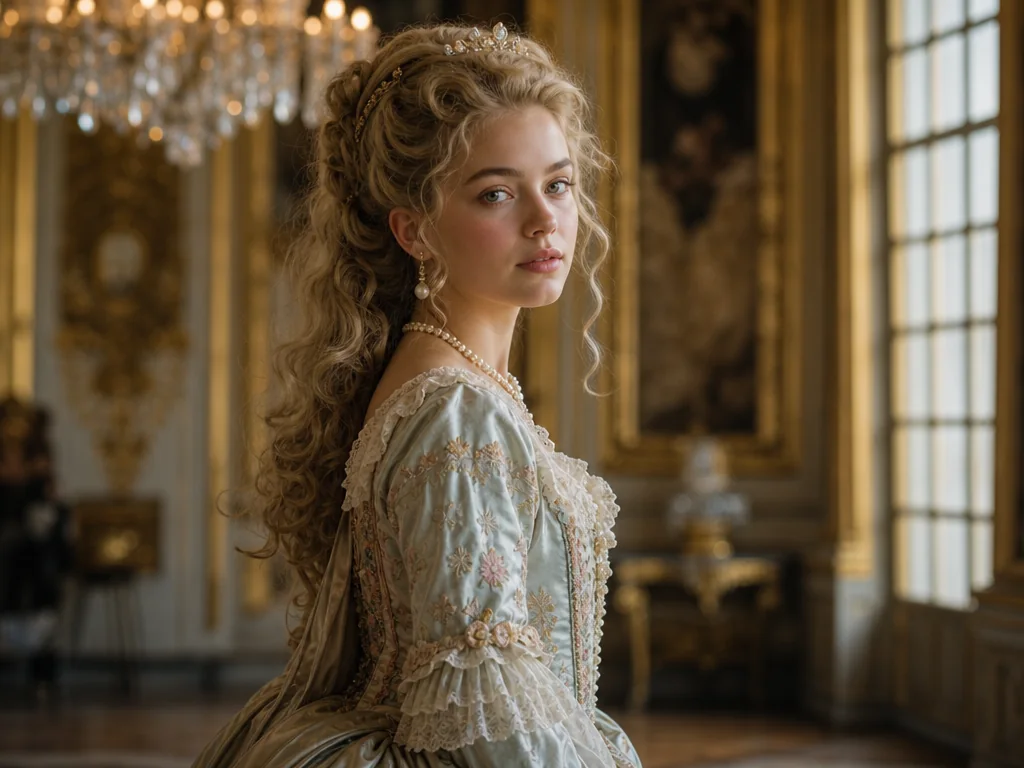
Classical Princess Portrait

Classical Princess Portrait

A portrait of a stunning young princess wearing an ornate 18th-century embroidered gown, standing in a grand sunlit European palace.

What a text to image prompt should define first

Polished stills usually come from prompts that define the subject, the composition, and the finish in a clear order instead of dumping every detail at once.

01

Subject

  • Name the thing the image should center on before you add any style language.
  • Describe the subject type, scale, and the most important visual cue.
  • Keep the subject simple when you want the generation to stay focused.
02

Composition

  • Tell the model how the frame should be arranged and where the attention should sit.
  • Add placement, angle, or balance cues when the framing matters for the final use.
  • Use composition language early for product, editorial, or hero-image work.
03

Finish

  • Specify lighting, materials, palette, or mood so the output feels presentation-ready.
  • Add the channel or intended use when the image must fit a campaign or article layout.
  • Treat the finish as the difference between a raw idea and a usable still.

From prompt to polished still

Text to image works best when the prompt is structured enough to describe subject, composition, and visual tone in one pass.

  1. 1

    Describe the frame

    Start with the subject, scene, composition, and the most important visual detail so the model has a clear anchor.

  2. 2

    Set the format

    Choose the aspect ratio that matches your channel, whether that is social, web, editorial, or ad creative.

  3. 3

    Generate multiple options

    Compare variations and keep the strongest still as the base for further design or campaign work.

  4. 4

    Refine the direction

    Adjust mood, material, or composition until the image feels ready for presentation or export.

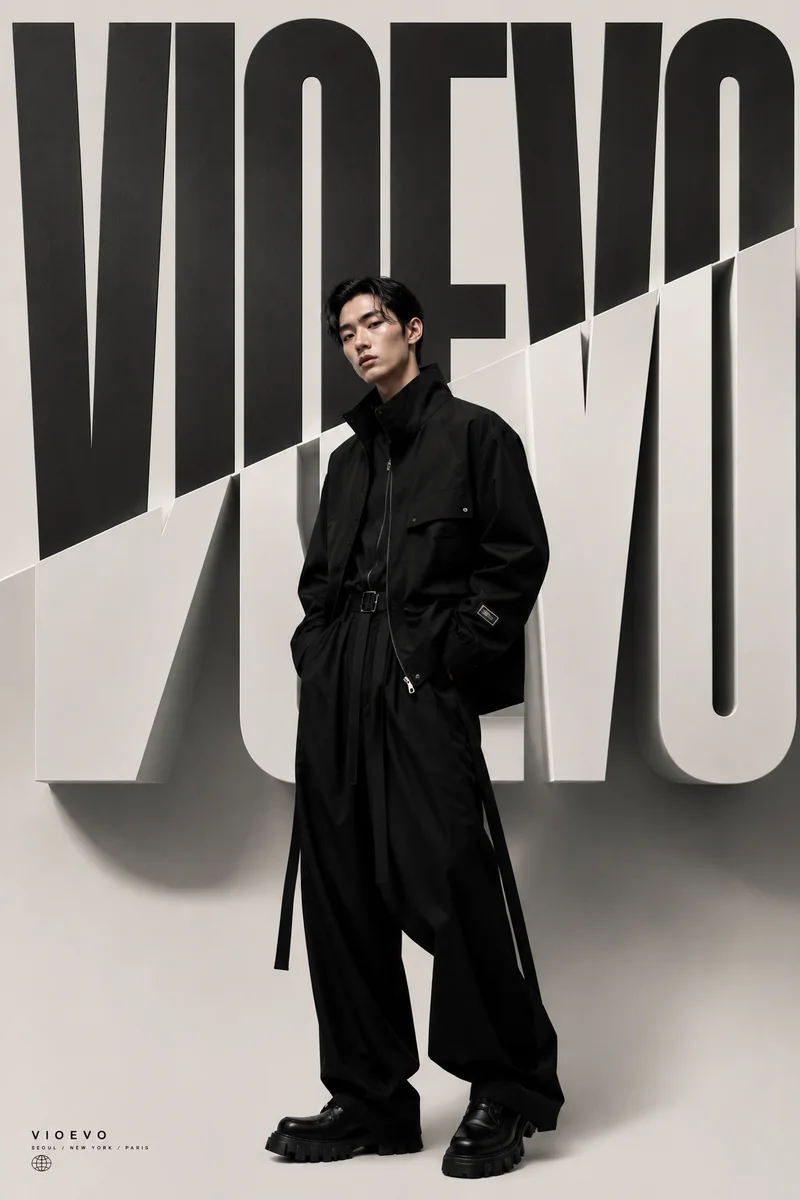
High Fashion Editorial

High Fashion Editorial

A high fashion editorial portrait of an Asian male model wearing avant-garde black streetwear with long hanging straps, standing confidently in front of a striking black and white split background with giant 3D typography. Cinematic studio lighting.

Text to image FAQs

What is the best prompt structure for text to image?

A clear subject, a concrete setting, a composition cue, and a short note about lighting or style usually produce the most reliable results.

Can I use text to image for product mockups?

Yes. It is a strong fit for product concepts, campaign stills, packaging ideas, and early visual testing before production work begins.

Which output formats should I choose?

Pick the ratio that matches the final placement. Square, vertical, and landscape all work well depending on where the image will be used.

Is text to image useful for editorial work?

Yes. It works well for editorial hero imagery, article leads, and style exploration when you want a polished still rather than motion.

Features

Single prompt to polished image generation
Multiple aspect ratios for social, web, editorial, and ads
ChatGPT Image 2, Wan 2.7, and Grok Imagine routes
Reliable image generation with consistent polling and history
Built for concept reviews, product mockups, and campaign stills

Powered by production-ready AI models

ChatGPT Image 2.5
ChatGPT Image 2.5
ChatGPT Image 2
ChatGPT Image 2
Nano Banana 2
Nano Banana 2
Grok Imagine
Grok Imagine
Grok Imagine Quality
Wan 2.7 Image
Wan 2.7 Image
Wan 2.7 Image Pro
Wan 2.7 Image Pro

Ready to create polished images from prompts? Sign up now and get started!

Create your free account in seconds and start generating right away.

VioEvo AI logoVioEvo AI

One cinematic studio for video and image generation. Start from the input you already have.

https://www.vioevo.comsupport@vioevo.com

Explore

Text to VideoImage to VideoReference to VideoVideo to VideoText to ImageImage to ImageAI Pose Changer

Models

All ModelsMiniMax H3ChatGPT ImageHappy HorseGrok ImagineSeedanceGoogle Veo

Company

PricingBlogContact UsAbout

Legal

Privacy PolicyTerms of ServiceRefund PolicyDMCAAcceptable Use Policy

© 2026 VioEvo. All rights reserved.