VioEvo AI logoVioEvo AI
Video
Text to VideoImage to VideoVideo to VideoReference to Video
Image
Text to ImageImage to Image

Text to Image AI Generator

Text to image generation creates completely new visuals from a written prompt, turning detailed descriptive sentences into fresh high-resolution stills. The model synthesizes original compositions from your words rather than overlaying text onto existing photos. Need to change an existing image instead of starting from text? Use the image to image editor.
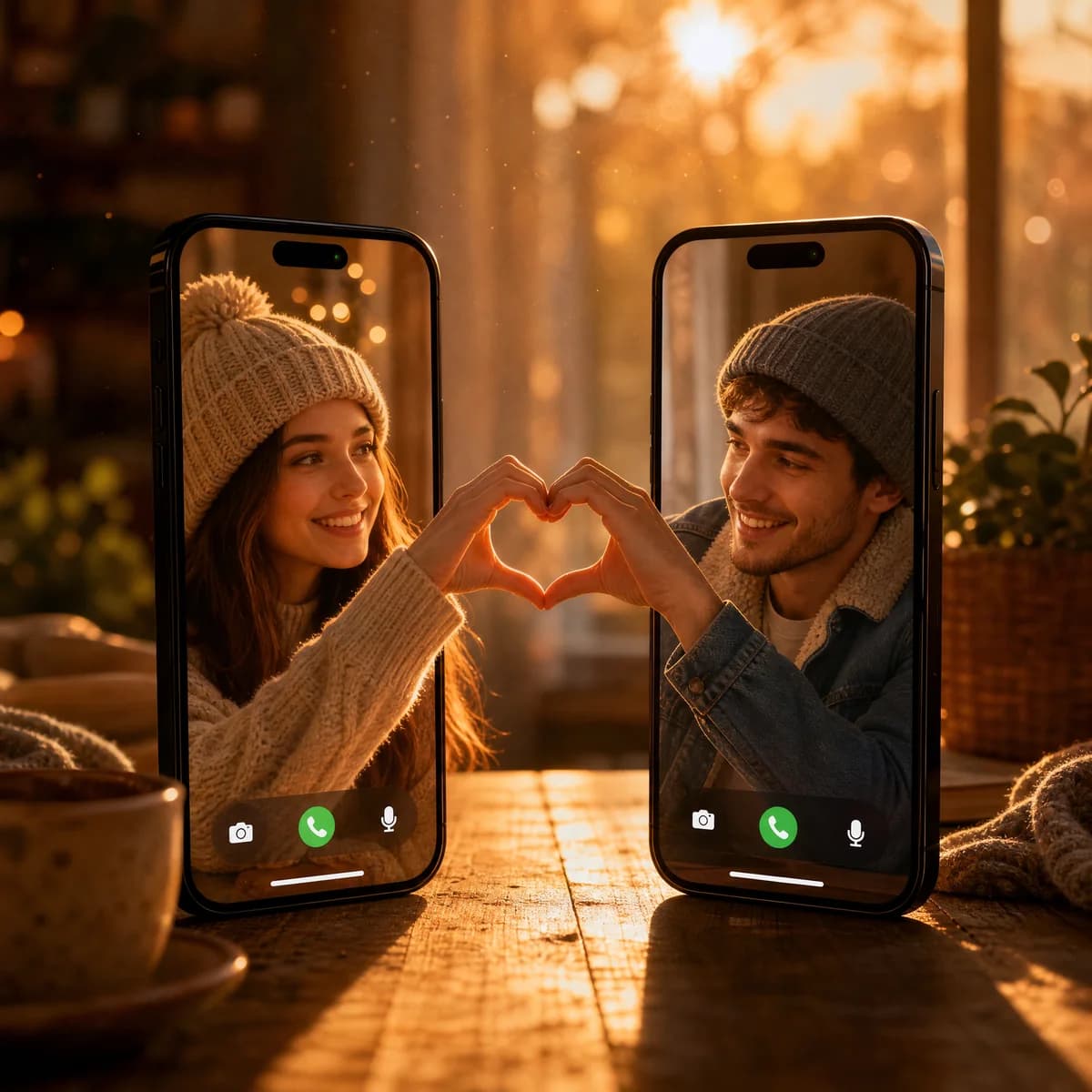
Video Call Heart Connection
Video Call Heart Connection

Model: ChatGPT Image 2Aspect ratio: 1:1
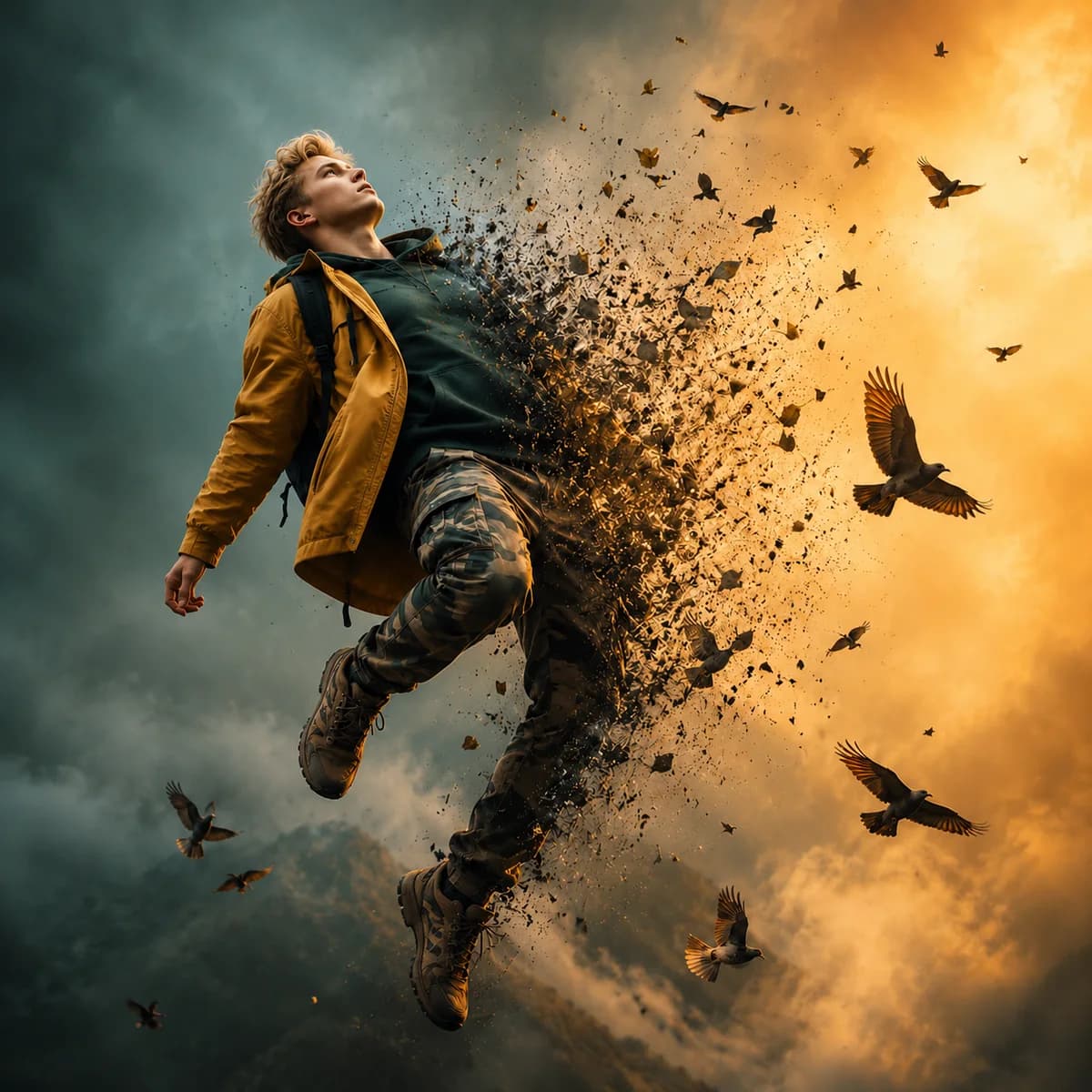
Dispersion Effect Portrait

Dispersion Effect Portrait

Model: ChatGPT Image 2Aspect ratio: 1:1
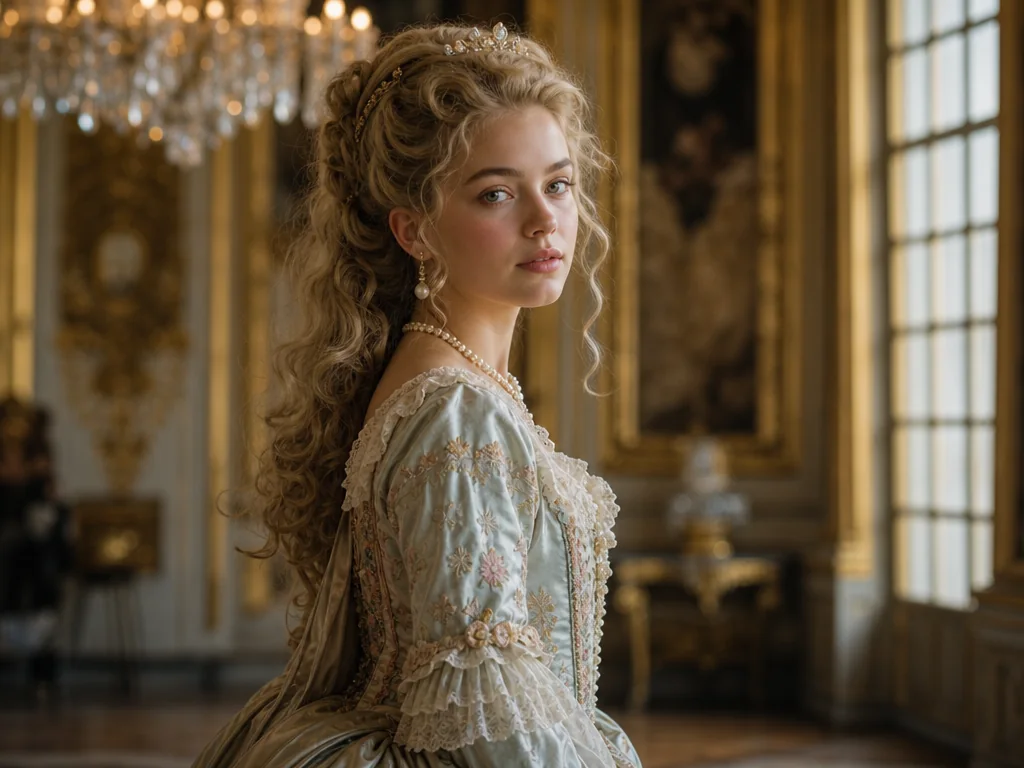
Classical Princess Portrait

Classical Princess Portrait

Model: Nano Banana 2.1Aspect ratio: 1:1

What an AI image generator from text handles and what it doesn't

Before you generate an image from text, understand what this text to image tool synthesizes reliably from words and where alternative workflows serve you better.

01

What it creates from scratch

  • It synthesizes original visual scenes, custom perspective framing, and volumetric lighting directly from descriptive language.
  • The engine renders believable surface materials, cinematic color palettes, and diverse aesthetic styles without needing any reference media.
02

What it struggles with

  • It struggles with long paragraphs of tiny embedded typography, fine hand anatomy, and exact trademarked brand logos.
  • Maintaining identical facial features and character identity across multiple separate runs also requires careful manual seed and prompt tuning.
03

What it does not do

  • This tool generates new visual pixels; it does not overlay graphic text labels onto existing photographs or retouch pre-existing shots.
  • Need to alter an existing picture instead? Use the image to image editor.
04

Clear decision rule

  • If you already possess a source picture that requires modifications, choose the image-to-image pipeline.
  • When you are beginning with only a concept, creative brief, or written prompt, use this text-based creation engine.

How the text to image generator works

As an AI image generator from text, it returns clean visual options when the prompt is structured enough to describe subject, composition, and visual tone in one pass.

  1. 1

    Describe the frame

    Start with the subject, scene, composition, and the most important visual detail so the model has a clear anchor.

  2. 2

    Set the format

    Choose the aspect ratio that matches your channel, whether that is social, web, editorial, or ad creative.

  3. 3

    Generate multiple options

    Compare variations and keep the strongest still as the base for further design or campaign work.

  4. 4

    Refine the direction

    Adjust mood, material, or composition until the image feels ready for presentation or export.

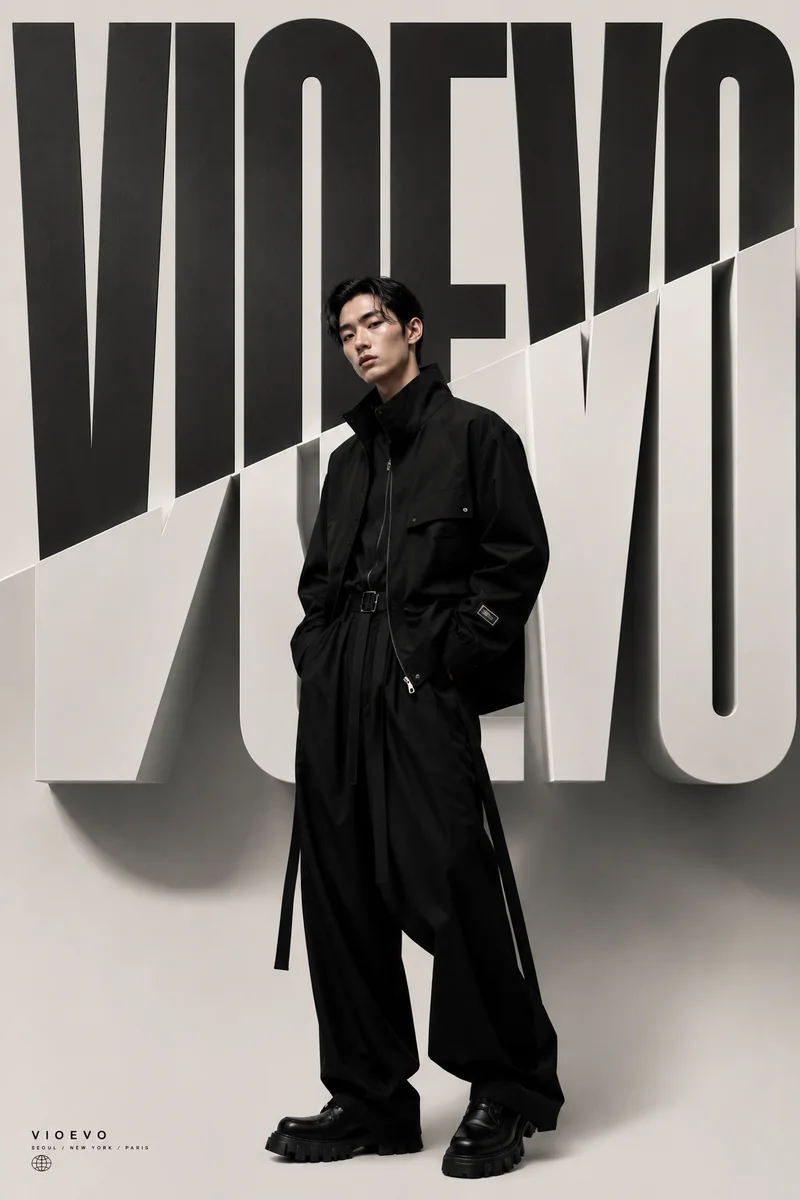
High Fashion Editorial

High Fashion Editorial

What a text to image prompt should define first

Polished stills usually come from prompts that define the subject, the composition, and the finish in a clear order instead of dumping every detail at once.
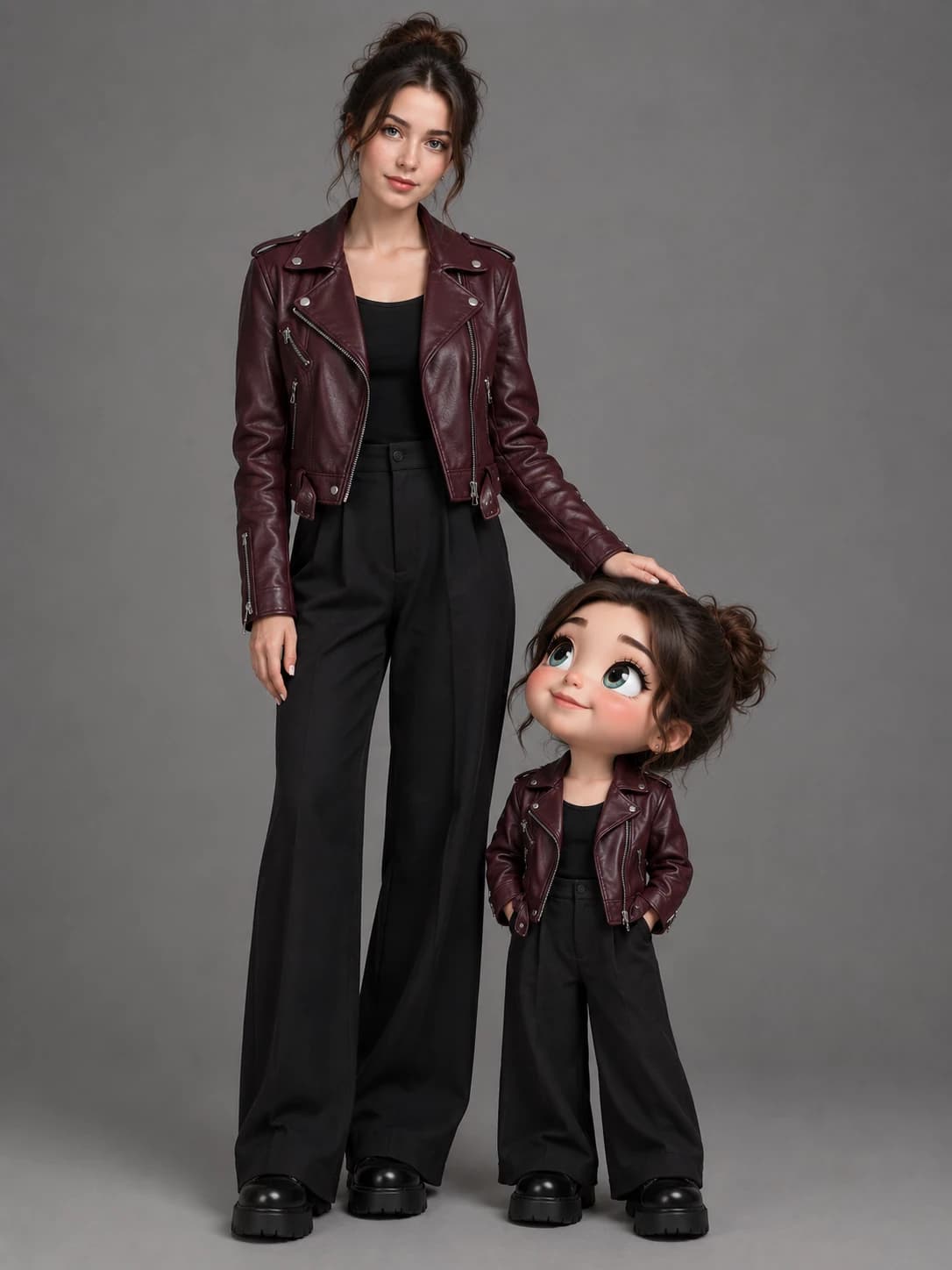

01

Subject

  • Name the primary entity the canvas should center on before adding any decorative styling or mood descriptors.
  • Define subject type, physical scale, and distinctive visual markers so the engine anchors the foreground clearly.
  • Maintain focus on one dominant focal point when you need the generation to preserve clean subject isolation and sharp definition.
  • Avoid stacking contradictory character traits or competing objects that dilute the model's primary attention.
02

Composition

  • Direct how the canvas is arranged, camera perspective, and where visual balance should naturally guide the eye.
  • Include framing distance, perspective angle, or geometric symmetry when the asset must fit specific layout grids.
  • Specify depth of field and spatial negative space early so editorial hero visuals leave room for typography or copy.
  • Ground the environment by stating foreground elements, midground activity, and background atmosphere distinctly.
03

Finish

  • Detail illumination sources, physical material textures, and color grading so the rendering achieves commercial polish.
  • Incorporate realistic surface reflections, volumetric shadows, and lens characteristics suited to presentation contexts.
  • Treat finish instructions as the final refining layer that separates an unpolished digital mockup from production imagery.
  • Align the aesthetic treatment with publishing channels, whether targeting print campaigns, mobile cards, or web layouts.

Text to image use cases

Grok Imagine 2.0 text to image generation visual
Product concept mockups: Generate packaging concepts, studio packshots, and commercial still placements from text descriptions before entering physical prototyping. Teams evaluate early marketing angles and presentation mockups across custom canvas aspect ratios without staging expensive photo shoots.
Social media visuals: Produce tailored feed graphics, editorial banners, and campaign cards across vertical, square, and widescreen formats in seconds. If you want to transform character photography into playful illustrated assets, explore our stylized cartoon effects workflow.
Creative style exploration: Test diverse aesthetic treatments from architectural line art to cinematic oil paintings with consistent polling and session history. When your project demands matching specific body postures across creative variations, pair your ideas with our AI pose changer workflow.

Text to image FAQs

What is the best prompt structure for text to image?

A clear subject, a concrete setting, a composition cue, and a short note about lighting or style usually produce the most reliable results.

Can I use text to image for product mockups?

Yes. It is a strong fit for product concepts, campaign stills, packaging ideas, and early visual testing before production work begins.

Which output formats should I choose?

Pick the ratio that matches the final placement. Square, vertical, and landscape all work well depending on where the image will be used.

Is text to image useful for editorial work?

Yes. It works well for editorial hero imagery, article leads, and style exploration when you want a polished still rather than motion.

Can I generate images for free without an account?

An account is required to generate images and store session history. Every new free account receives complimentary starter credits to test prompts across models, with credit top-ups and subscriptions available when you need ongoing production.

Can I use generated images commercially?

Yes. Images generated using paid subscription plans or purchased credit packs include full commercial use licenses, allowing you to deploy visuals in marketing campaigns, client projects, digital storefronts, and printed materials.

Powered by production-ready AI models

ChatGPT Images 2.5
ChatGPT Images 2.5
ChatGPT Image 2
ChatGPT Image 2
Nano Banana 2.1
Nano Banana 2.1
Grok Imagine Image 2.0
Wan 2.7 Image
Wan 2.7 Image
Wan 2.7 Image Pro
Wan 2.7 Image Pro

Ready to create polished images from prompts?

Create your free account in seconds and start generating right away.

VioEvo AI logoVioEvo AI

Create cinematic videos and images in one creative studio. Start with a prompt, photo, or clip.

https://www.vioevo.comsupport@vioevo.com

Explore

Text to VideoAI Reels GeneratorImage to VideoGrok Image to VideoSeedance AI Video GeneratorReference to VideoVideo to VideoText to ImageImage to ImageAI EffectsAI Pose ChangerAI CartoonifyHotel Lobby AITavus Griffin

Models

All ModelsMiniMax H3ChatGPT ImageNano BananaHappy HorseGrok ImagineSeedanceGoogle Veo

Company

PricingBlogContact UsAbout

Legal

Privacy PolicyTerms of ServiceRefund PolicyDMCAAcceptable Use PolicyEditorial Policy

© 2026 VioEvo. All rights reserved.