
AI Baby Generator: What Will My Baby Look Like?
Combine photos of both parents with VioEvo AI Baby Generator to imagine your future child. Explore how facial traits blend across baby, childhood, and teen growth stages.
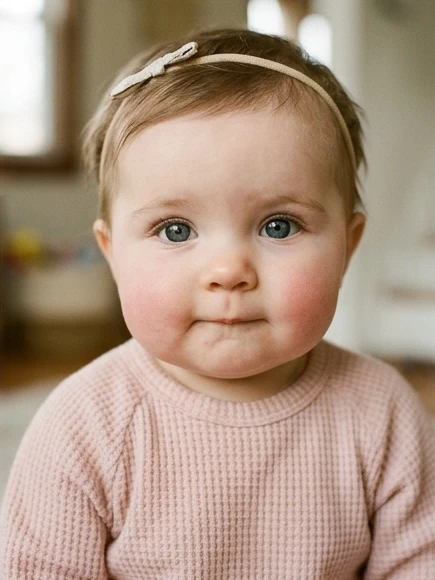
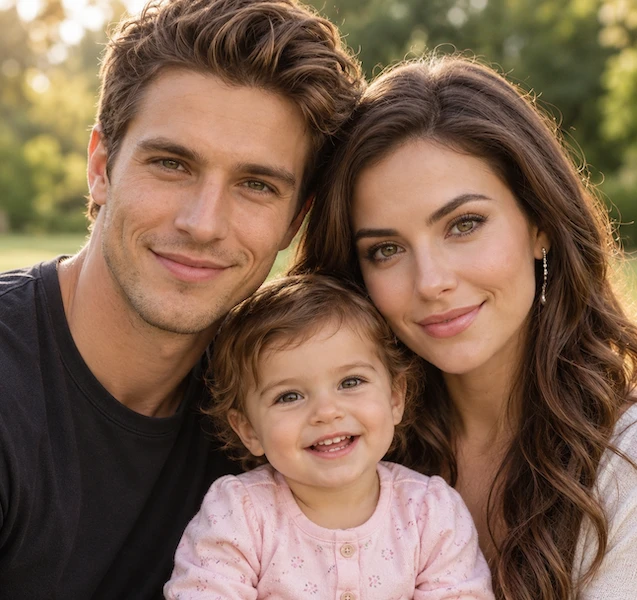
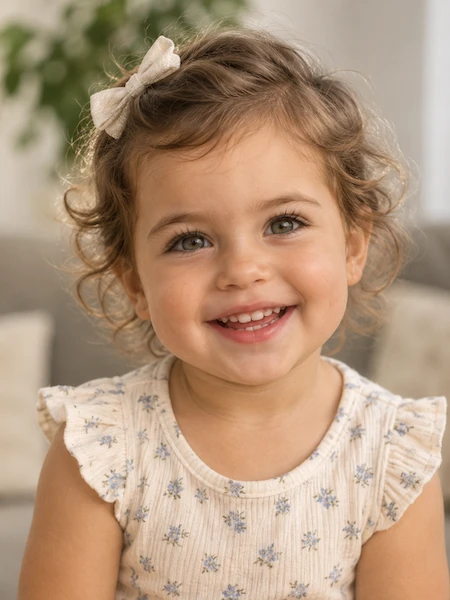
Parent 1 Photo
Parent 2 Photo
Gender
Age
Photo Type
Aspect Ratio
Resolution
EXPLORE YOUR FUTURE CHILD
See What Your Baby Looks Like Across 3 Growth Stages
These examples show AI-generated portraits across three age ranges. Upload two parent photos and choose one age style—Baby, Child, or Teen—to create a portrait.
Use clear, front-facing portraits for the best visual reference.
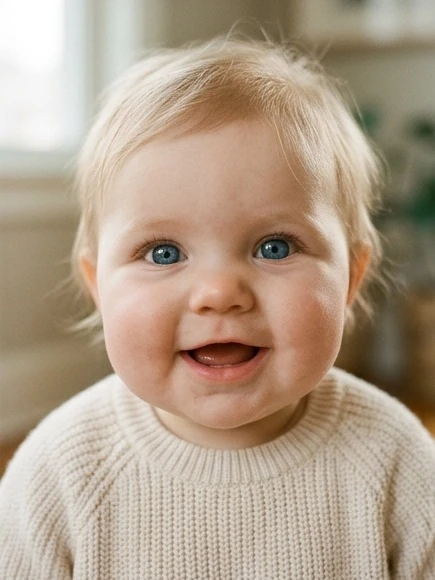
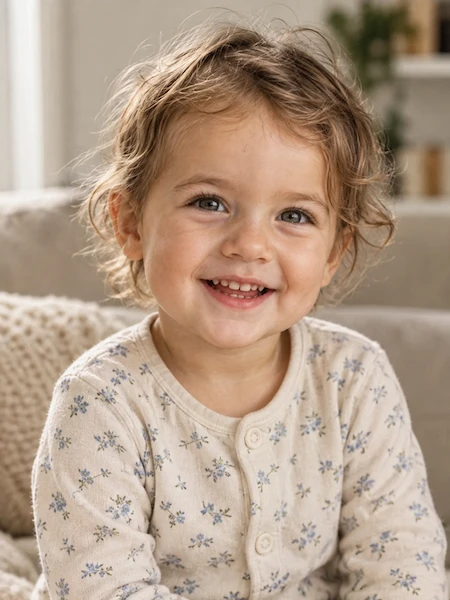
Around 1 Year Old
A Baby Portrait at Around One Year
A gentle blend of both parent photos with soft cheeks, bright eyes, and age-appropriate baby features. This style imagines how your future child might look at around one year old.
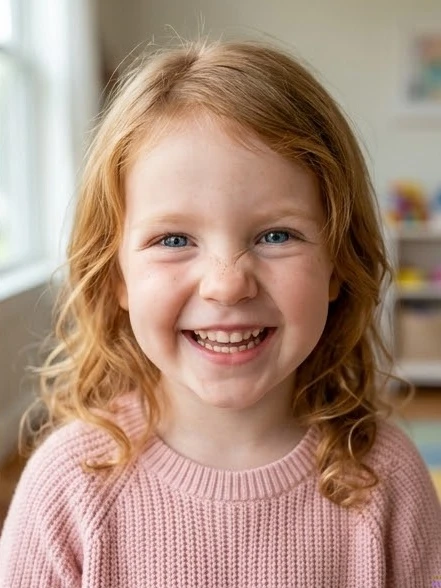
2–12 Years
Childhood Features
Explore a childhood look with changing facial proportions, expressive eyes, and a natural blend of visible features from both parents.
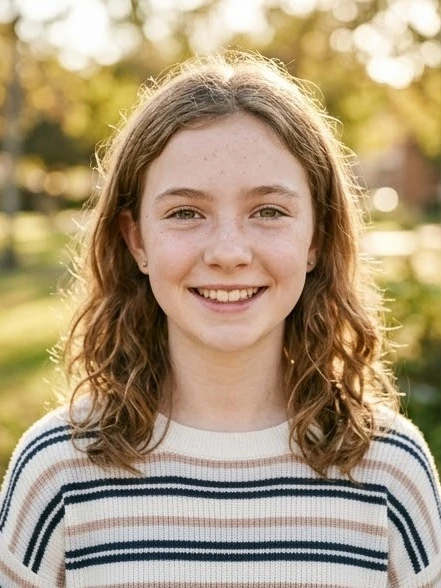
13–17 Years
Teenage Features
See a teenage interpretation with more defined facial structure, mature features, and a natural blend of hair and brow characteristics from both parents.
HOW IT WORKS
How the AI Baby Generator Works
Generate a photorealistic future baby portrait in 3 simple steps without downloading any apps.
1. Upload Two Parent Portraits
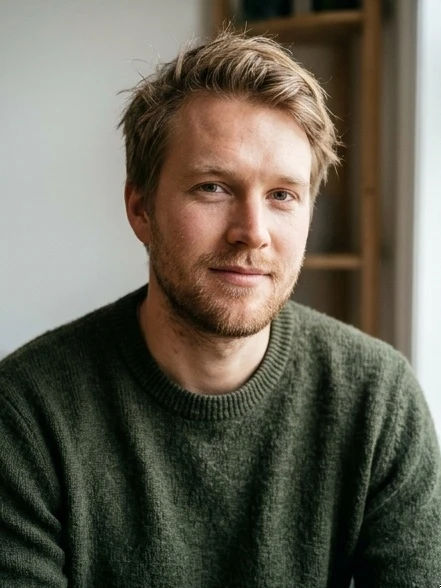 Father
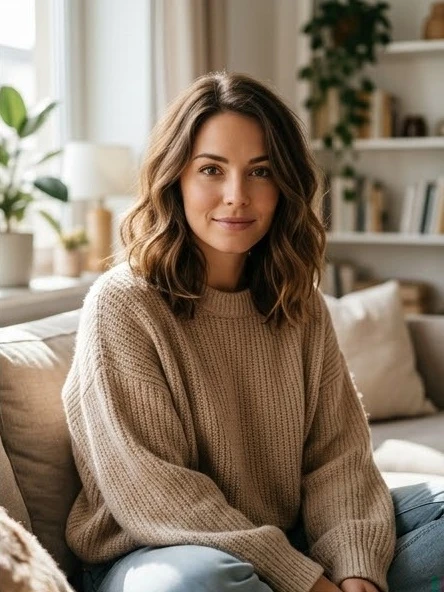 Mother
Choose one clear, front-facing image for each parent. Similar framing, neutral expressions, and even lighting give the AI the clearest visual reference.
2. Choose Gender, Age and Style
Choose Boy or Girl gender, pick between Baby, Child, or Teen age, and select a single child portrait or a cozy family photo layout.
3. Generate and Download in HD
Click Generate to blend facial features in about 1–2 minutes. Review your high-resolution image, download it, or create another version with the same photos.
BALANCED FEATURE BLENDING
Harmonious Facial Trait Blending
The AI blends key visual characteristics from both parents to create balanced, natural-looking child portraits.
Eyes & Gaze Harmony
Blends eye shape, eye color, and gaze from both parents to create warm, expressive eyes.
Smile & Lip Curvature
Combines philtrum curvature, lip fullness, and smile geometry to give your baby a naturally expressive look.
Facial Contours & Cheekbones
Synthesizes chin line, forehead proportion, and cheek structure into soft, harmonious child features.
Hair Texture & Color Depth
Draws from hair textures and tones in both parent photos, creating natural newborn wisps or gentle childhood curls.
Multi-Stage Age Modeling
Visualize how your child's appearance evolves from around one year old through childhood and the teenage years.
Photo Privacy
Your uploaded photos are used only to create your portrait and are deleted automatically. Your privacy is protected.
GENERATION SHOWCASE
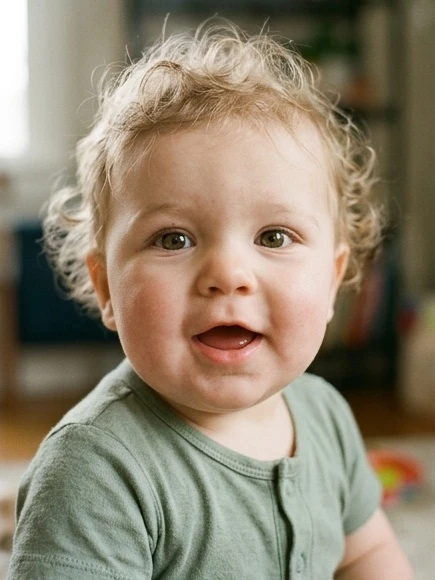
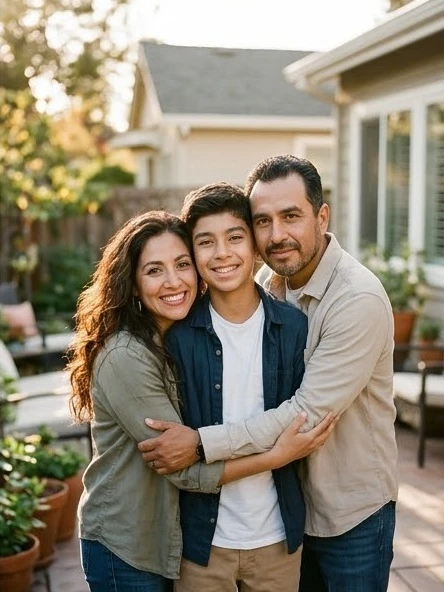
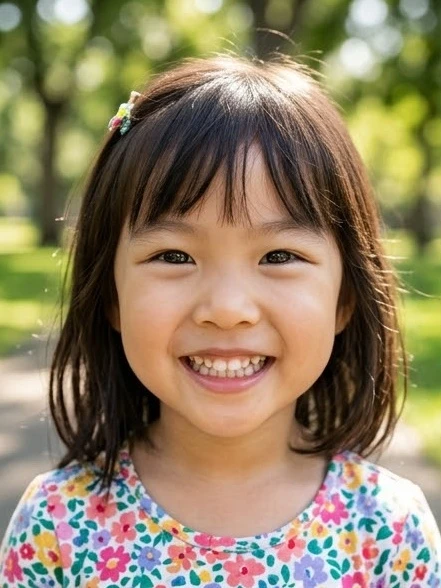
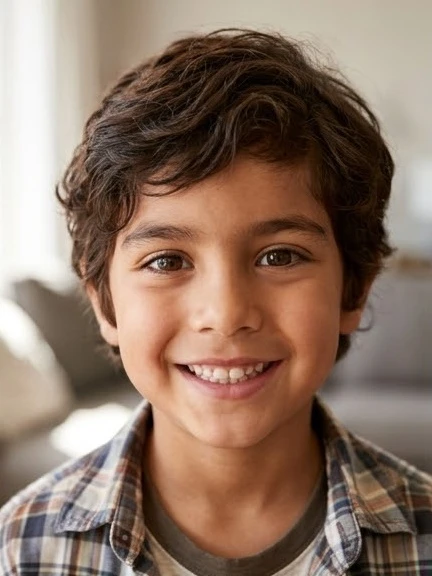
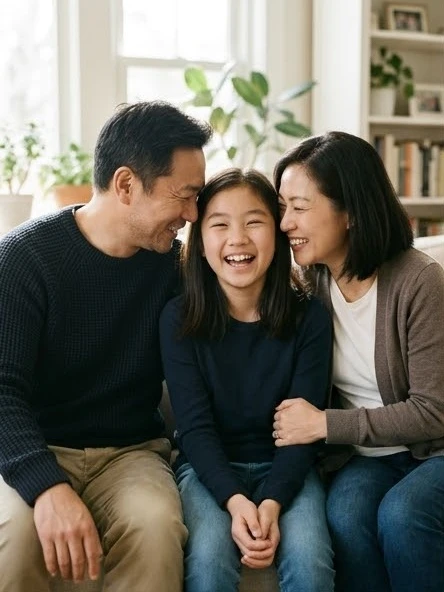
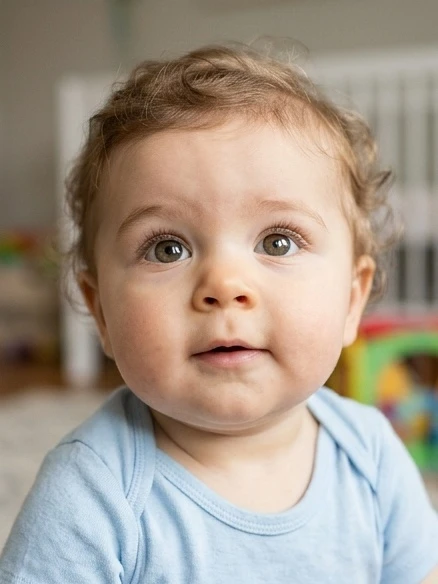
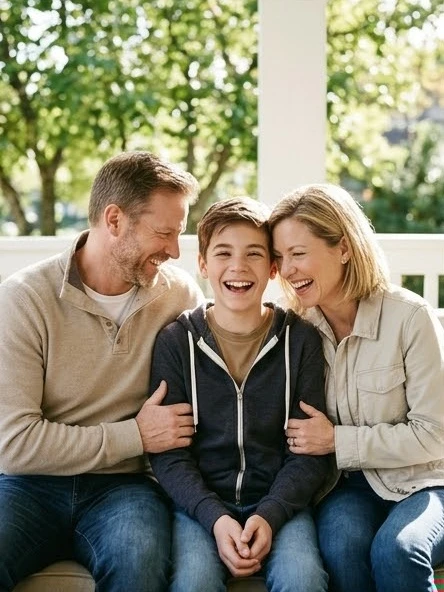
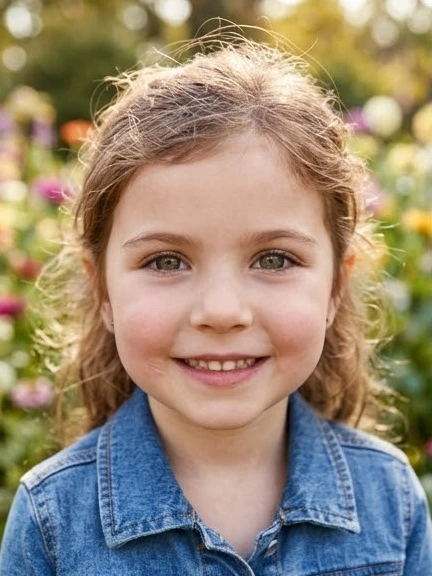
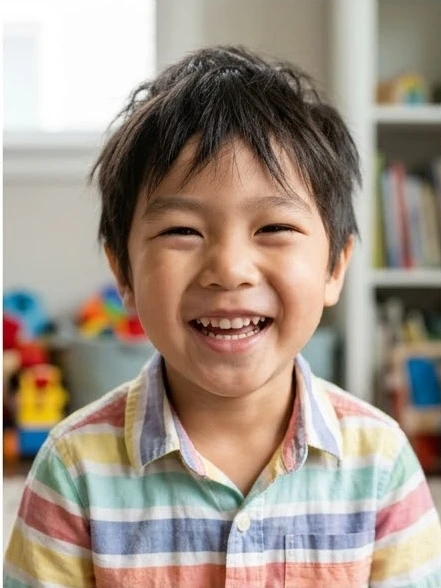
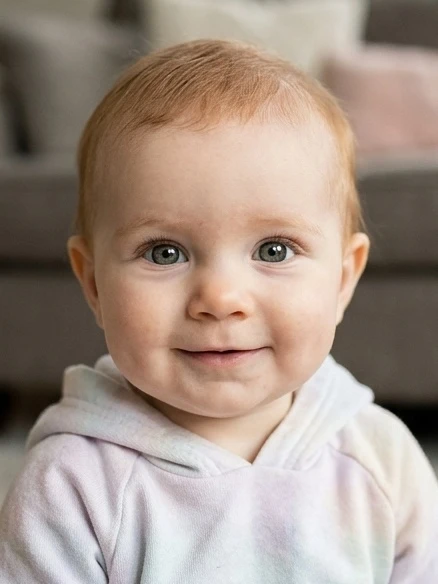
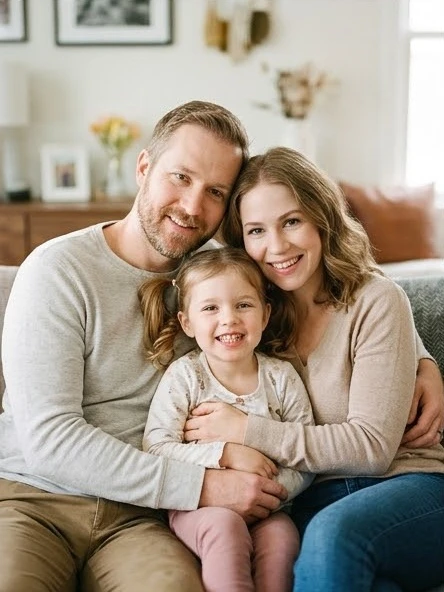
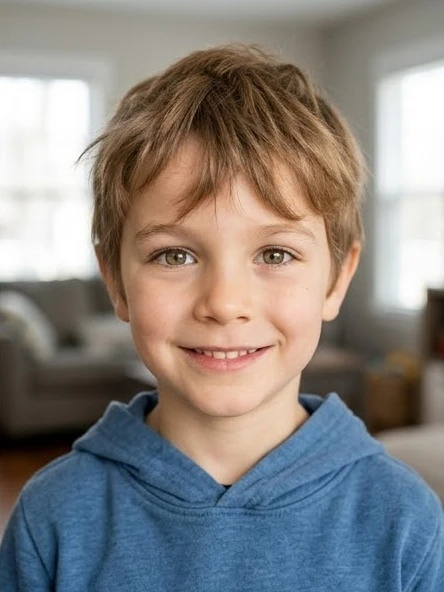
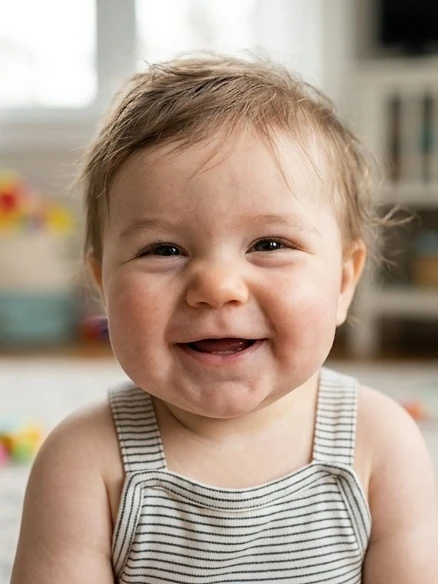
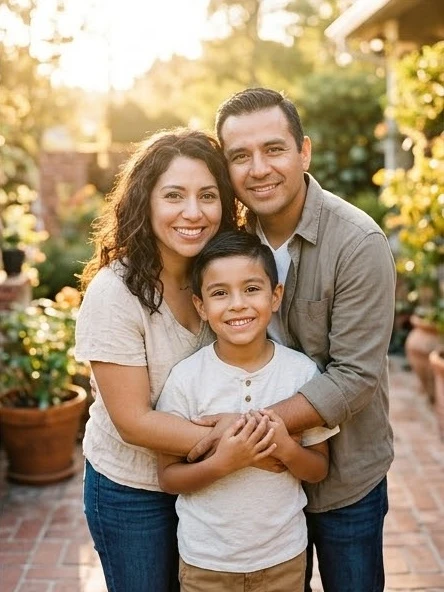
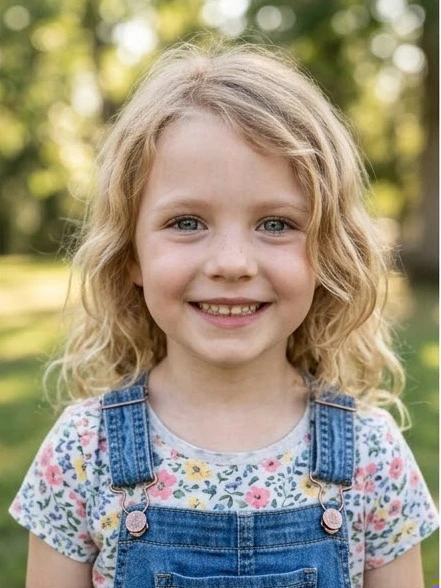
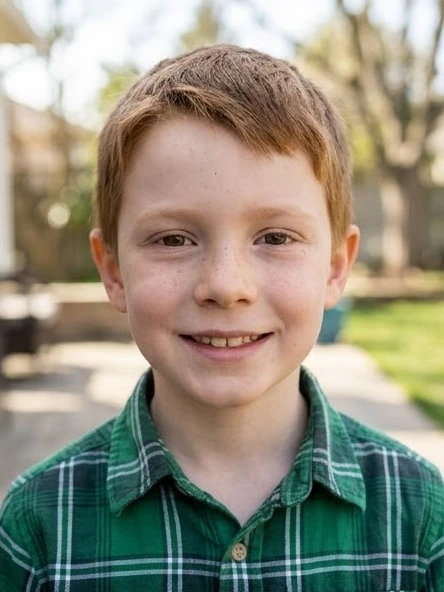
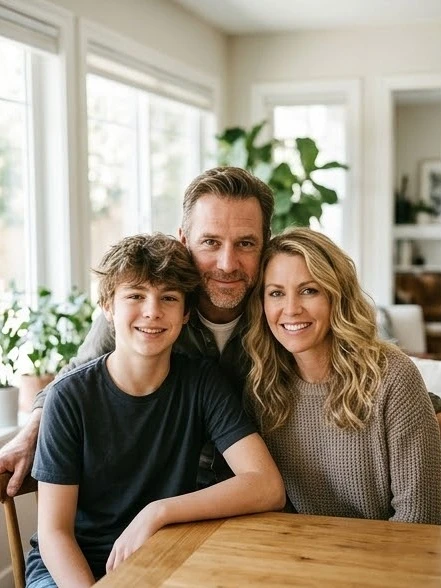
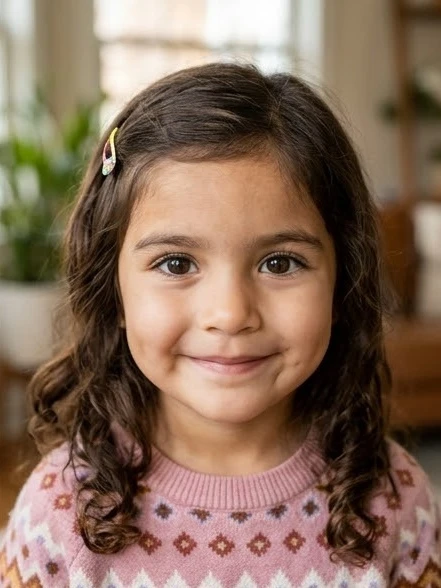
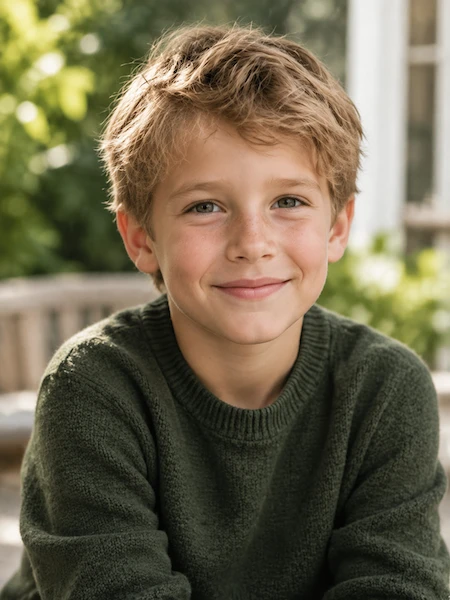
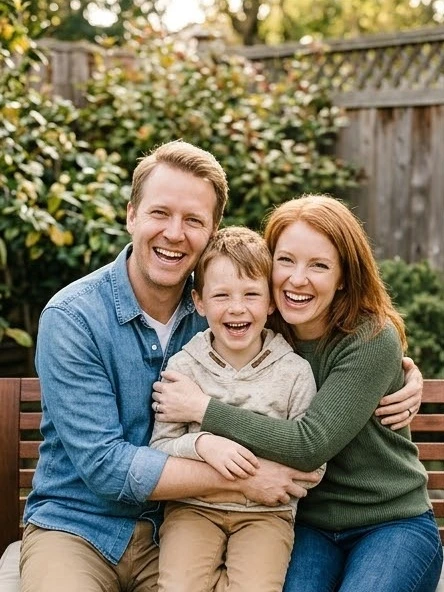
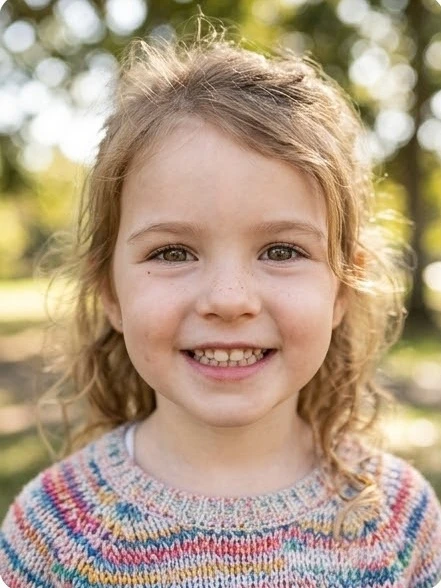
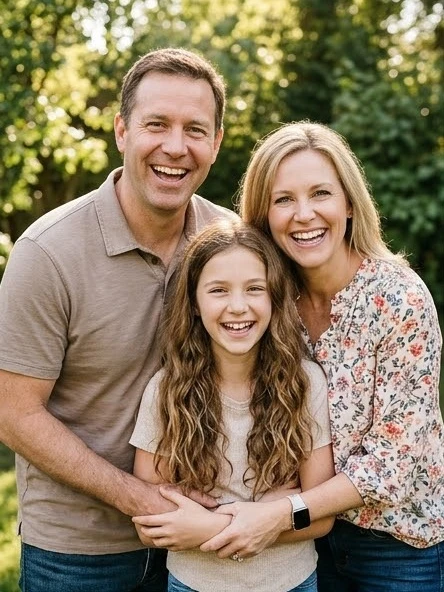
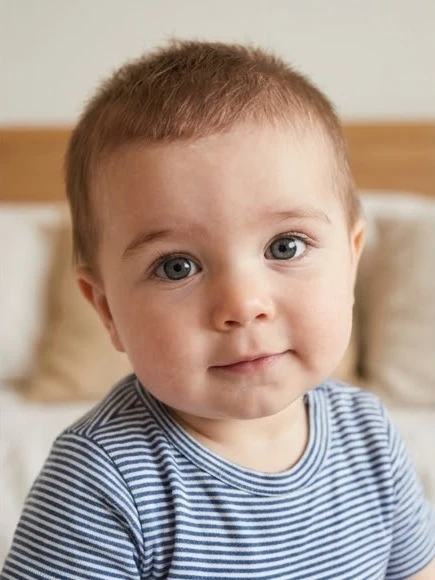
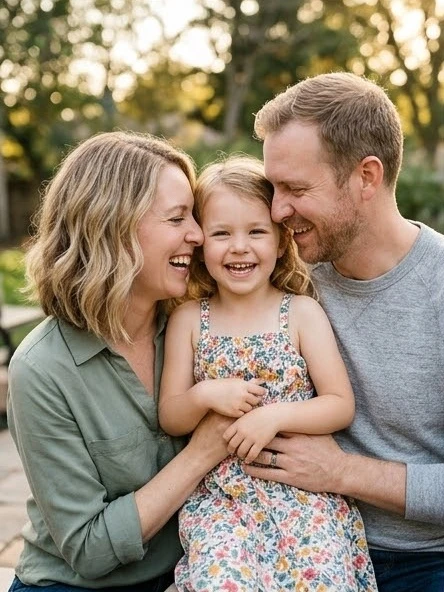
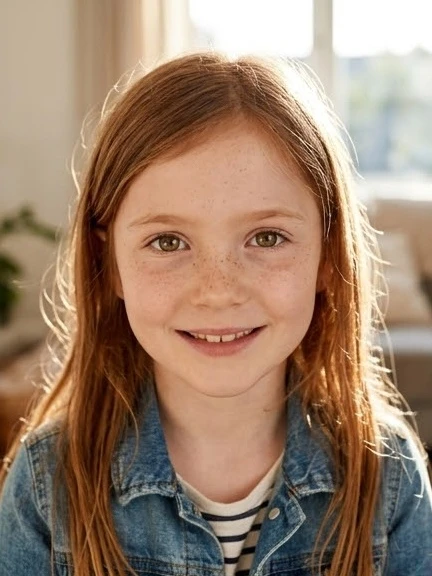
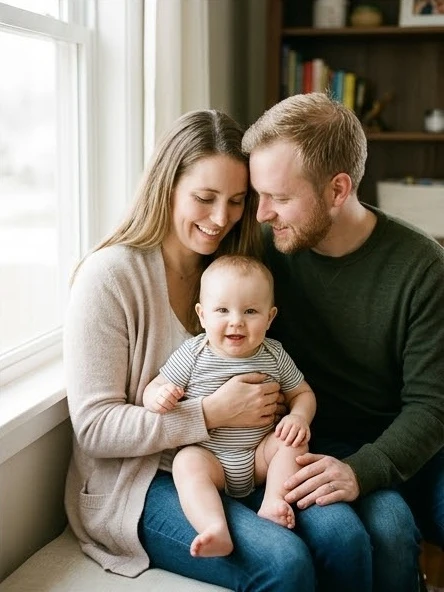
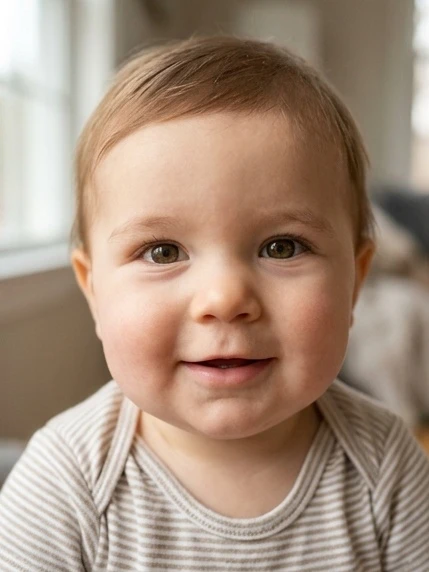
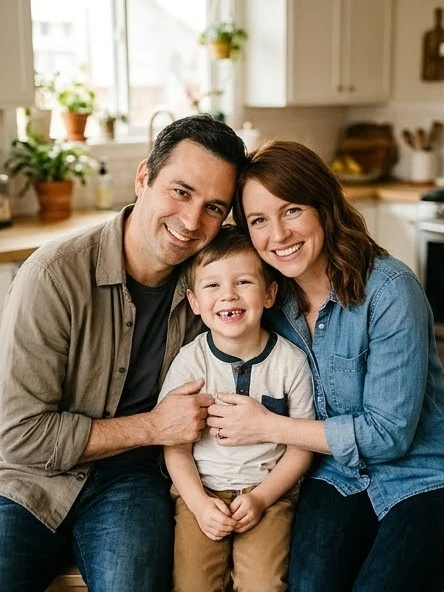
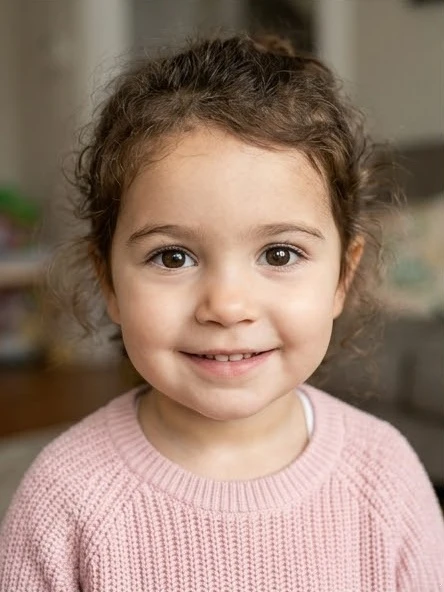
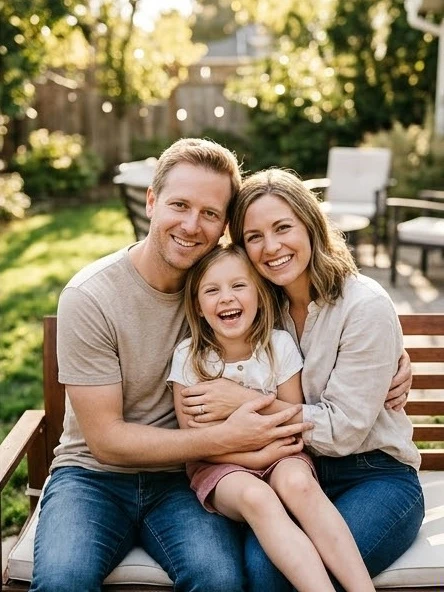
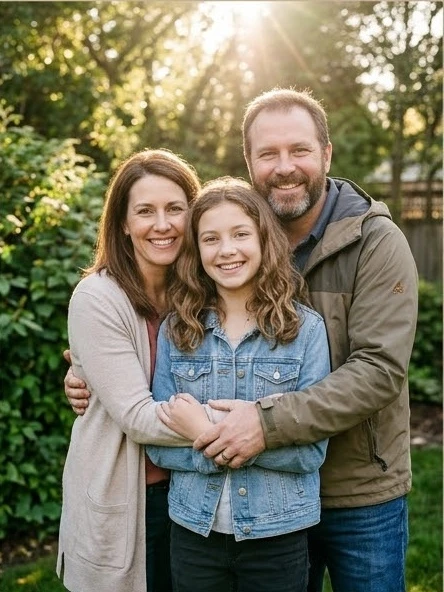
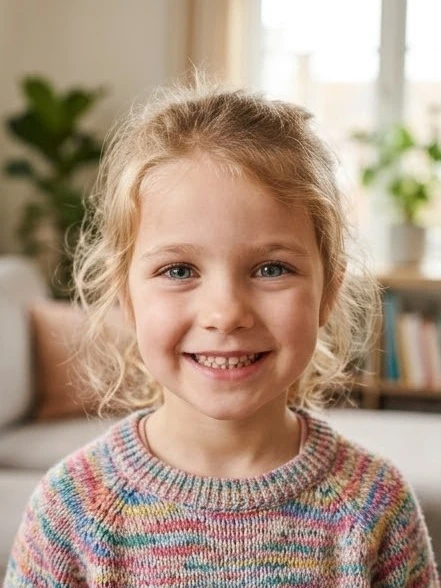
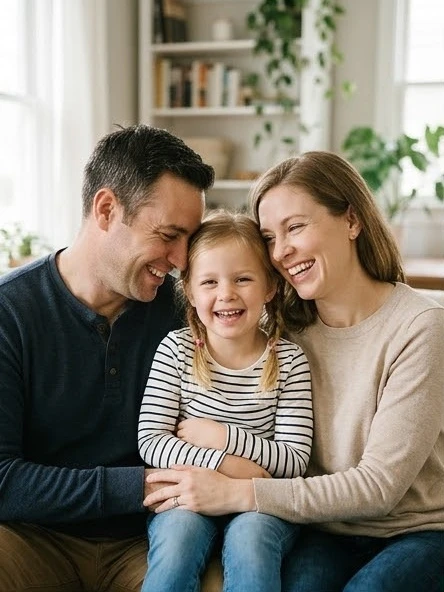
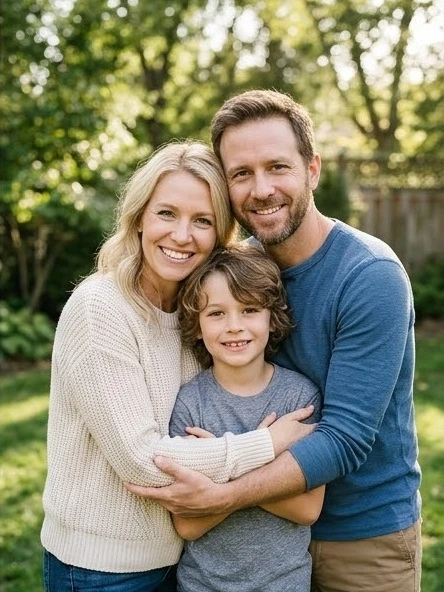
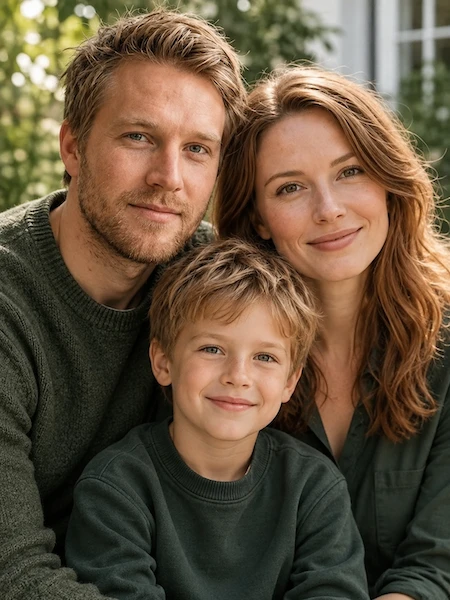
Explore What the AI Baby Generator Creates
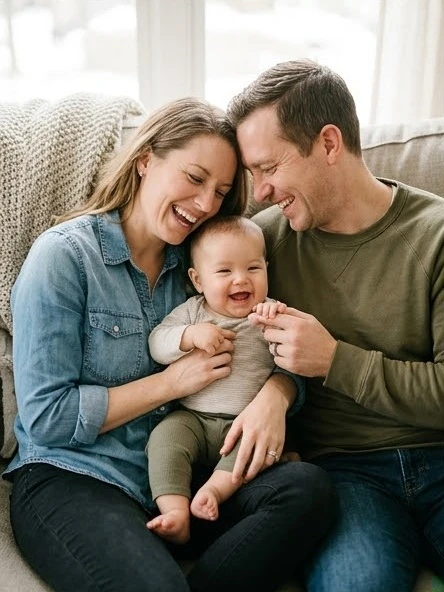
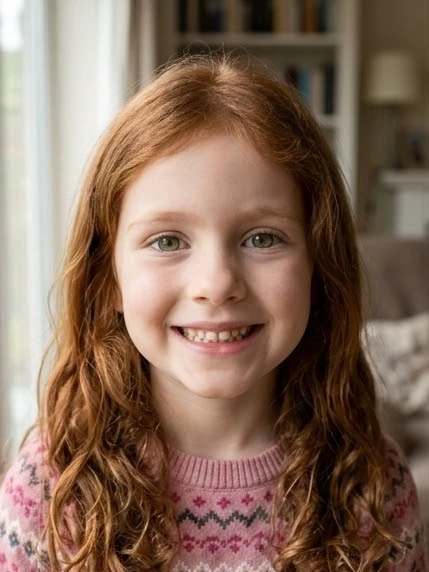
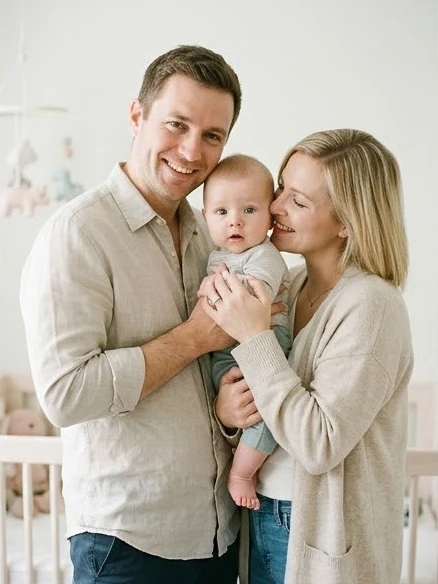
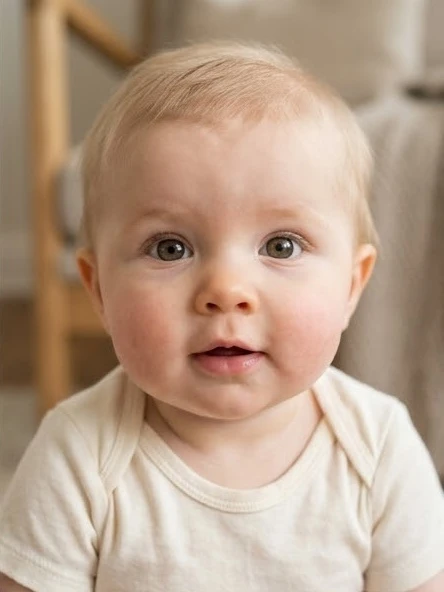
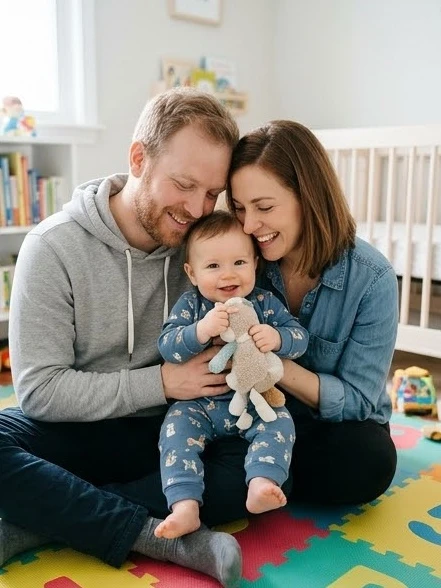
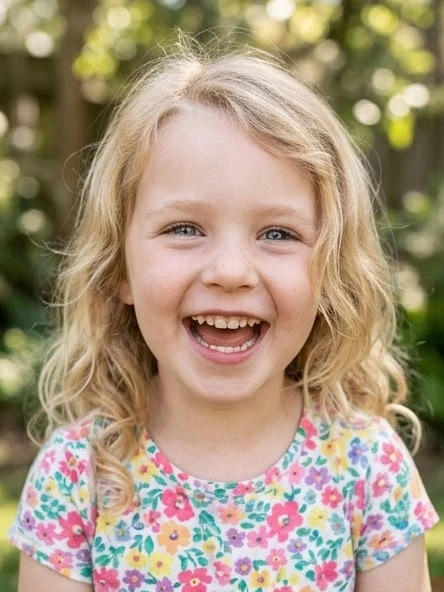
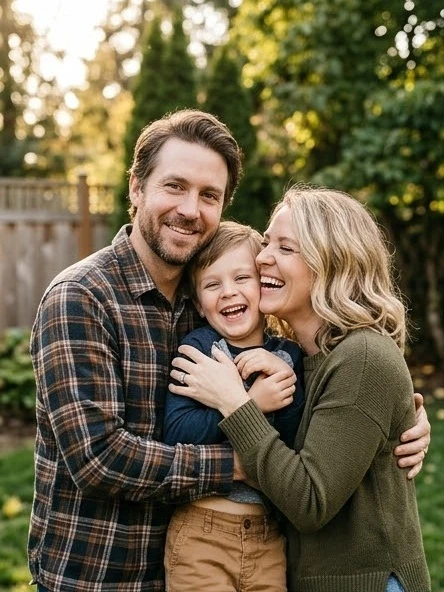
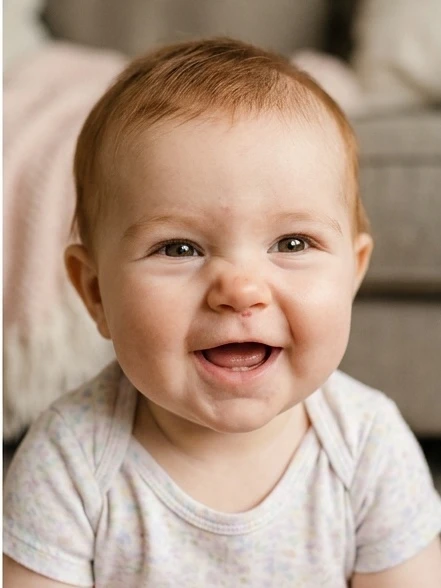
See examples of AI-generated baby, child, and family portraits created from two parent reference photos.
UNDERSTANDING THE RESULTS
How the AI Predicts What Your Baby Will Look Like
How the AI Baby Generator analyzes visible facial features from two parent portraits to blend them into a cohesive future portrait.
When you upload photos to the AI baby generator, the algorithm examines visible facial features such as eye shape, smile curvature, cheekbone structure, and jawline definition.
Instead of a simple half-and-half mix, the model blends visual cues from both photos into a unique, cohesive portrait. Each generation explores subtle variations—one photo might highlight one parent's smile, while another shows more of the other parent's eyes.
Real-life biological genetics involve complex combinations of dominant and recessive traits. The AI baby generator is designed for creative inspiration and curiosity, offering a fun, heartwarming preview of how your future child might look.
AI images are for creative exploration and entertainment only. They cannot predict biological genetics, inherited medical traits, or how a child will look in real life.
Balanced Feature Mapping
Both parents' photos contribute equally to the initial feature blend.
Explore Multiple Variations
Generate more than once to see different blends of features and expressions.
Creative & Entertaining
A fun, heartwarming exploration for partners, families, and curious parents.
Creative Next Steps
Explore More Creative AI Workflows
Expand your generated portraits with more creative control, artistic styles, or animated video motion.
Want More Control Over Your Creation?
Need precise prompt steering, custom lighting, or detailed modifications? Use Image to Image for prompt-guided image refinement.
Want to Turn It into a Cartoon?
Transform your baby or family portraits into 60+ artistic 2D animations, anime sketches, and 3D cartoon characters.
Want to Animate Baby Photos into Video?
Bring static child portraits to life with expressive movement, lifelike smiles, and cinematic short clips.
FREQUENTLY ASKED QUESTIONS
AI Baby Generator FAQs
Answers to common questions about generating future baby portraits from two parent photos.
What might my child look like as a teenager?+
VioEvo AI Baby Generator provides Baby, Child, and Teen age presets to explore how your child's features might mature over time. The Teen style models adolescent facial maturation and bone structure based on both parents' photos, offering an artistic preview rather than an exact adult forecast.
Which age styles can I choose?+
Choose Baby (around 1 year old), Child (ages 2–12), or Teen (ages 13–17). Each option creates an imaginative portrait in the selected age style.
What will my future baby look like?+
Select your preferred gender (Girl or Boy) and age to create an AI-generated portrait combining distinctive facial characteristics from both parents, such as eye shape, smile curvature, and cheek structure. The AI baby generator creates a believable, photorealistic likeness based on your reference photos.
Will the baby look more like one parent or the other?+
The model evaluates both photos equally, but human perception often spots resemblance to one parent in particular features like the eyes or smile. By generating multiple variations, you can see possibilities where traits favor either parent or blend harmoniously.
How accurate is the AI baby generator?+
The generator produces plausible, photorealistic visual likenesses based on visible pixels and facial geometry in the uploaded photos. It is an AI-powered visual prediction designed for entertainment and fun, not a biological or genetic DNA test.
What AI models power the AI Baby Generator?+
VioEvo AI Baby Generator uses ChatGPT Image 2.5 and Nano Banana 2.1 for image generation. These advanced models combine detailed facial feature analysis with state-of-the-art identity preservation to blend parental facial features into coherent, natural child portraits. Uploaded photos are never used for model training.
Can I generate photos for both boys and girls?+
Yes! You can toggle between 'Girl' and 'Boy' with a single click, keeping your uploaded parent photos intact. You can also explore different age presets and family photo compositions.
What kind of photos should I upload for the best results?+
Use clear, well-lit, front-facing portraits with neutral facial expressions. Avoid photos with sunglasses, heavy hats, motion blur, or strong filters so the AI can accurately recognize facial features.
Are my uploaded photos safe and private?+
Yes. We take privacy very seriously. Your photos are encrypted during upload, used solely to compute your generated portrait, and are deleted automatically. We never store, share, or sell your personal data or photos.
Ready to See What Your Baby Will Look Like?
Upload photos of both parents, select your preferences, and let VioEvo AI Baby Generator create your future baby portrait in 1–2 minutes.
No app download required · Private & secure · HD portraits in 1–2 minutes