
Pose & Likeness
Restyle Any Portrait's Stance
Upload a portrait, pick a pose reference, and generate a new pose while preserving face identity.
Turn 2 to 4 separate shots into one cohesive frame with the VioEvo AI Image Combiner. Our AI Photo Combiner aligns subjects, lighting, shadows, and style in up to 4K.

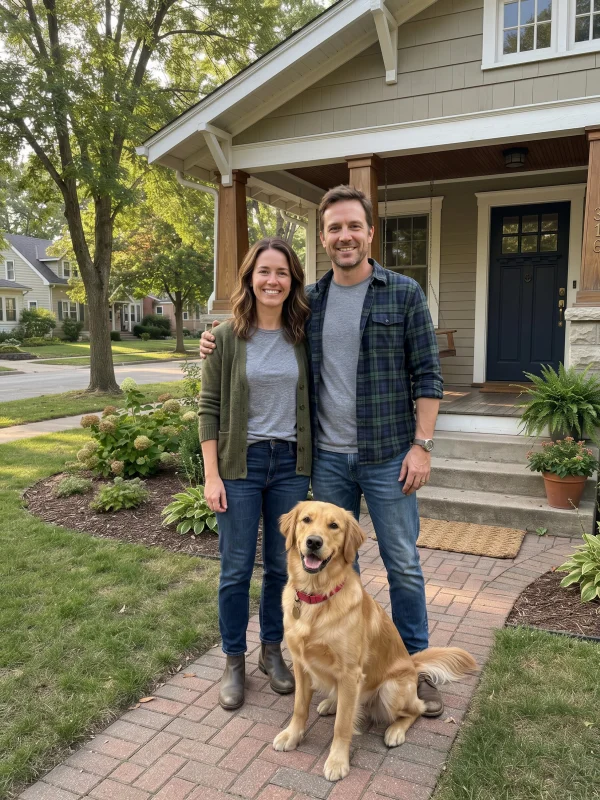
Image 1
Image 2
Blend Mode
Auto BlendAnalyzes 2 to 4 photos and unifies subjects, light direction, and perspective into one natural frame.
Aspect Ratio
Resolution
Multi-Reference Synthesis
The VioEvo AI photo combiner takes 2 to 4 separate shots and returns one photograph with the same light source, color temperature, and camera depth. Instead of stacking hard borders side by side, the model analyzes spatial geometry, facial likeness, and material texture across your uploads so the final frame looks captured in a single shot.
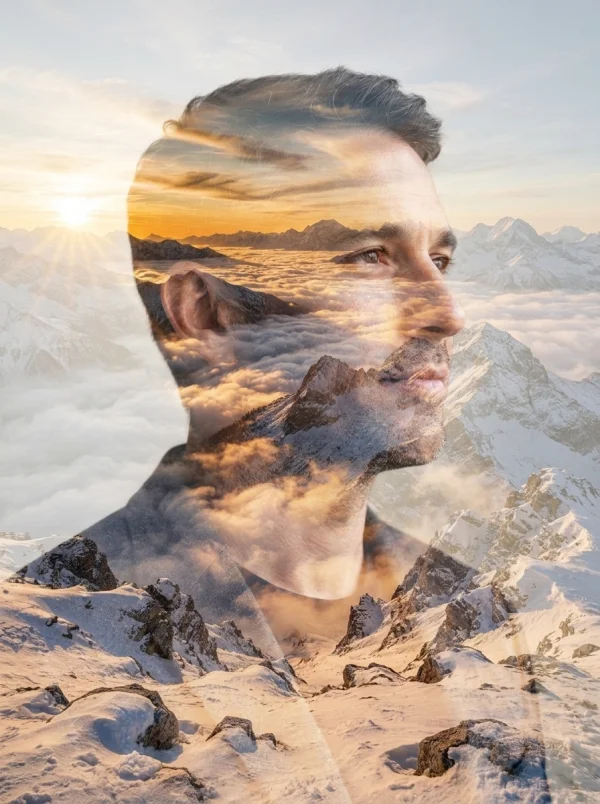
Drop your photos into the upload slots above, arrange Image 1 and Image 2 for your main subject and scene, and pick a preset: Auto Blend, Together, Subject + Scene, Style Blend, or Double Exposure. Sign up at no cost to try the AI photo combiner for free using daily check-in credits, preview your composition at 1K, and export sharp 2K or 4K images ready for print or social sharing.
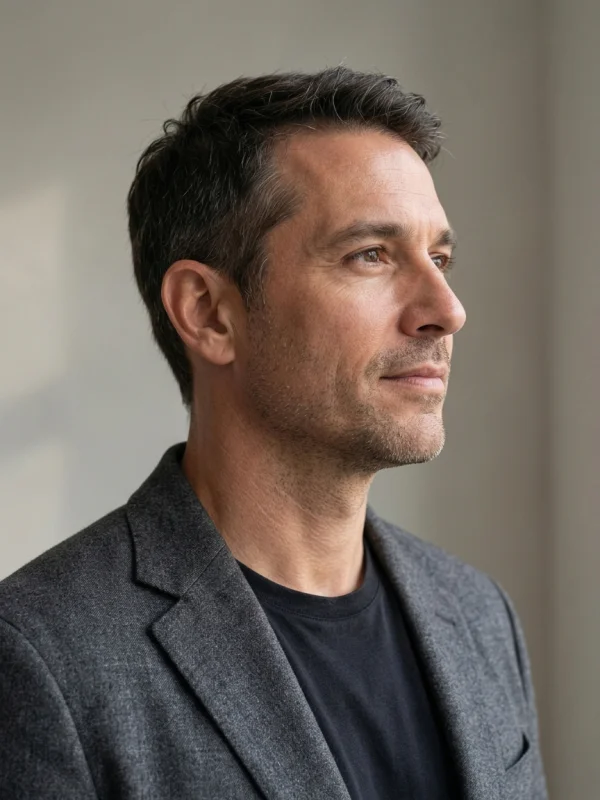 Image 1
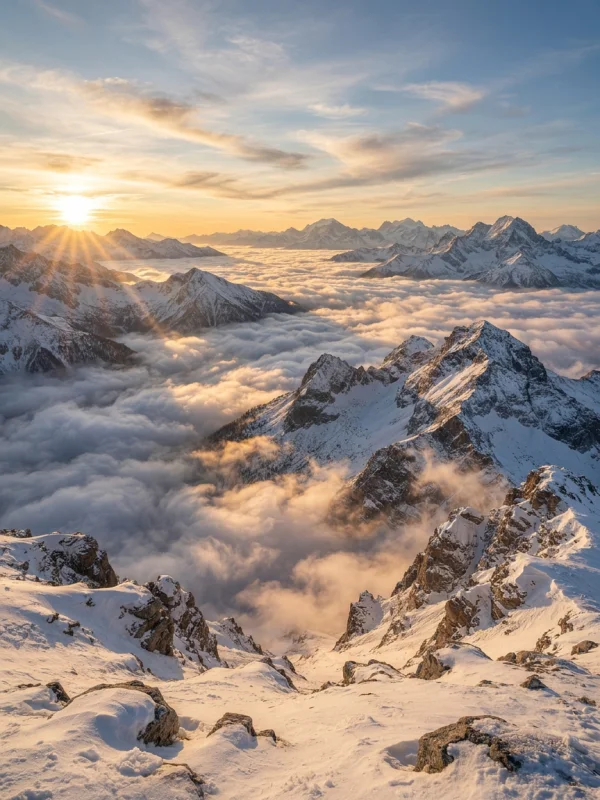 Image 2
Portraits, Travel & Keepsakes
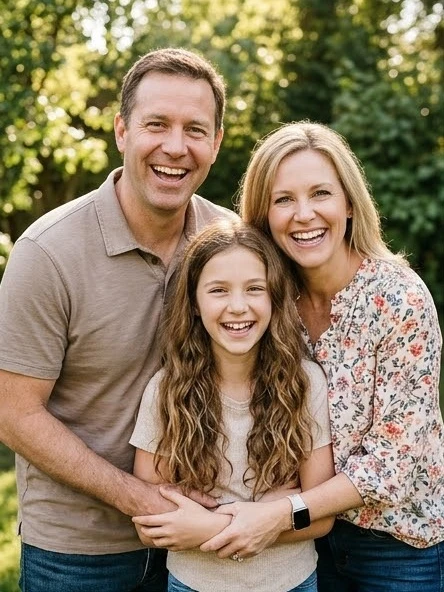
One of the most meaningful ways to use VioEvo is to combine two people in one photo with AI when you could not be in the same room. It works especially well for long-distance couples, multi-generation family keepsakes, friends who missed a trip, or a portrait with a beloved pet. The Together preset preserves each person's facial structure, hairstyle, and natural expression while harmonizing skin tones, eye-level perspective, and background bokeh so nobody looks pasted in.
For the cleanest result, upload clear front-facing or three-quarter portraits with unobstructed faces and similar camera distance, adding extra slots when bringing a small group together. Once your composite finishes, download it as a high-resolution keepsake or animate the portrait into a subtle 5-second video clip right inside the result panel.
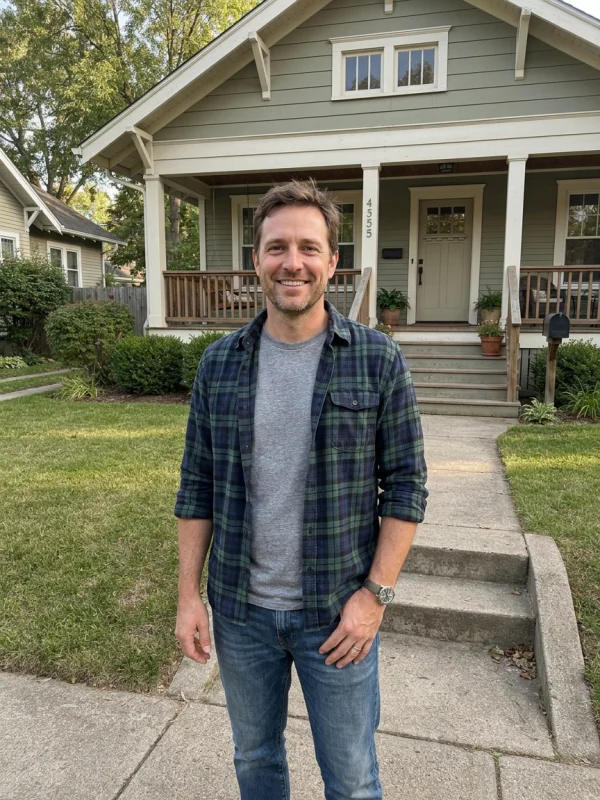 Photo 1
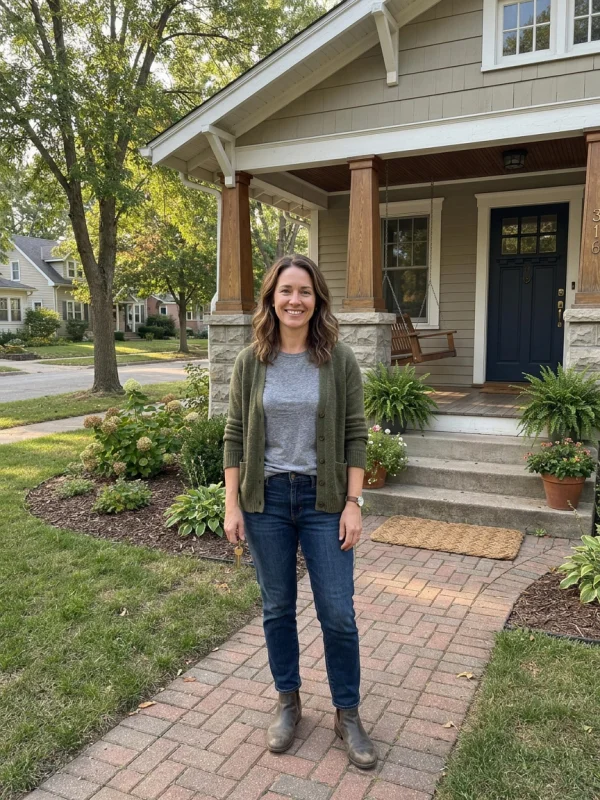 Photo 2
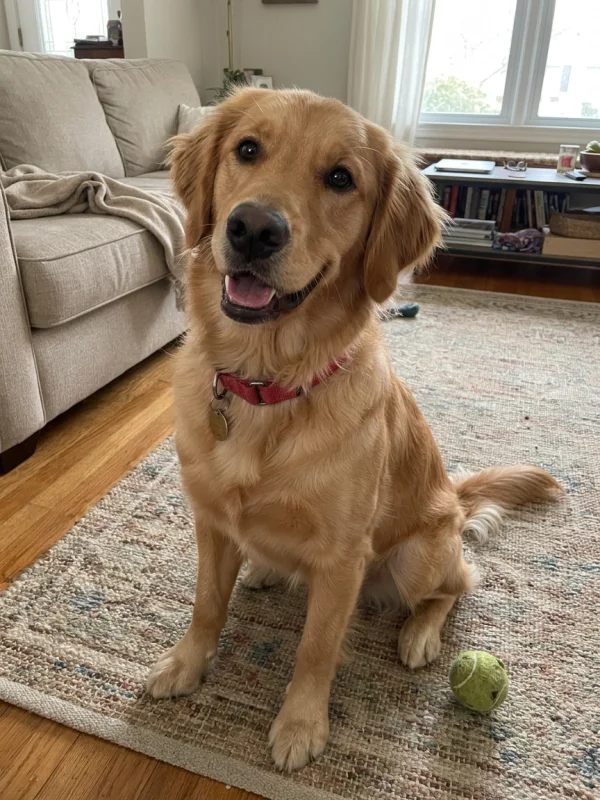 Photo 3
True Generative Relighting
A dedicated AI image merger fixes what breaks manual cut-and-paste edits: mismatched shadows, harsh mask edges, and flat color grading. When you move a person, pet, or product into another room or outdoor landscape, VioEvo reconstructs ambient light wrap along hair and sleeves, casts grounded contact shadows on the floor or tabletop, and aligns lens perspective so scale feels believable.
For reliable results, choose photos with clear framing and skip heavily blurred subjects. Select Subject + Scene when Image 1 holds your main subject and Image 2 supplies the environment, or choose Together when multiple subjects should share one frame. Because an AI photo merger renders pixel-level lighting from scratch rather than pasting layers, waiting 30 to 90 seconds pays off with realism that manual cutouts cannot match.
Presets or Custom Direction
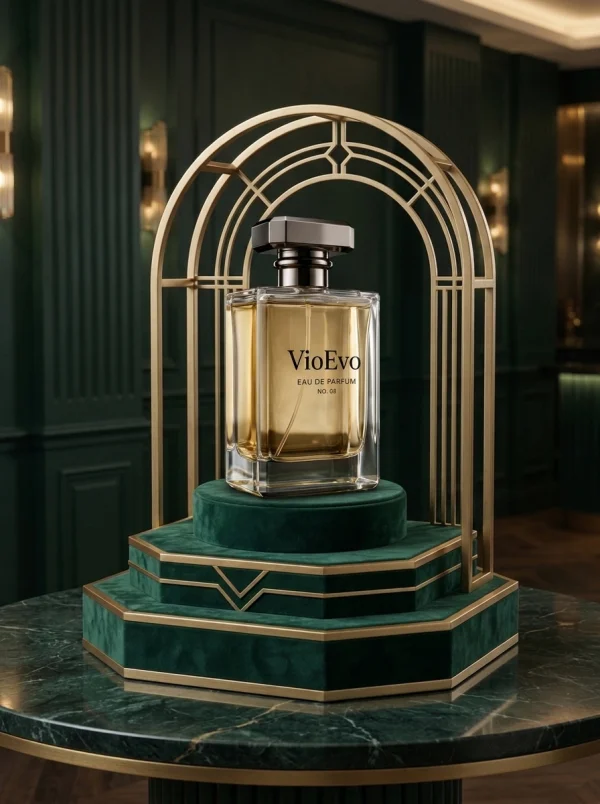
Need to combine two images with AI? It works fastest when the interface takes the prompt guesswork out. Five built-in presets (Auto Blend, Together, Subject + Scene, Style Blend, and Double Exposure) handle everyday tasks without typing a single sentence. Place your primary composition in Image 1 and your atmosphere or scene reference in Image 2, then pick Auto aspect ratio or a fixed social format such as 4:3, 3:4, 16:9, or 9:16.
Want exact staging, wardrobe tweaks, or multi-step retouching after you combine images with AI? Switch to Custom to write short instructions referencing your numbered slots, or see AI image-to-image when you need multi-model control and open-ended editing on your finished render. Every completed frame stays in your result strip so you can animate it into a 5-second video clip on the spot.
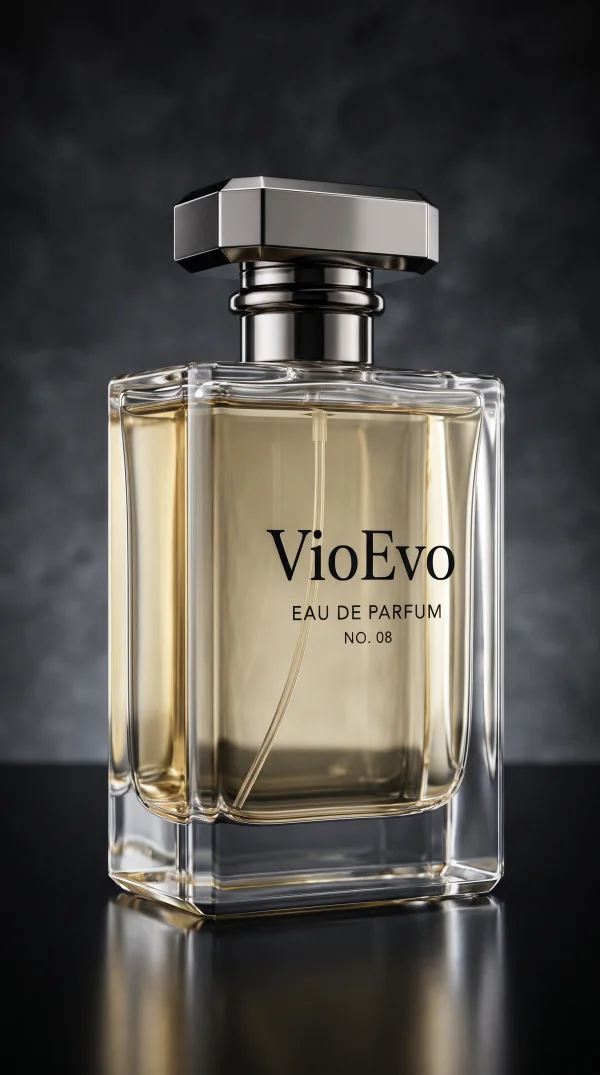 Image 1
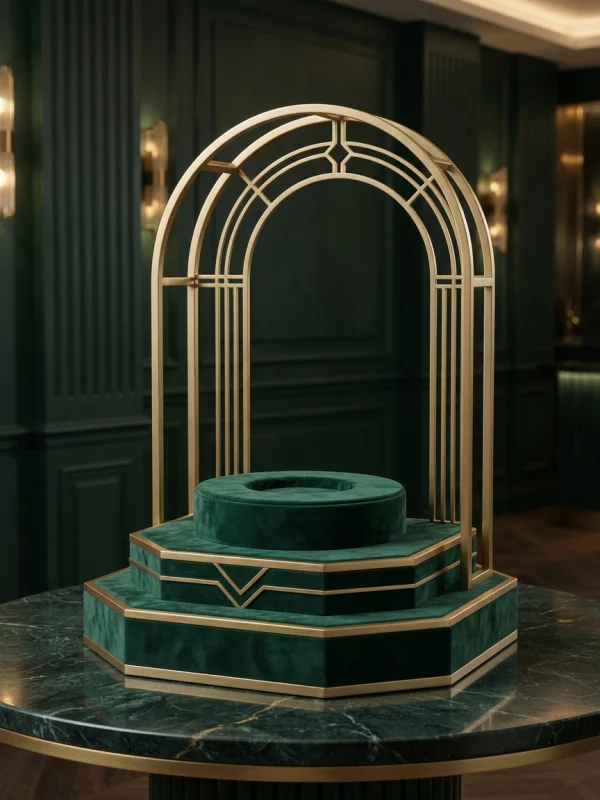 Image 2
Browser-First & Free to Start
No desktop plugins, layer masks, or GPU needed. Every AI image merge runs online in your browser, free to start, so you can upload from a laptop or phone and download crisp PNG files once cloud rendering finishes. Trying a free AI image combiner should let you judge real lighting accuracy, clean edges, and natural facial likeness firsthand before choosing a paid plan for larger projects.
Create an account at no cost and try our AI image combiner for free in your browser. Your creations are saved to your private cloud history for the applicable retention period. Start with well-lit source shots taken from compatible angles for the cleanest blend. Whenever you want to take a project further, return to the VioEvo AI platform to pair your finished visuals with video generation and portrait tools in one workspace.
CREATIVE NEXT STEPS
Expand your creations with popular AI effects, prompt-guided image editing, and cinematic video generation.
Upload a portrait, pick a pose reference, and generate a new pose while preserving face identity.
Upload your photo, choose from 60+ cartoon styles, and generate a stylized image based on your original photo.
Upload two parent portraits, choose Girl or Boy and an age style, then see what your baby will look like with VioEvo AI Baby Generator.
Generate viral ChatGPT sweater portraits: black-and-white photography with a vivid chunky knit sweater and studio lighting.
Bring static portraits and creations to life with expressive movement, natural motion, and cinematic short clips.
Turn any written idea or scene description into a high-definition AI video clip with cinematic lighting and motion.
FAQ
Clear answers on multi-image inputs, render times, credits, watermarks, and privacy.
A collage stitcher only places files side by side with visible seams. An AI picture combiner renders one continuous frame with matched light direction, shadows, perspective, and color balance, usually finishing in 30 to 90 seconds depending on resolution.
You can upload up to 4 JPG, PNG, or WEBP files (20 MB max each) into the AI image mixer in Auto Blend, Together, and Custom modes. Role-specific presets (Subject + Scene, Style Blend, and Double Exposure) use Image 1 and Image 2 to keep assignments clear.
No. Five built-in presets (Auto Blend, Together, Subject + Scene, Style Blend, and Double Exposure) work with zero typing. Switch to Custom whenever you want to write your own spatial or lighting instructions.
Free account renders include a VioEvo watermark. Paid plans and credit packs let you download clean images without a watermark at 1K, 2K, or 4K resolution, ready for social posts, campaigns, and personal keepsakes.
Each render costs 30 credits at 1K, 50 credits at 2K, or 80 credits at 4K across every blend mode. You can earn free credits through daily check-ins and account rewards, and failed server tasks automatically release held credits back to your balance.
No installation required. VioEvo runs directly in desktop and mobile browsers, delivering a full AI photo merge app experience with drag-and-drop uploads, cloud history, and 4K downloads without installing a heavy mobile app.
Yes. Right inside the result panel below the generator, choose Live Moment, Slow Push-In, or Parallax Glide to turn your finished composite into a 5-second video clip for 50 credits while preserving subject identity.
Only upload photos you have permission to use. Uploaded files are processed securely under your private account history and deleted automatically per VioEvo's retention policy. They are never sold or used to train public models.
Upload 2 to 4 photos, pick a zero-prompt blend preset or Custom mode, and render a cohesive AI frame in up to 4K resolution.
Free to sign up. Earn credits through daily check-ins or upgrade anytime, with full cloud history and instant download included.